
11 Best Open WebUI Alternatives for Enterprise LLM Chat (2026)
Open WebUI gave teams something they desperately needed: a ChatGPT-like interface for local LLMs. Point it at Ollama, add some users, and suddenly your team has private AI chat without sending data to OpenAI.
For many teams, that's enough. The interface is clean, the setup is straightforward, and it works.
But "works for our small team" doesn't scale to "works for our enterprise."
When your compliance team asks about audit logs, you'll find Open WebUI's logging is basic. When IT needs SSO integration, you'll discover that Open WebUI's authentication is designed for small teams. When you need to track which department uses how many tokens, you'll realize usage attribution doesn't exist.
This guide covers 11 alternatives for teams outgrowing Open WebUI. We're not trashing Open WebUI, it's excellent for what it does. We're addressing what happens when you need more.
2026 Platform Status
| Platform | Version | GitHub Stars | Notable Updates |
|---|---|---|---|
| PremAI | Latest | — | SOC 2 Type II, HIPAA BAA, deploys in your cloud |
| Open WebUI | v0.8.3 | 124,513+ | SOC 2/HIPAA/FedRAMP compliant, 9 vector DB integrations |
| LibreChat | Latest | Active | 2026 roadmap: Admin Panel GUI, Agent Skills, Code Interpreter |
| LobeChat | v1.140+ | 59,000+ | MCP Marketplace, plugin system stable |
| AnythingLLM | Latest | Active | $25-99/mo cloud, desktop app |
| Dify | v1.4.2 | Active | Kubernetes-native, SSO/OIDC/SAML |
| Chainlit | v2.9.6 | Active | Python framework |
| Flowise | v3.0.13 | Active | Acquired by Workday (Aug 2025) |
| Langflow | v1.7.3 | Active | v1.8.0 in development |
| Big-AGI | Latest | Active | Opus 4.5/4.6, GPT-5.2, $10.99/mo Pro |
Market Context:
- Enterprise LLM chat market: $6.7B (2024) → $71.1B by 2034
- 67% of organizations already use LLM-powered GenAI
- 80%+ of enterprises expected to deploy GenAI by end of 2026
New Category Emergence:
- Coding Agents (Cursor, Claude Code): Moving beyond chat to agent-first interfaces
- MCP Integration: Model Context Protocol becoming standard across platforms
Why Teams Outgrow Open WebUI
Let's be specific about the gaps, not theoretical concerns, but actual issues teams encounter when scaling.
Authentication and Authorization Gaps
What Open WebUI offers: Basic username/password authentication, optional OAuth for some providers.
What enterprises need:
- SAML 2.0 for enterprise SSO
- OIDC integration with identity providers (Okta, Azure AD, Ping)
- LDAP/Active Directory sync
- SCIM for automated user provisioning
- Role-based access control (RBAC) with custom roles
- API key management with scopes
The gap: Connecting Open WebUI to your existing identity provider isn't straightforward. Most enterprises can't add another username/password to manage.
Audit and Compliance
What Open WebUI offers: Basic logs accessible via Docker logs.
What compliance requires:
- Who accessed what model, when
- Complete conversation history with retention controls
- Exportable audit logs in standard formats
- Log shipping to SIEM (Splunk, Datadog, etc.)
- Data residency documentation
- Encryption at rest with key management
The gap: When an auditor asks "show me everyone who accessed sensitive data via your AI chat in the last 90 days," Open WebUI can't answer that easily.
Cost Attribution
What Open WebUI offers: Nothing.
What finance needs:
- Token usage per user/team/department
- Chargeback reporting
- Budget alerts
- Cost projections
The gap: When AI costs hit the P&L and leadership asks "who's using this?", you need data.
Multi-Model Management
What Open WebUI offers: Works with Ollama models and OpenAI-compatible endpoints.
What teams often need:
- Mix of local and cloud models
- Different models for different use cases
- Model routing based on cost/performance
- A/B testing between models
- Fallback chains
The gap: Managing multiple model providers with different permissions per team gets complicated fast.
Support and SLA
What Open WebUI offers: Community support via Discord/GitHub.
What enterprises need:
- Guaranteed response times
- Phone/video support
- Dedicated account management
- Security incident response
- Upgrade assistance
The gap: When your AI chat goes down and executives are affected, who do you call?
Enterprise Requirements Checklist
Before evaluating alternatives, clarify your requirements:
Authentication & Authorization
- [ ] SSO integration (SAML, OIDC)
- [ ] LDAP/Active Directory
- [ ] Role-based access control
- [ ] API key management
- [ ] Session management and timeout
Compliance & Security
- [ ] Audit logging (who, what, when)
- [ ] Data retention controls
- [ ] Encryption at rest
- [ ] SOC 2 Type II
- [ ] HIPAA compliance / BAA
- [ ] GDPR compliance
Operations
- [ ] High availability deployment
- [ ] Horizontal scaling
- [ ] Monitoring and alerting
- [ ] Backup and recovery
- [ ] Support SLA
Integration
- [ ] Multiple model providers
- [ ] API access
- [ ] Webhook support
- [ ] Slack/Teams integration
- [ ] Embedding in other apps
Quick Decision Matrix
| Need | Best Alternative | Why |
|---|---|---|
| Enterprise compliance | PremAI | SOC 2, HIPAA, deploys in your cloud |
| Multi-provider (cloud + local) | LibreChat | Best provider support |
| Document chat / RAG | AnythingLLM | Built-in RAG and workspaces |
| Workflow automation | Dify | Visual agent builder |
| Developer experience | LobeChat | Plugins and modern UI |
| Build custom UI | Chainlit | Python framework |
| Maximum customization | Open WebUI fork | It's open source |
| Team features without cloud | Big-AGI | Self-hosted with roles |
Category 1: Enterprise Managed
1. PremAI
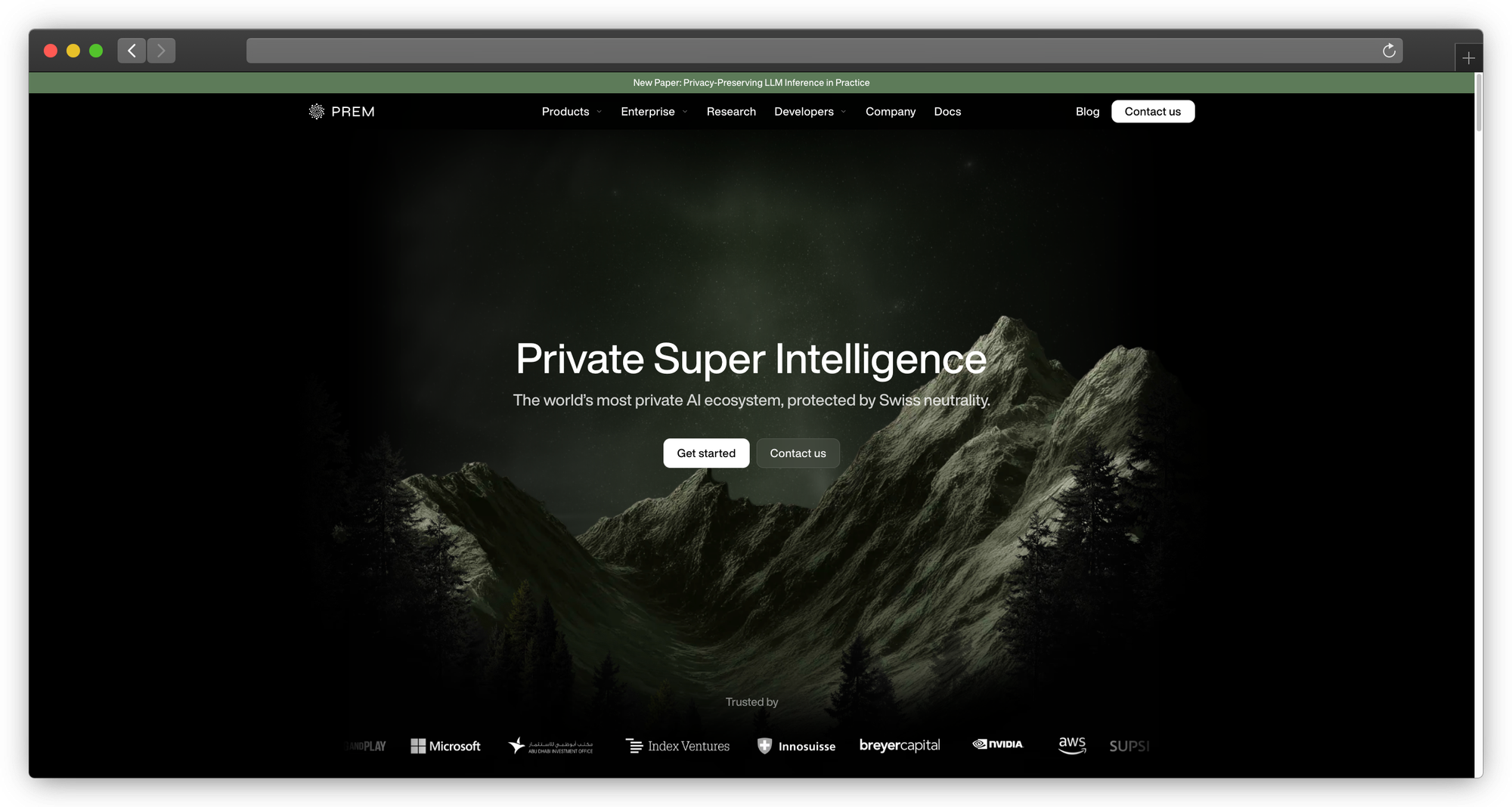
What it is: Managed AI platform that deploys in your infrastructure
Why enterprises choose it:
PremAI solves the enterprise problem differently: instead of self-hosting a community tool, you get managed infrastructure that deploys in your own cloud. Enterprise features come standard—not bolted on.
The core advantage:
Open WebUI and similar tools require you to handle infrastructure, security, compliance, and support yourself. PremAI runs in your AWS/GCP/Azure account but Anthropic manages the software. You get private AI without becoming an AI infrastructure company.
The deployment model:
- Runs in your AWS/GCP/Azure account
- PremAI manages the software, updates, and optimization
- You control the infrastructure and data
- Data never leaves your cloud environment
Enterprise features included (not add-ons):
- SSO/SAML integration with your identity provider
- Role-based access control with granular permissions
- Usage tracking and cost attribution by team/user
- Complete audit logging for compliance
- SOC 2 Type II compliance pathway
- HIPAA BAA available for healthcare
Technical integration:
from premai import Prem

client = Prem(api_key="your-api-key")

# Built-in RAG—no vector DB setup required
response = client.chat.completions.create(
    project_id="your-project",
    messages=[{"role": "user", "content": "Summarize our Q3 contracts."}],
    repositories={"ids": ["legal-docs"]}
)

# Works with your existing LangChain code
from langchain_premai import ChatPremAI
llm = ChatPremAI(project_id="your-project")
What's included:
- 50+ models: Llama 3.3, DeepSeek-V3, Mistral Large, Claude, GPT-4o
- Built-in RAG with document repositories, no vector database complexity
- Fine-tuning on your data with downloadable weights
- Model evaluation for comparing performance
- LangChain/LlamaIndex SDKs for existing workflows
- Professional support with SLA
Compliance story:
- SOC 2 Type II pathway included
- HIPAA compliance with Business Associate Agreement
- GDPR compliant (EU deployment available)
- Data residency guaranteed in your cloud
What PremAI does that self-hosted tools don't:
- No infrastructure management or CUDA debugging
- Enterprise compliance without DIY documentation
- Professional support with guaranteed response times
- Automatic updates without breaking your setup
- Integrated fine-tuning and RAG in one platform
Pricing: Usage-based, scales with your needs. Contact for enterprise
Best for: Enterprises needing compliance, support, and private AI without building an ML infrastructure team
→ Book a demo | Start free | Documentation
For private AI deployment strategies, see our private AI platform guide.
Category 2: Multi-Provider Platforms
2. LibreChat
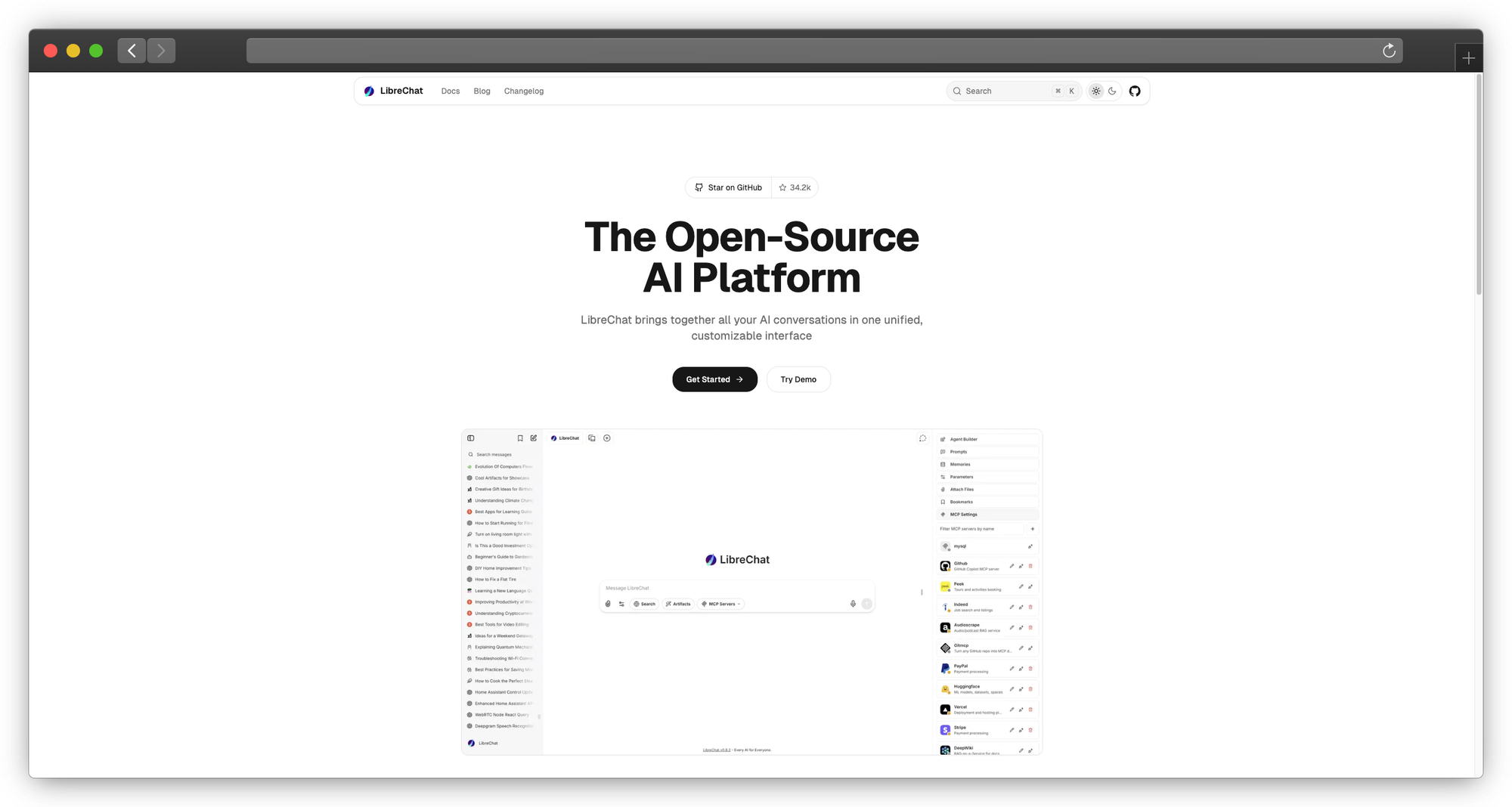
What it is: The most complete open-source Open WebUI alternative
Why teams switch:
LibreChat is what Open WebUI would be if it supported every AI provider. OpenAI, Anthropic, Google, Azure, Mistral, local models—all in one interface.
Provider support (comprehensive):
- OpenAI (GPT-4, GPT-4o, o1)
- Anthropic (Claude 3.5, Claude 3)
- Google (Gemini)
- Azure OpenAI
- AWS Bedrock
- Mistral AI
- Ollama (local)
- Any OpenAI-compatible API
Enterprise features (better than Open WebUI):
- Multi-user with granular permissions
- Conversation forking and branching
- Plugin system
- File handling
- Customizable presets
- Token counting and limits
Technical implementation:
# Clone and configure
git clone https://github.com/danny-avila/LibreChat.git
cd LibreChat

# Copy and edit config
cp .env.example .env
# Edit .env with your provider keys

# Docker deployment
docker compose up -d
Configuration example:
# librechat.yaml
endpoints:
  openai:
    apiKey: "${OPENAI_API_KEY}"
    models:
      - gpt-4-turbo
      - gpt-4o

  anthropic:
    apiKey: "${ANTHROPIC_API_KEY}"
    models:
      - claude-3-5-sonnet

  custom:
    - name: "Local Llama"
      apiKey: "none"
      baseURL: "http://ollama:11434/v1"
      models:
        - llama3.1:8b
Authentication options:
- Local accounts
- Google OAuth
- GitHub OAuth
- Discord OAuth
- OpenID Connect
What LibreChat does better:
- Multi-provider is first-class
- Conversation branching for exploring alternatives
- Better mobile experience
- More active development
- Plugin ecosystem
Limitations:
- Still community-driven (no enterprise support)
- SSO options are limited (SAML not native)
- Compliance features are basic
- You manage the infrastructure
Deployment resources:
- CPU: 2 cores recommended
- RAM: 4GB recommended
- Storage: 10GB+ for conversations
Best for: Teams needing multi-provider support without enterprise compliance requirements
Pricing: Free, open source (MIT)
3. LobeChat
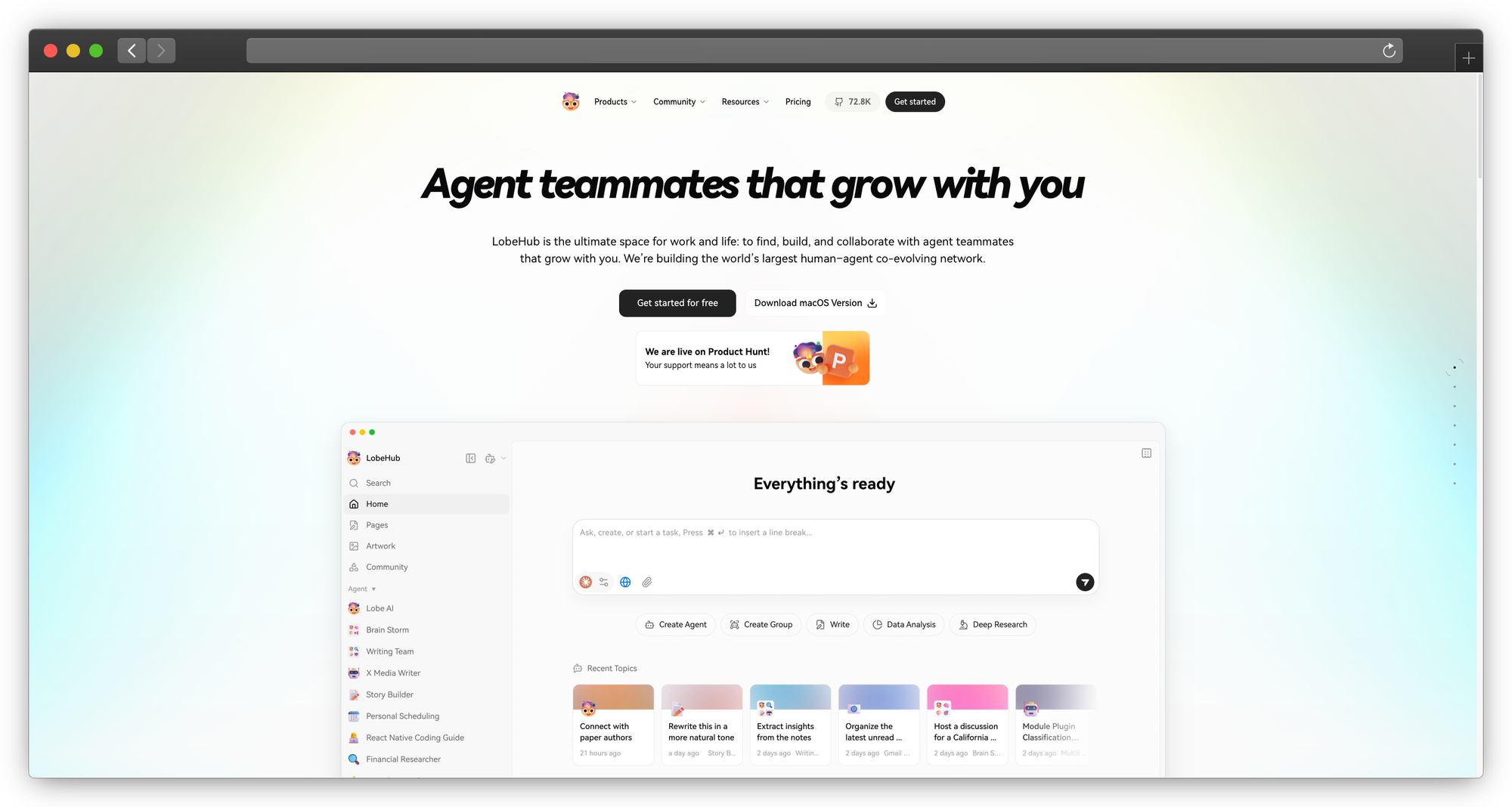
What it is: Beautifully designed AI assistant with plugin system
Why teams consider it:
LobeChat has the most polished UI in this space. It looks like a production app, not a developer tool. Plus, the plugin marketplace adds functionality without code.
Design highlights:
- Modern, minimal interface
- Dark/light themes
- Mobile-responsive
- PWA support (installable)
- Animations and microinteractions
Plugin marketplace:
- Web search (Bing, Google, DuckDuckGo)
- Code execution
- Image generation (DALL-E, SD)
- Document reading
- Weather, news, stocks
- Custom plugin creation
Multi-model support:
- OpenAI
- Azure OpenAI
- Anthropic
- Ollama
- Local models
Technical deployment:
# Docker
docker run -d -p 3210:3210 \
  -e OPENAI_API_KEY=sk-xxx \
  -e ACCESS_CODE=your-password \
  lobehub/lobe-chat

# Vercel (one-click)
# Deploy via Vercel button in repo
Agent/persona system: Create custom AI agents with:
- System prompts
- Knowledge bases
- Plugin access
- Avatar and personality
Limitations:
- Newer than alternatives
- Enterprise features are developing
- Plugin quality varies
Best for: Teams valuing UX and wanting extensibility via plugins
Pricing: Free, open source (MIT)
Category 3: RAG-Focused Solutions
4. AnythingLLM
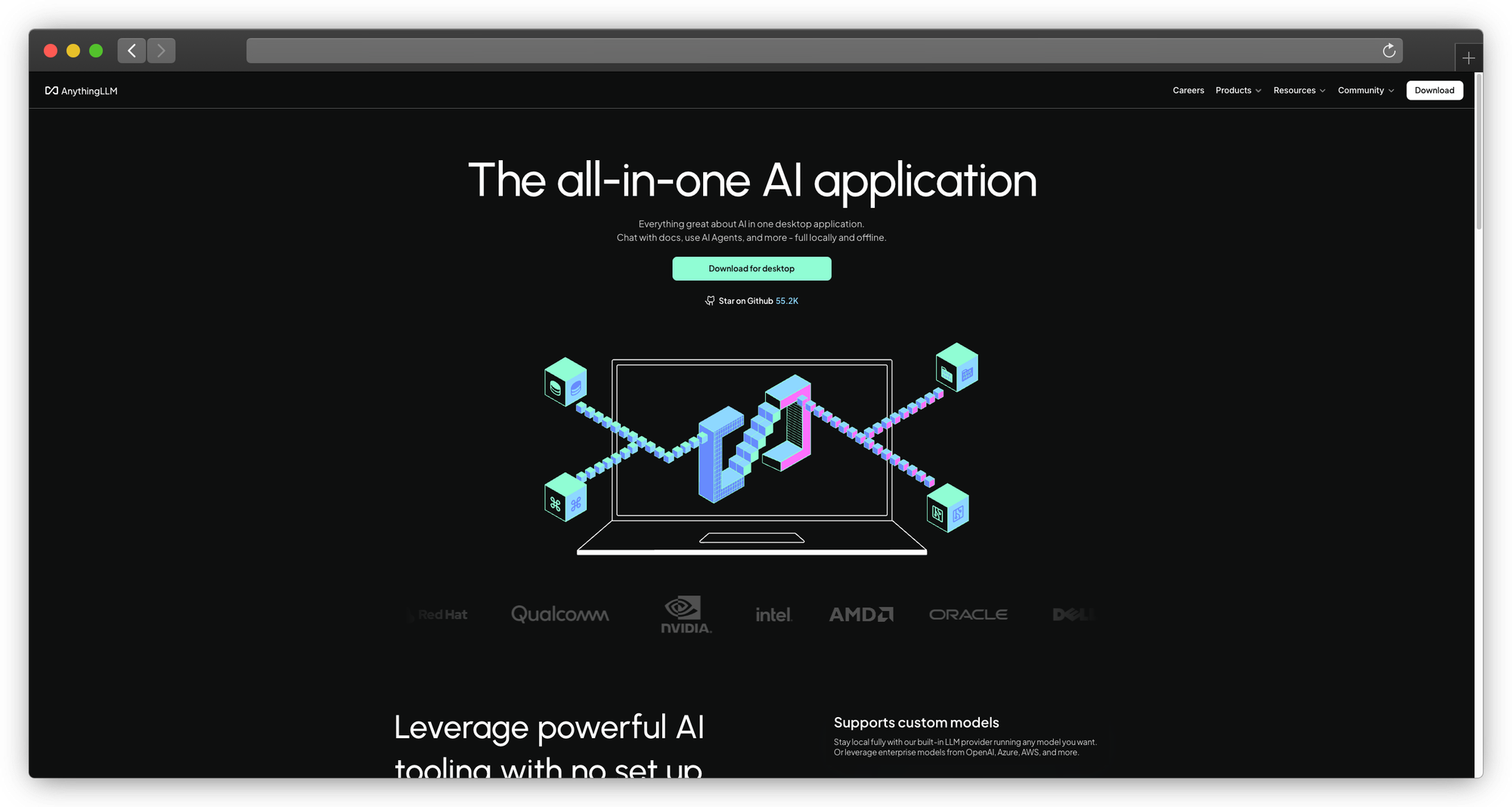
What it is: All-in-one AI platform with built-in RAG
Why it beats Open WebUI for documents:
Open WebUI added RAG as a feature. AnythingLLM built it into the core. The workspace concept organizes documents, conversations, and models together.
Workspace architecture:
Each workspace is isolated with:
- Its own documents
- Chosen embedding model
- Selected LLM
- Custom system prompt
- Independent chat history
- Access permissions (business tier)
Document processing:
Documents → Chunking → Embeddings → Vector Store → Query Pipeline → LLM
Supported formats:
- PDF (OCR included)
- Word, Excel, PowerPoint
- Text, Markdown, HTML
- Audio (transcription)
- Video (transcription)
- Web URLs
- GitHub repos
Vector database options:
- LanceDB (default, built-in)
- Pinecone
- Chroma
- Weaviate
- Milvus
- Qdrant
- Zilliz
LLM flexibility: Works with virtually any backend:
- Ollama (local)
- LM Studio (local)
- OpenAI
- Anthropic
- Azure
- Any OpenAI-compatible
Technical deployment:
# Docker (recommended)
docker pull mintplexlabs/anythingllm
docker run -d -p 3001:3001 \
  -v ${STORAGE_LOCATION}:/app/server/storage \
  mintplexlabs/anythingllm

# Desktop app available at useanything.com
Enterprise features (Business tier):
- Multi-user with roles
- Workspace permissions
- API access
- Custom branding
- Priority support
What AnythingLLM does better:
- RAG is genuinely first-class
- Workspace organization makes sense
- Embedding model flexibility
- Desktop app for non-technical users
Pricing:
- Free: Core features, single user
- Business ($25/user/mo): Team features
- Enterprise: Custom
Best for: Teams whose primary use case is chatting with documents
For RAG implementation strategies, see our PremAI datasets documentation.
5. Dify
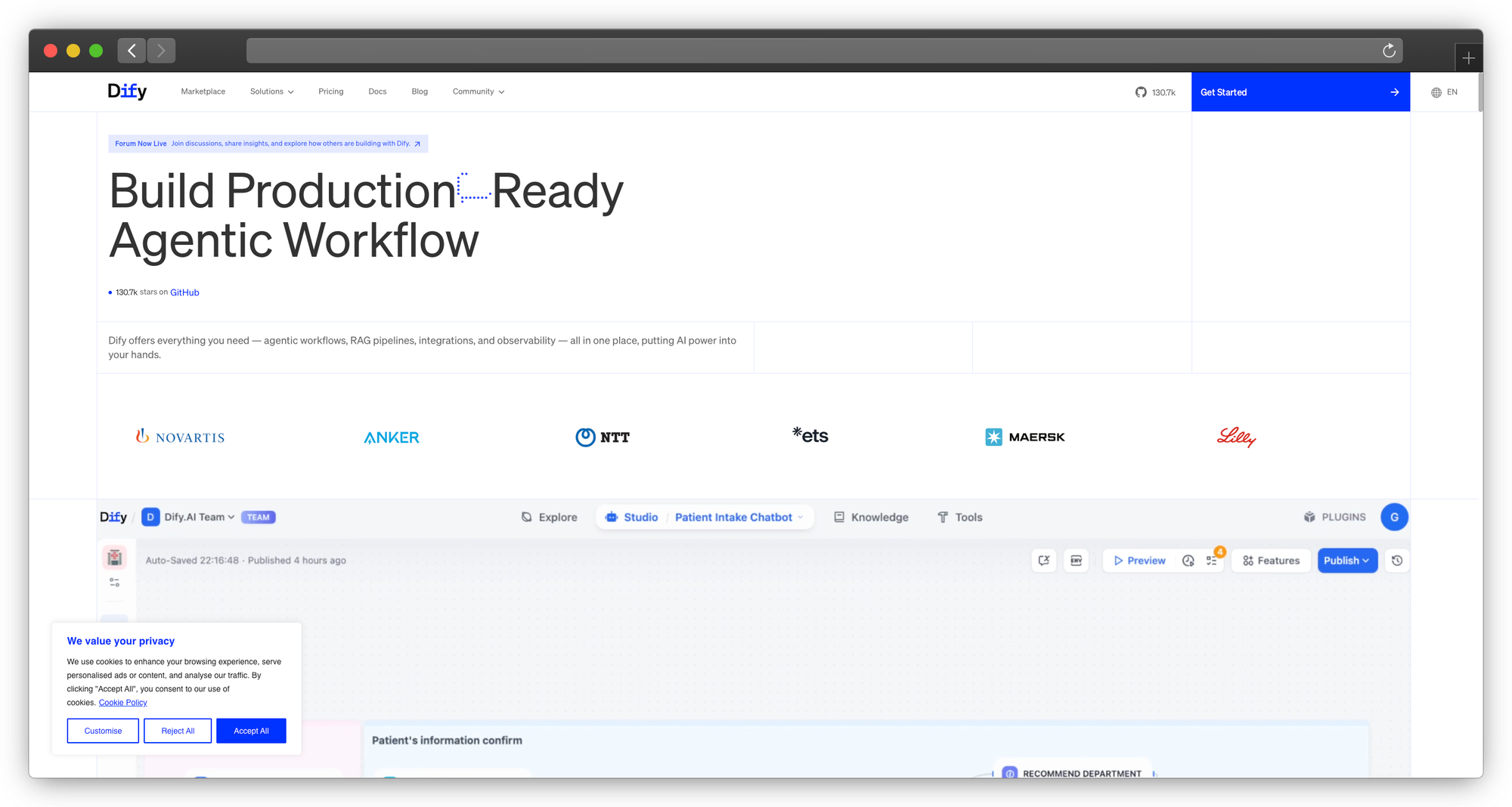
What it is: AI workflow platform with visual builder
Why it goes beyond chat:
Dify isn't just a chat interface—it's a platform for building AI applications. The visual workflow builder creates complex agent behaviors without code.
Core capabilities:
Visual Workflow Builder:
- Drag-and-drop components
- Conditional logic
- External API calls
- Variable management
- Iteration and loops
Agent Modes:
- Chat: Conversational interface
- Completion: Single-prompt applications
- Agent: Tool-using autonomous agents
- Workflow: Multi-step pipelines
Knowledge Base:
- Document upload and indexing
- Chunk management
- Retrieval testing
- Multi-tenancy
Tool Integration:
- Web search
- Calculator
- Code execution
- Custom tool creation
Technical deployment:
git clone https://github.com/langgenius/dify.git
cd dify/docker
cp .env.example .env
docker compose up -d
Workflow example (customer support):
User Query
    ↓
Classify Intent → [Technical / Billing / General]
    ↓
[Technical] → Search Knowledge Base → Generate Response
[Billing] → Query CRM → Generate Response
[General] → Direct LLM → Generate Response
    ↓
Quality Check → Output
What Dify does better:
- Workflow automation is genuine
- Agent building is visual
- Better for complex use cases
- Built-in analytics
Limitations:
- More complex than needed for simple chat
- Steeper learning curve
- Resource intensive
Pricing:
- Self-hosted: Free
- Cloud: From $59/mo
Best for: Teams building complex AI workflows beyond simple chat
Category 4: Developer and Workflow Tools
6. Chainlit
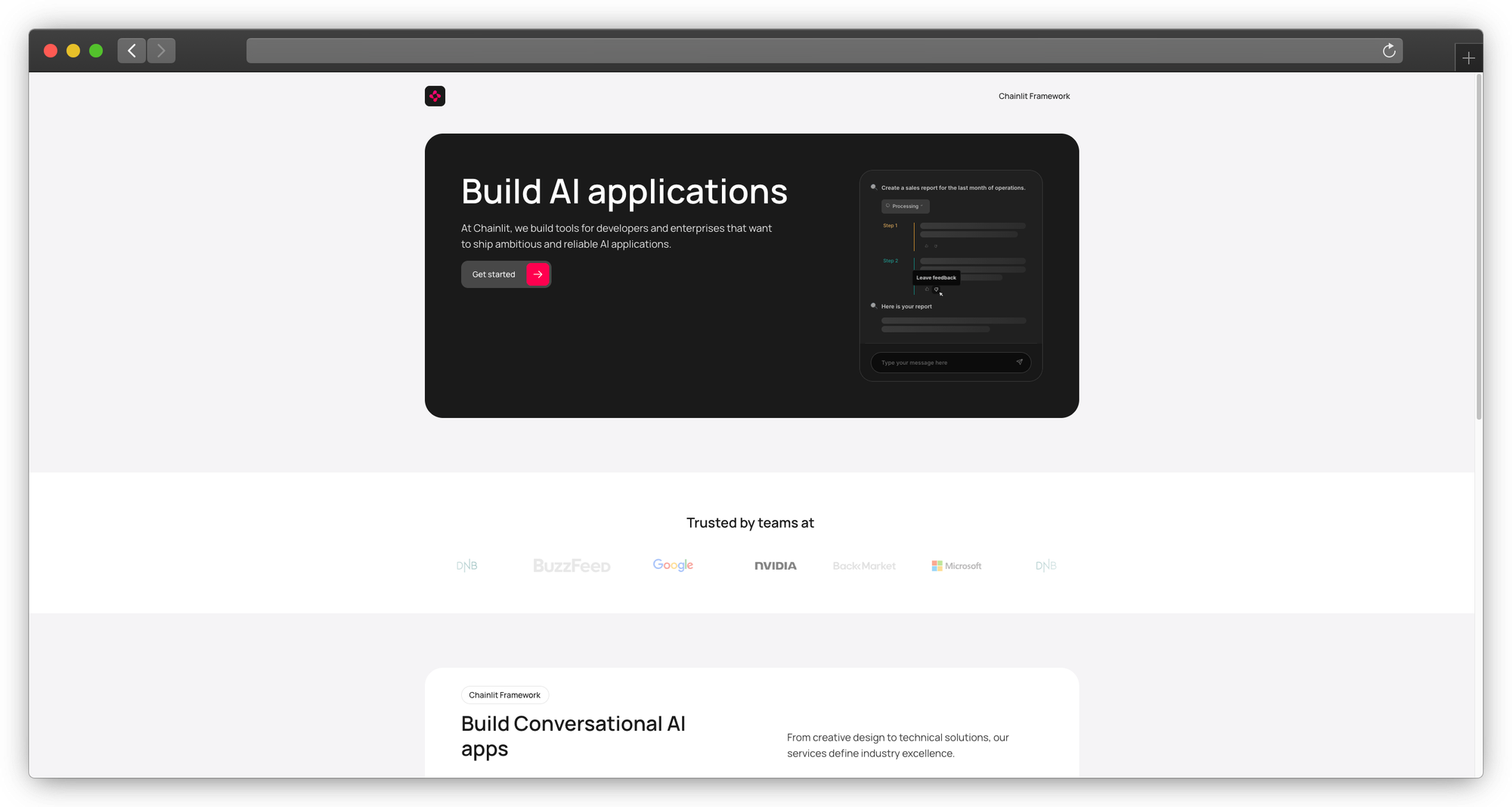
What it is: Python framework for building chat interfaces
Why developers choose it:
Chainlit isn't an application—it's a framework. You write Python code, Chainlit provides the UI. Maximum flexibility for custom requirements.
Basic example:
import chainlit as cl

@cl.on_message
async def main(message: cl.Message):
    # Your logic here
    response = await your_llm_call(message.content)

    await cl.Message(content=response).send()
Advanced features:
import chainlit as cl

@cl.on_chat_start
async def start():
    # Initialize conversation
    await cl.Message(content="Hello! How can I help?").send()

@cl.on_message
async def main(message: cl.Message):
    # Streaming response
    msg = cl.Message(content="")

    async for chunk in your_streaming_llm(message.content):
        await msg.stream_token(chunk)

    await msg.send()

@cl.on_stop
async def stop():
    # Cleanup
    pass
Built-in components:
- File upload handling
- Image display
- Code highlighting
- Markdown rendering
- Chat history
- User authentication
- Step visualization
RAG integration:
import chainlit as cl
from langchain.vectorstores import Chroma

@cl.on_message
async def main(message: cl.Message):
    # Retrieve relevant docs
    docs = vectorstore.similarity_search(message.content)

    # Show sources
    elements = [
        cl.Text(name=doc.metadata["source"], content=doc.page_content)
        for doc in docs
    ]

    # Generate response
    response = await chain.arun(question=message.content, context=docs)

    await cl.Message(content=response, elements=elements).send()
What Chainlit does better:
- Complete customization
- Python-native
- Integration with any LLM framework
- Production-ready deployment
Limitations:
- Requires development
- No off-the-shelf solution
- You build the features
Best for: Development teams building custom chat applications
Pricing: Free, open source (Apache 2.0)
7. Langflow / Flowise
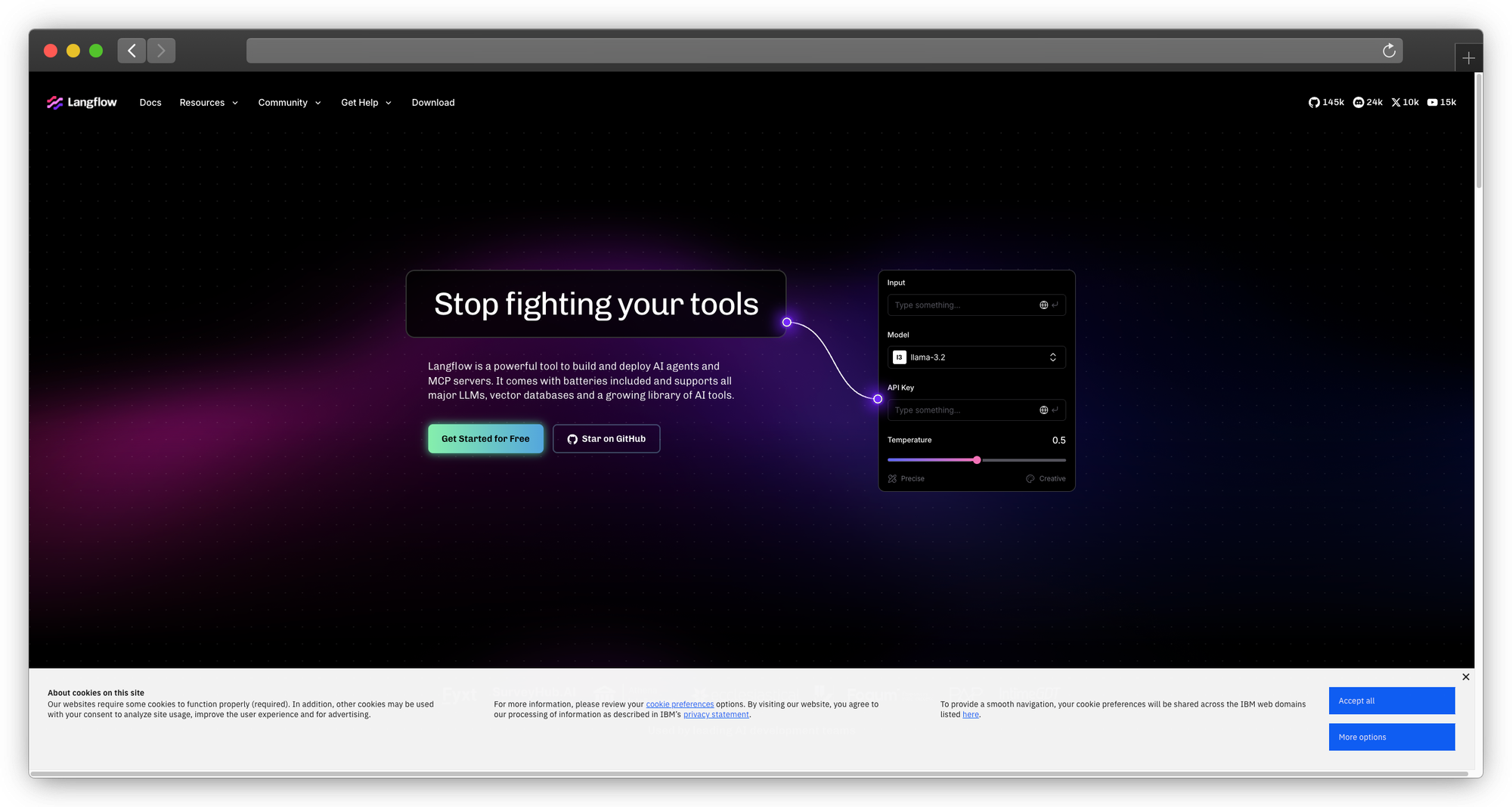
What they are: Visual builders for LangChain applications
Note: Flowise was acquired by Workday in August 2025. The open-source version remains available, but future development will be integrated into the Workday platform.
Why teams consider them:
Build LLM applications by connecting nodes. Non-developers can create workflows that would otherwise require LangChain code.
Langflow capabilities:
- LangChain components as nodes
- Visual flow connections
- Real-time testing
- Export to Python code
- API endpoint generation
Flowise capabilities (simpler):
- Similar node-based building
- Easier onboarding
- Embeddable chat widgets
- API access
- Document loaders
Technical deployment (Flowise):
npx flowise start
# or
docker run -d -p 3000:3000 flowiseai/flowise
Example flow:
[Document Loader] → [Text Splitter] → [Embeddings] → [Vector Store]
                                                            ↓
[User Input] → [Retrieval Chain] ← ─────────────────────────┘
       ↓
[LLM with Retrieved Context] → [Output]
Limitations:
- LangChain-centric
- Visual building has limits
- Complex flows become hard to manage
Best for: Rapid prototyping of RAG applications
Category 5: Self-Hosted Options
8. Big-AGI
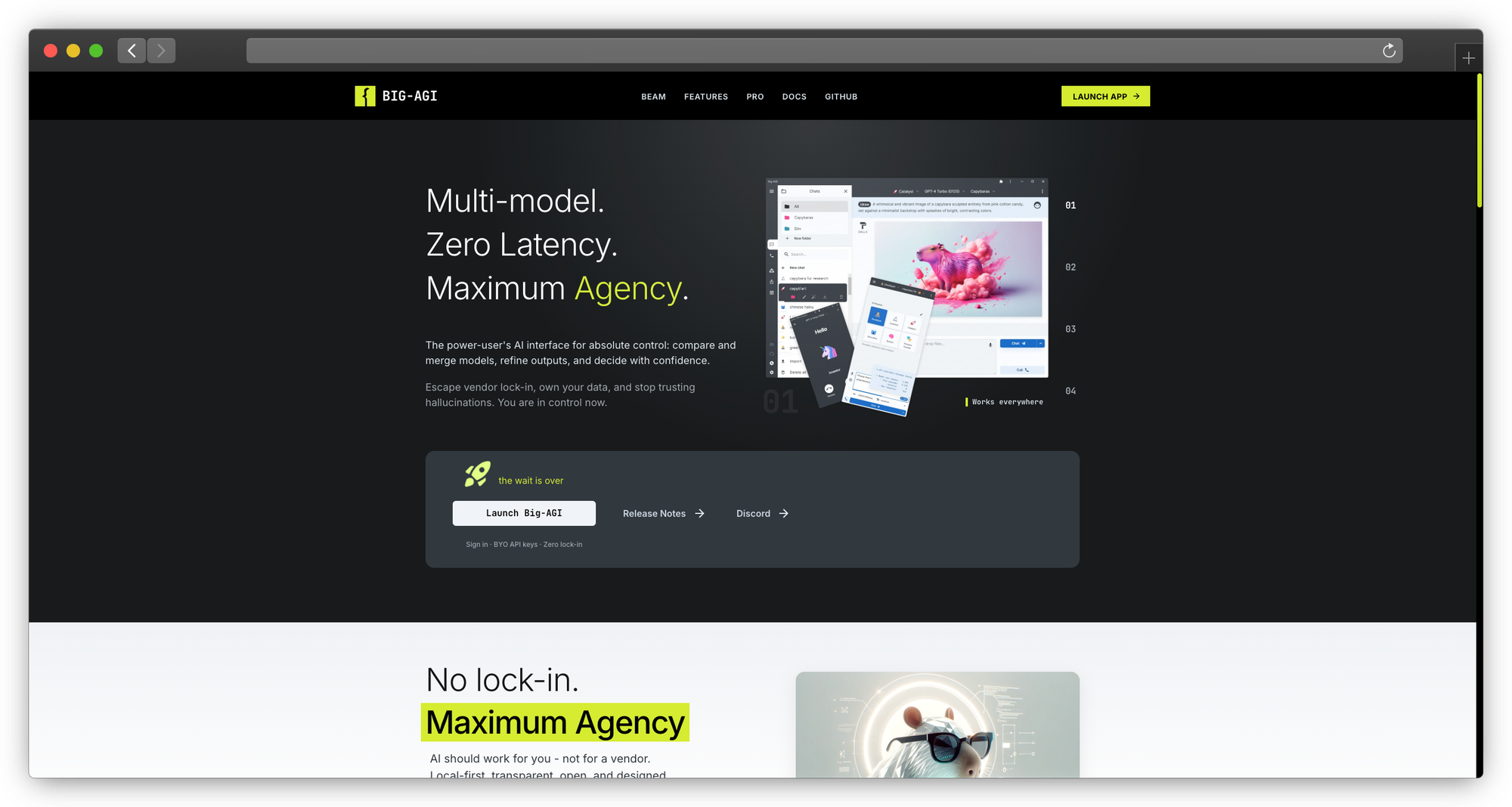
What it is: Full-featured AI interface with team capabilities
Key features:
- Multi-user with roles
- Voice mode (speech-to-text, text-to-speech)
- Image generation
- Drawing canvas
- Multiple model support
- Conversation branching
Deployment:
git clone https://github.com/enricoros/big-agi
cd big-agi
cp .env.example .env.local
docker compose up
Best for: Teams wanting advanced features without enterprise pricing
9. Jan (Self-Hosted)
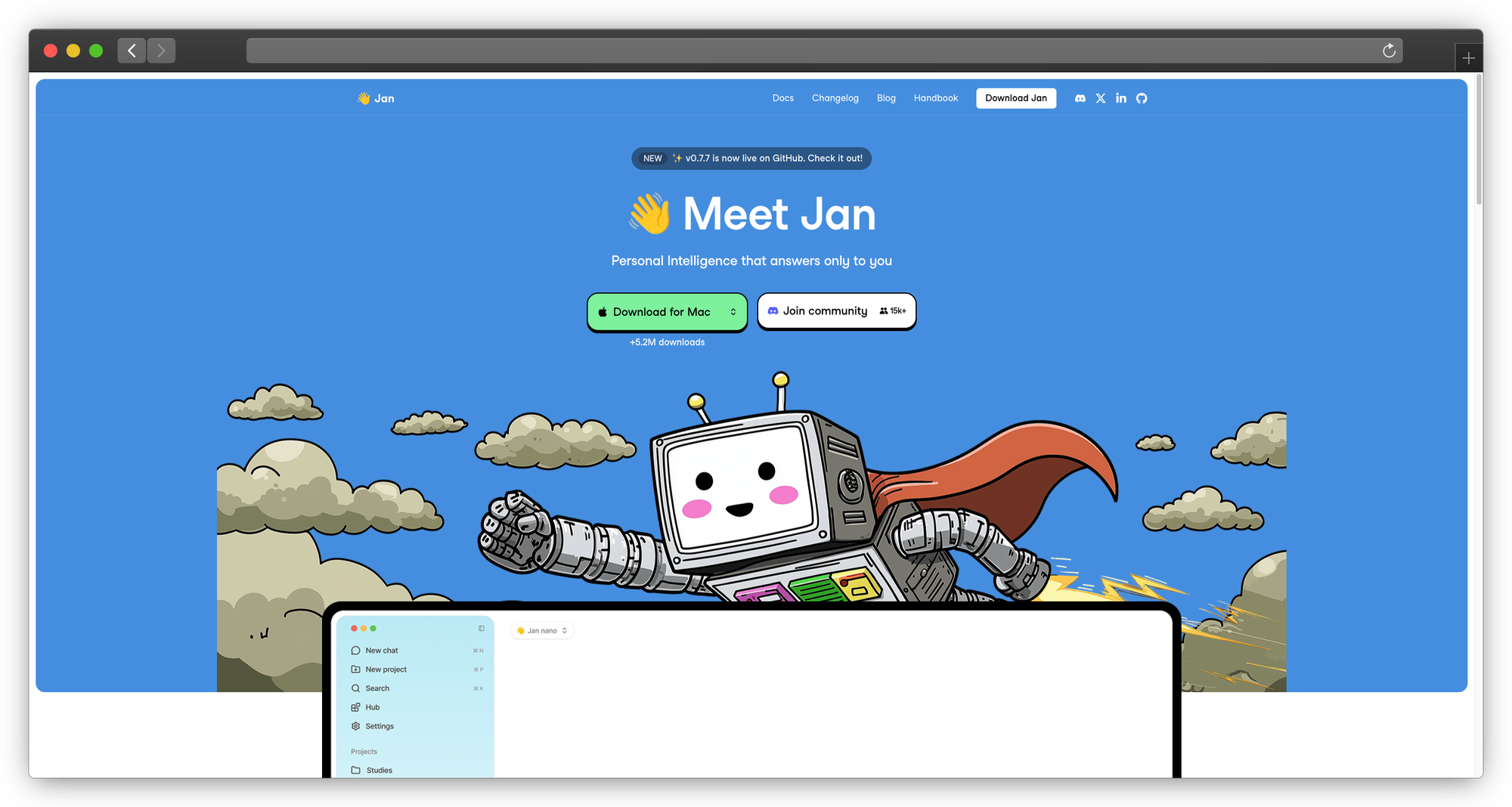
What it is: Privacy-first desktop app with remote deployment option
Why teams consider it: Run models locally with zero data leaving your infrastructure. Jan combines a polished interface with genuine privacy—no telemetry, no cloud dependencies.
Key capabilities:
- Beautiful, modern interface
- Fully local by default
- Extension system
- Cross-platform (Windows, Mac, Linux)
- OpenAI-compatible API server
Limitations:
- Desktop-first (server mode is secondary)
- Smaller plugin ecosystem than alternatives
- Local models require capable hardware
Best for: Teams prioritizing design and privacy
10. Lobe Chat (Self-Hosted)
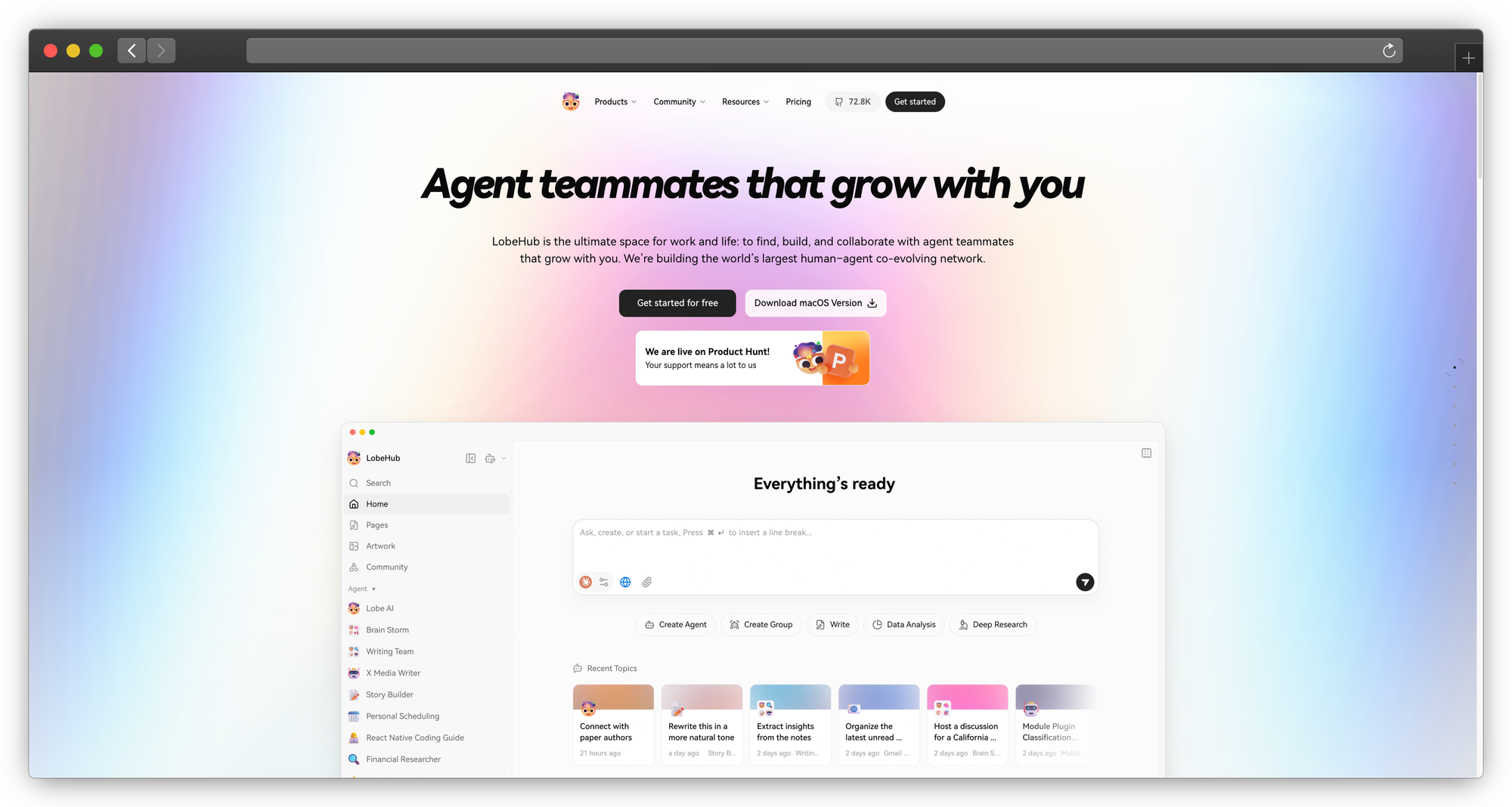
What it is: LobeChat deployed on your infrastructure
Why teams consider it: Get LobeChat's polished UI and plugin ecosystem while maintaining full control over data and infrastructure.
Key capabilities:
- Database support (PostgreSQL)
- S3 storage for files
- Auth system integration
- Plugin system
- Multi-model support
Limitations:
- More complex deployment than desktop alternatives
- Requires database and storage setup
- Plugin compatibility varies with self-hosted setups
Best for: Teams wanting LobeChat's UI with full control
11. Open WebUI (Forked)
What it is: Customized Open WebUI for specific requirements
Why teams consider it: When your needs are 90% covered by Open WebUI but require specific modifications, forking gives you full control.
Fork opportunities:
- Add custom authentication
- Implement audit logging
- Modify the UI
- Add proprietary integrations
Limitations:
- Maintaining a fork requires ongoing engineering effort
- Upstream changes require manual merging
- Documentation becomes your responsibility
Best for: Teams with development resources and specific customization needs
Deployment and Cost Comparison
Self-Hosted Cost (Monthly)
| Component | Open WebUI | LibreChat | AnythingLLM |
|---|---|---|---|
| Server (2 CPU, 8GB) | $40 | $40 | $60 |
| Database | $20 | $20 | $30 |
| Storage | $10 | $10 | $20 |
| Engineering (4 hrs) | $400 | $400 | $400 |
| Total | $470 | $470 | $510 |
Engineering time for maintenance, updates, troubleshooting
Managed Platform Cost (Monthly, 50 users)
| Platform | Base | Usage | Total |
|---|---|---|---|
| AnythingLLM Business | $1,250 | $200 | $1,450 |
| Dify Cloud | $590 | $300 | $890 |
| PremAI | Custom | Usage-based | Contact |
True Cost Analysis
Hidden costs of self-hosting:
- Engineering time for setup and maintenance
- Incident response (nights/weekends)
- Security updates and patches
- Compliance documentation
- Knowledge dependencies (bus factor)
For teams under 100 users: Managed platforms often cost less than self-hosting when fully accounting for engineering time.
Migration from Open WebUI
To PremAI
- Contact: Book a migration call with the PremAI team
- Documents: Upload to repositories
- Users: Configure SSO with your identity provider
- Integration: Update API calls (OpenAI-compatible)
- Support: Dedicated migration assistance available
To LibreChat
- Export: Open WebUI conversations can be exported as JSON
- Setup: Deploy LibreChat
- Import: Use LibreChat's import feature (check format compatibility)
- Users: Recreate users (no automatic migration)
- Test: Verify functionality
To AnythingLLM
- Documents: Re-upload to workspaces
- Users: Recreate accounts
- Configuration: Set up LLM and embedding providers
- Test: Verify RAG functionality
Frequently Asked Questions
Is Open WebUI still a good choice?
For small teams without enterprise requirements, absolutely. Open WebUI is well-maintained, has a strong community, and works reliably. Alternatives matter when you need enterprise features, better RAG, or professional support.
Can I run these alongside Open WebUI?
Yes. Common pattern: Open WebUI for experimentation, enterprise solution for production. Many teams run both.
What about security?
Self-hosted security is your responsibility:
- Network isolation
- Access controls
- Updates and patches
- Secrets management
- Incident response
Managed platforms like PremAI handle this for you with compliance certifications.
How do I handle multiple models?
PremAI: 50+ models via API/UI, automatic routing available LibreChat: Best multi-provider support out of the box AnythingLLM: Model per workspace
Is RAG built-in or separate?
| Platform | RAG Status |
|---|---|
| PremAI | Built-in with repositories |
| AnythingLLM | Core feature |
| Dify | Built-in |
| Open WebUI | Basic, added later |
| LibreChat | Plugins |
Can these integrate with Slack/Teams?
PremAI and Dify have better integration stories. Self-hosted options require custom development.
Conclusion
Open WebUI is excellent for small teams getting started with private AI chat. When you need more, compliance, support, sophisticated RAG, or enterprise features, alternatives exist across the spectrum:
For enterprise compliance: PremAI provides managed infrastructure in your cloud with SOC 2, HIPAA, and professional support. No infrastructure management, no compliance DIY.
For multi-provider flexibility: LibreChat offers the best open-source multi-model experience.
For document-heavy workflows: AnythingLLM puts RAG at the center.
For workflow automation: Dify enables visual agent building.
For custom development: Chainlit provides a Python framework.
The trend is clear: enterprise AI chat is moving from "can we run it?" to "can we run it securely, compliantly, and with support?" Open WebUI was chapter one. These alternatives write the next chapters.