
15 Best LM Studio Alternatives for Running Local LLMs (2026)
| Tool | Current Version | Notable 2025-2026 Updates |
|---|---|---|
| LM Studio | v0.4.3 | llmster daemon for headless deployment, parallel inference (4 requests) |
| PremAI | Latest | SOC 2 Type II, HIPAA BAA, 50+ models, built-in RAG & fine-tuning |
| Ollama | v0.16.3 | 163K+ GitHub stars, native desktop app, Gemma 3/Qwen 3 support |
| GPT4All | Latest | Vector-based LocalDocs with improved RAG |
| Jan | v0.7.6 | MCP integration, browser automation, multimodal Jan V3 model |
| Oobabooga | v3.23 | ROCm portable builds, improved styling |
| Koboldcpp | Latest | MCP bridge, multimedia (SD3, Flux, Whisper, TTS) |
| LocalAI | v3.10.0 | Anthropic API support, LTX-2 video generation |
| AnythingLLM | Latest | $25-99/mo cloud tiers, AI agents |
| privateGPT | v0.6.2 | Docker improvements, Milvus/Clickhouse support |
| MLX | Latest | M5 GPU support (4x speedup vs M4) |
| Llamafile | v0.8+ | Mozilla.ai modernization, 2400 embeddings/sec |
New Models Available (2026):
- GPT-OSS 120B - OpenAI's open-weight release (117B params, MoE)
- DeepSeek V3.2 - Best-in-class reasoning and tool-use
- GLM-4.7 - Production workflows and agentic execution
- Llama 4 - Significant improvements over Llama 3
- Qwen3-Omni - Multimodal capabilities
Why Consider LM Studio Alternatives
Let's be specific about where LM Studio falls short:
Server Reliability Issues
The problem: LM Studio's OpenAI-compatible API server works for basic testing but has issues under real load:
- Connections drop during long generations
- No graceful handling of concurrent requests
- Memory leaks over extended sessions
- Startup can silently fail
Who this affects: Developers integrating local LLMs into applications.
Model Management Chaos
The problem: After downloading 20+ models, LM Studio provides no organization:
- No tags or categories
- Search is basic
- No duplicate detection
- Disk usage unclear until you run out of space
Who this affects: Anyone experimenting with multiple models.
Limited Automation
The problem: LM Studio is GUI-only:
- Can't script model downloads
- Can't automate testing
- No CI/CD integration
- No batch processing
Who this affects: Developers and power users who want programmatic control.
No Team Features
The problem: LM Studio is single-user:
- No multi-user access
- No usage tracking
- No compliance features
- No centralized model management
Who this affects: Teams trying to scale local AI beyond one person.
Closed Source
The problem: When something goes wrong, you can't:
- Read the code to understand behavior
- Fix bugs yourself
- Verify privacy claims
- Contribute improvements
Who this affects: Privacy-conscious users and those who encounter bugs.
Memory Management Opacity
The problem: LM Studio's automatic settings often don't match your hardware:
- Context size selection is confusing
- GPU layer offloading is hidden
- Memory estimation is inaccurate
- Advanced users can't optimize
Who this affects: Users trying to maximize performance on their specific hardware.
Quick Comparison by Use Case
If You Need Team Features or Compliance
| Alternative | Why It's Better | Trade-off |
|---|---|---|
| PremAI | Managed infrastructure, SOC 2, HIPAA, built-in RAG | Cloud-based (your cloud) |
| Open WebUI | Multi-user, web-based | Requires Ollama backend |
If You Want Simpler
| Alternative | Why It's Simpler | Trade-off |
|---|---|---|
| GPT4All | Even easier install, curated models | Fewer models |
| Jan | Beautiful UI, just works | Newer, less tested |
If You're a Developer
| Alternative | Why It's Better for Devs | Trade-off |
|---|---|---|
| Ollama | CLI-first, scriptable, always-on API | No built-in GUI |
| LocalAI | OpenAI drop-in replacement | Requires Docker |
| llama.cpp | Maximum control | No GUI, manual setup |
If You're a Power User
| Alternative | Why It's More Powerful | Trade-off |
|---|---|---|
| Oobabooga | Every possible feature | Complex, overwhelming |
| Koboldcpp | Best for creative writing | Dated interface |
| ExLlamaV2 | Best quantization | NVIDIA only |
If You Need Document Chat
| Alternative | Why It's Better for RAG | Trade-off |
|---|---|---|
| AnythingLLM | Built-in RAG, workspaces | Heavier, some paid features |
| privateGPT | Privacy-first RAG | More complex setup |
| GPT4All LocalDocs | Simple document chat | Basic RAG |
Category 1: Enterprise and Team Solutions
1. Prem AI
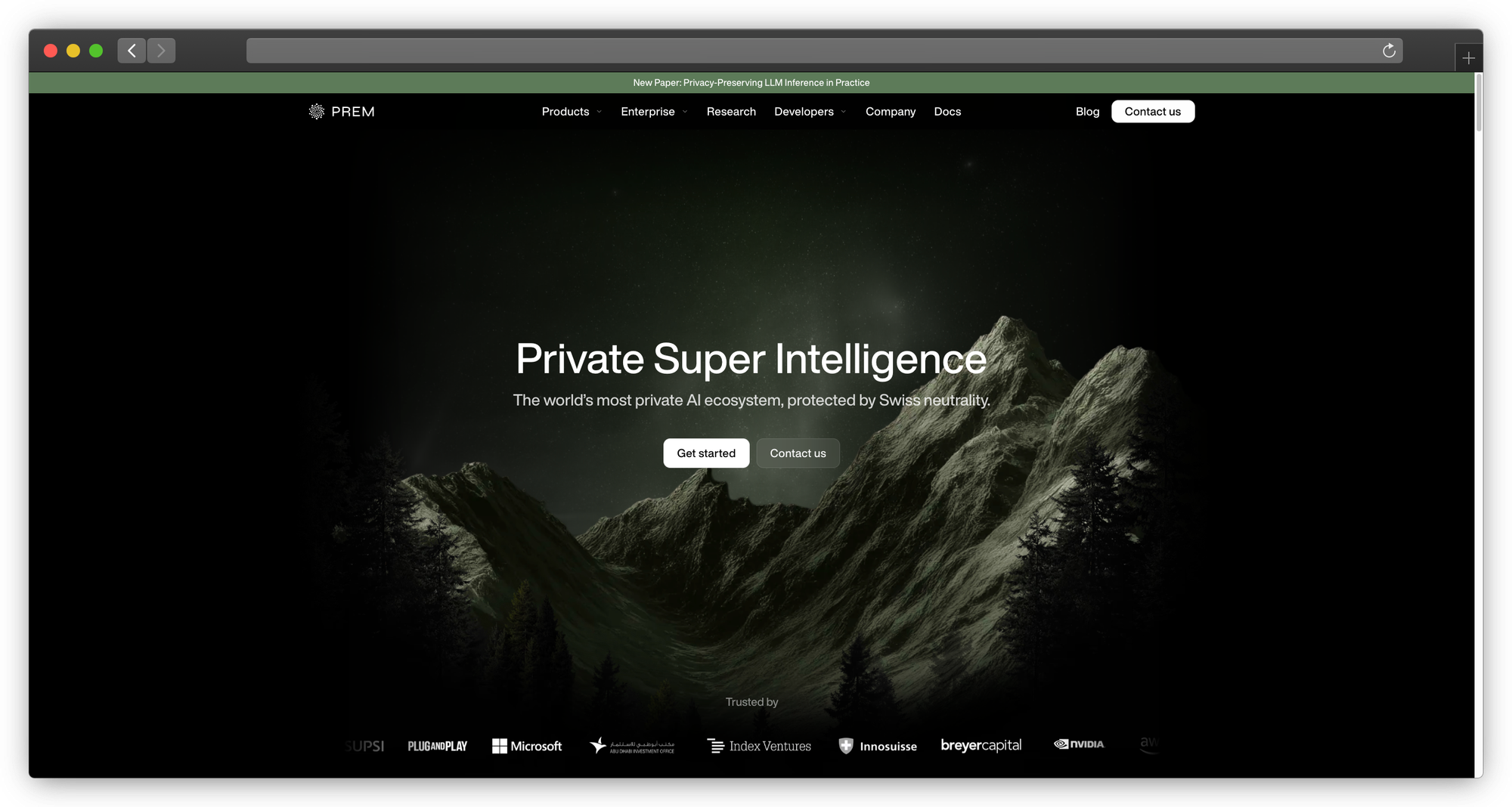
What it is: Managed AI platform that deploys in your infrastructure with enterprise features built-in
The core problem with local tools:
LM Studio, Ollama, and other local tools work great for individuals. But when teams try to scale them, everything breaks:
- Your ML engineer leaves → nobody can fix the CUDA errors
- Compliance audit asks for access logs → you have none
- Second team wants access → now you're managing infrastructure for 20 people
- Model updates require touching every developer's machine
PremAI solves this differently: It deploys managed infrastructure in your AWS/GCP/Azure account. You get private AI without becoming an AI infrastructure company.
| Challenge | Local Tools (LM Studio, Ollama) | PremAI |
|---|---|---|
| Multi-user access | Workarounds, shared machines | Built-in team management with SSO |
| Model consistency | Each person downloads different versions | Unified model deployment |
| Document sharing | Manual file distribution | Centralized repositories |
| Usage tracking | None | Per-user/team attribution |
| Compliance | DIY documentation | SOC 2 Type II, HIPAA BAA |
| Support | Community forums, Stack Overflow | Professional support with SLA |
| Infrastructure | You manage CUDA, drivers, updates | PremAI manages everything |
What makes PremAI different from "cloud AI":
PremAI isn't like using OpenAI or Anthropic's APIs. Your infrastructure deploys in your cloud account:
- Runs in your AWS/GCP/Azure VPC
- Data never leaves your environment
- You control encryption keys
- Compliance auditors see your infrastructure, not a vendor's
What you get:
- 50+ models: Llama 3.3, DeepSeek-V3, Mistral Large, Claude, GPT-4o
- Built-in RAG: Document repositories, no vector DB setup required
- Fine-tuning: Train on your data, download weights
- OpenAI-compatible API: Existing code works with minimal changes
- LangChain/LlamaIndex SDKs: Drop-in integration
Technical integration:
from premai import Prem

client = Prem(api_key="your-api-key")

# Same familiar interface
response = client.chat.completions.create(
    project_id="your-project",
    messages=[{"role": "user", "content": "Analyze this contract for risks."}],
    repositories={"ids": ["legal-docs"]}  # Built-in RAG
)

# Works with existing OpenAI code
from openai import OpenAI
client = OpenAI(
    base_url="https://api.premai.io/v1",
    api_key="your-premai-key"
)
Migration from LM Studio:
# LM Studio
client = OpenAI(base_url="http://localhost:1234/v1", api_key="lm-studio")

# PremAI (just change the URL)
client = OpenAI(base_url="https://api.premai.io/v1", api_key="your-premai-key")
Who PremAI is for:
- Teams who've outgrown local tools
- Companies that need compliance without a 6-month security review
- Organizations that want private AI without hiring ML infrastructure engineers
Who should stay with local tools:
- Solo developers experimenting
- Researchers who need full model access
- Teams with existing ML infrastructure expertise
Pricing: Usage-based, scales with your needs. Contact for enterprise
Best for: Teams who want private AI without managing CUDA drivers at 3 AM
→ Book a demo | Start free | Documentation
For self-hosting vs managed trade-offs, see our cloud vs self-hosted guide.
2. Open WebUI
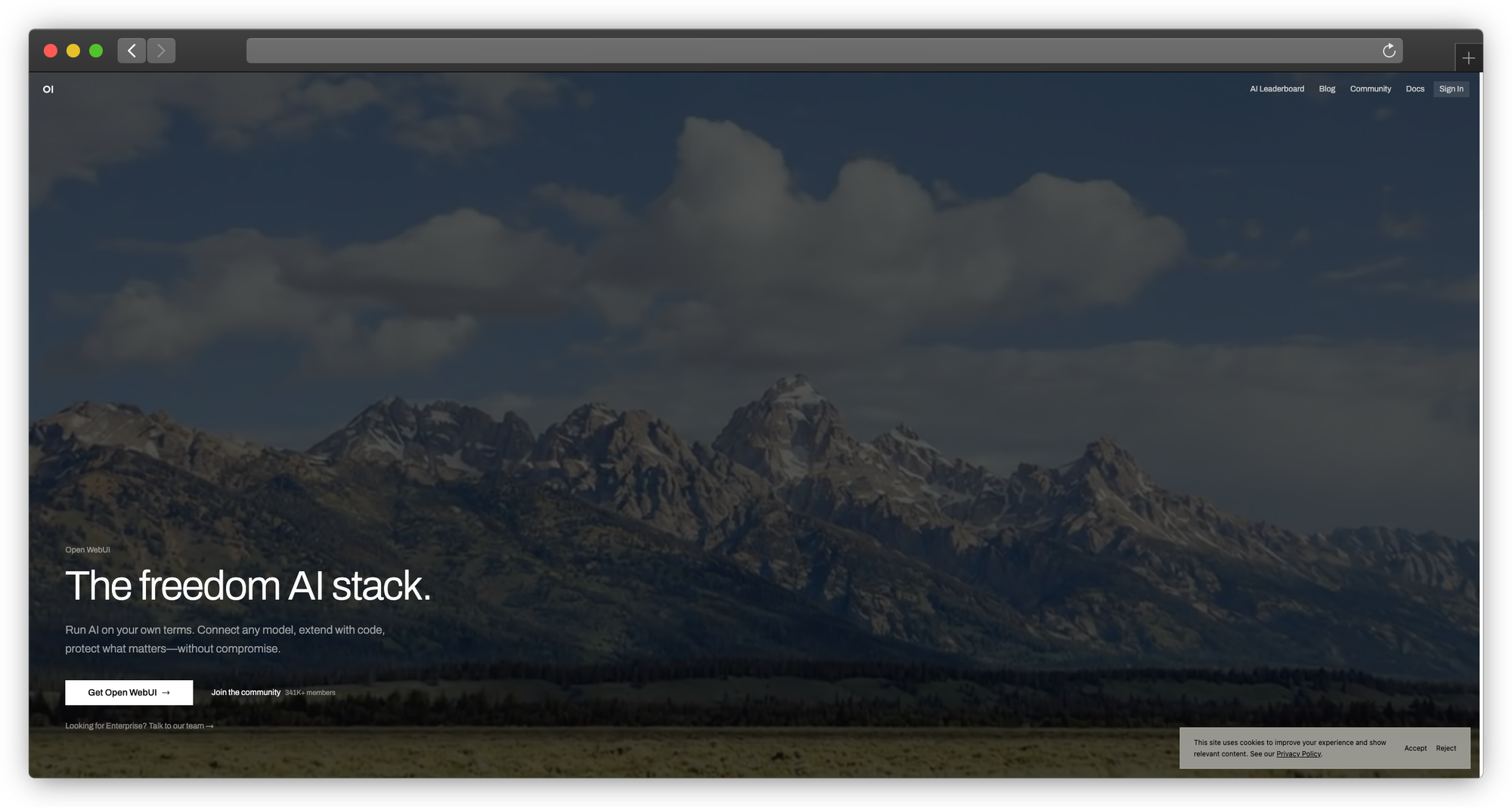
What it is: Web-based ChatGPT interface for local models
Why teams choose it:
Open WebUI provides a ChatGPT-like web experience that multiple users can access. Combined with Ollama, it's the most popular team deployment for local LLMs.
Features:
- Multi-user with authentication
- Conversation history
- File uploads
- Web search
- RAG capabilities
- Custom personas
- Model switching
Architecture:
Users → Open WebUI → Ollama → Local Models
Deployment:
# With Docker
docker run -d -p 3000:8080 \
    -v open-webui:/app/backend/data \
    -e OLLAMA_BASE_URL=http://host.docker.internal:11434 \
    --name open-webui \
    ghcr.io/open-webui/open-webui:main
Authentication options:
- Local accounts
- OAuth (Google, GitHub, etc.)
- LDAP (enterprise)
Limitations:
- Requires Ollama backend
- Self-hosted (you manage infrastructure)
- No built-in compliance features
- Community support only
Best for: Teams wanting web-based access to local models without enterprise requirements
Pricing: Free, open source (MIT)
We cover Open WebUI alternatives in depth in our dedicated guide.
Category 2: Simpler Than LM Studio
3. GPT4All
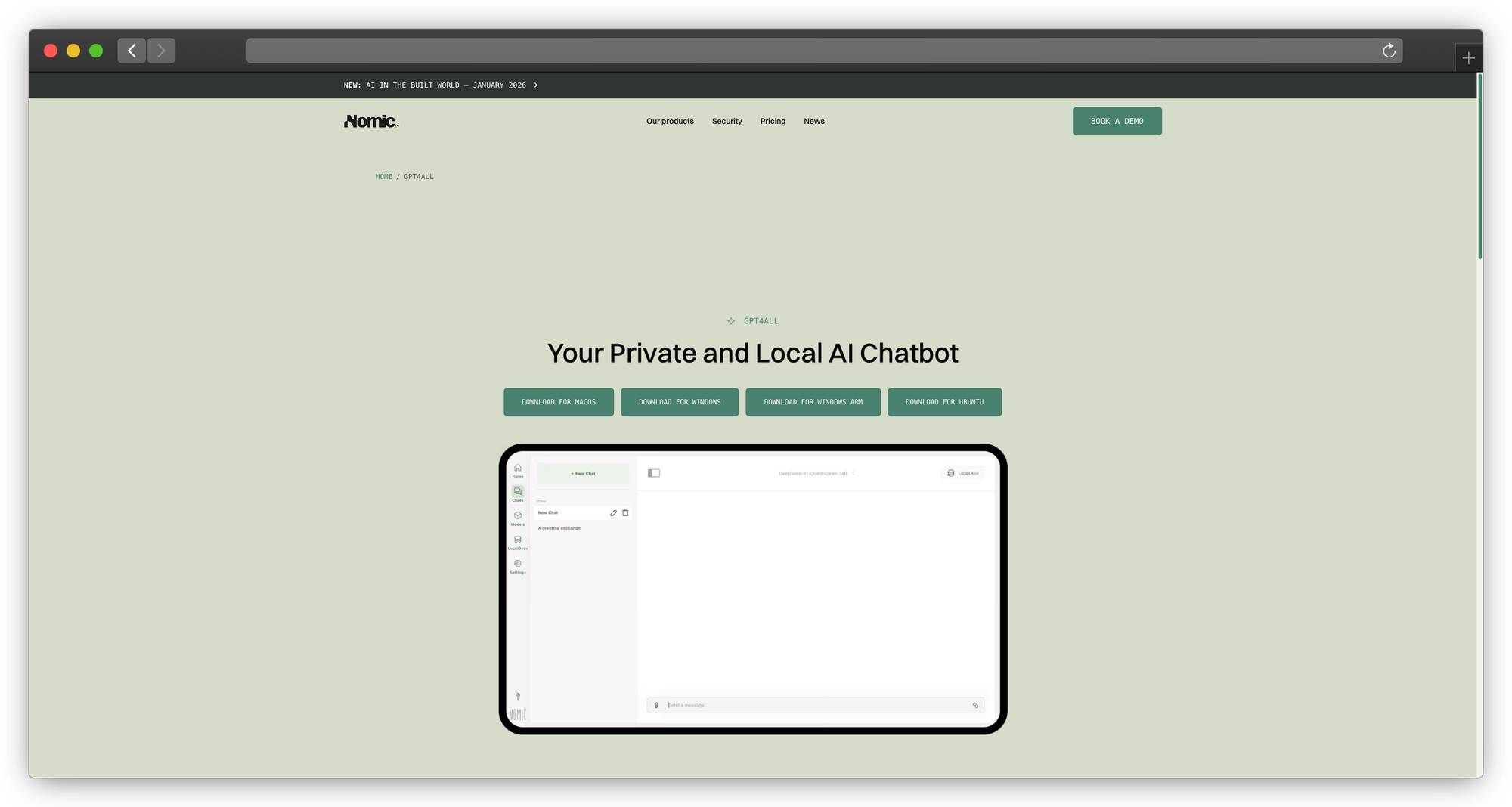
What it is: The "install and forget" local LLM application
Why it's simpler than LM Studio:
GPT4All removes every decision point. You don't choose quantization levels. You don't manage GGUF files. You download the app, pick from a curated model list with human-readable descriptions and community ratings, and start chatting.
Installation:
- Download installer from gpt4all.io
- Run installer
- Launch app
- Pick a model from the list
- Chat
That's genuinely it. No model hunting. No file management. No configuration.
The model browser experience:
Instead of LM Studio's list of model files, GPT4All shows:
- Model name with plain-English description
- Community quality ratings
- RAM requirements (clearly stated)
- Download size
- One-click download
LocalDocs: Document chat made simple
GPT4All's LocalDocs feature lets you chat with your files:
- Click "LocalDocs" tab
- Add a folder
- Wait for indexing
- Ask questions about your documents
It handles PDFs, Word docs, text files, and more. The RAG implementation is basic but works without any configuration.
Technical reality:
- Uses llama.cpp under the hood (same as LM Studio)
- Performance is comparable
- Model selection is more limited (curated, not comprehensive)
- API access exists but is basic
Limitations:
- Fewer models than LM Studio
- Less customization
- Limited server mode for API access
- Slower to support new models
Best for: Non-technical users who want the simplest possible local LLM experience
Pricing: Free, open source (MIT)
4. Jan
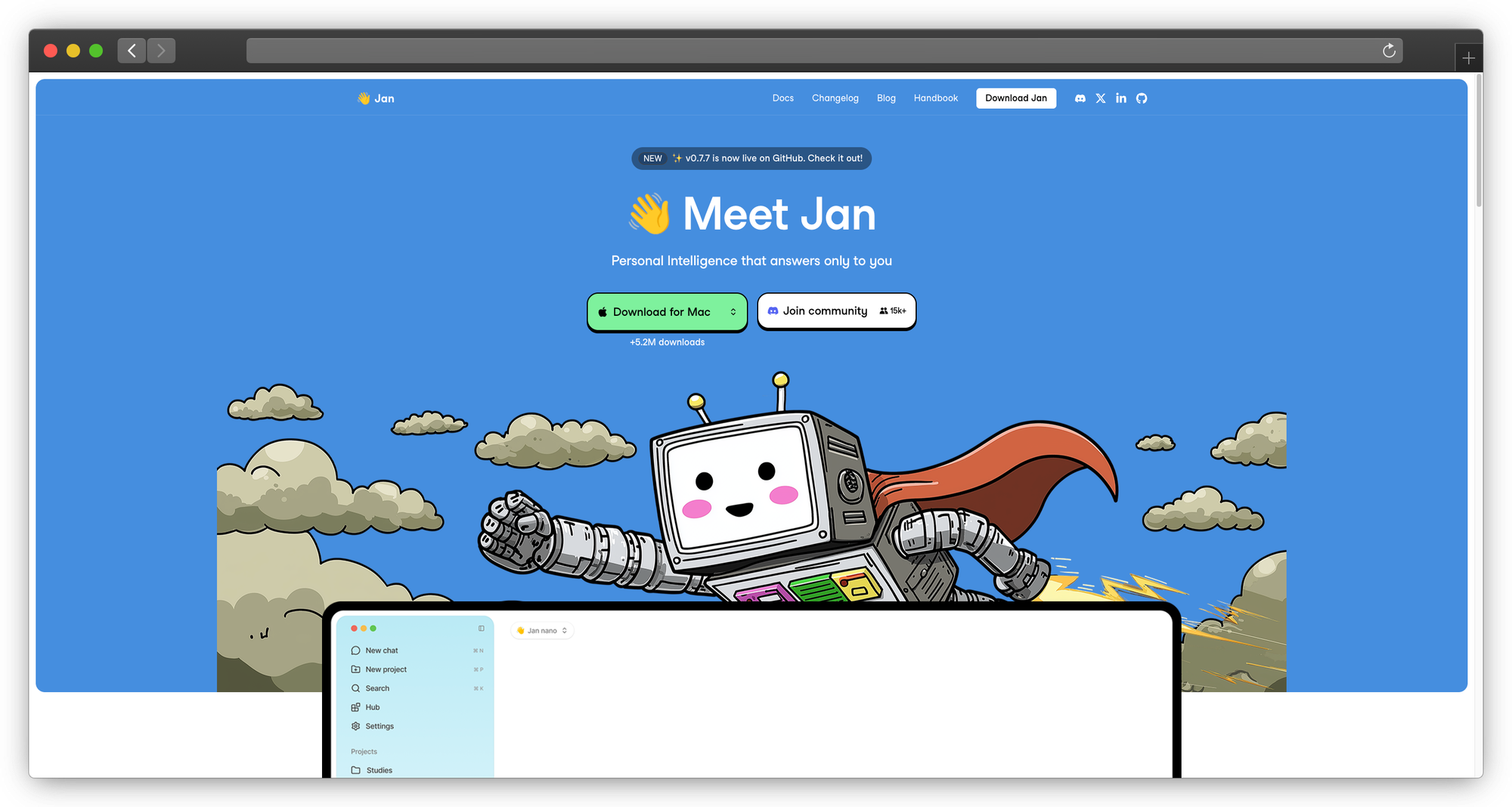
What it is: A beautifully designed local AI assistant
Why it might be better than LM Studio:
Jan is what LM Studio would look like if Apple designed it. The interface is clean, modern, and intuitive. It feels like a native app, not a technical tool.
Design philosophy:
Jan prioritizes user experience without sacrificing functionality:
- Conversations are organized: Thread management, search, folders
- Models are visual: Card-based interface with clear information
- Settings are discoverable: No hidden menus or obscure options
- Extensions are curated: Plugin system for adding features
Technical capabilities:
Despite the friendly interface, Jan is technically capable:
- Multiple model providers (local + cloud)
- Built-in model hub
- OpenAI-compatible API
- Extensions for additional features
- Privacy-first (everything local by default)
Extension ecosystem:
Jan's extensions add functionality without bloating the core:
- RAG extensions for document chat
- Voice input/output
- Model download management
- Custom integrations
Installation and setup:
# Download from jan.ai
# macOS, Windows, Linux supported

# Or build from source
git clone https://github.com/janhq/jan
cd jan && yarn install && yarn dev
Limitations:
- Newer than LM Studio (less battle-tested)
- Extension ecosystem is still growing
- Some features less mature
Best for: Users who value design and want a polished, modern interface
Pricing: Free, open source (AGPL)
Category 3: Developer-Focused Tools
5. Ollama
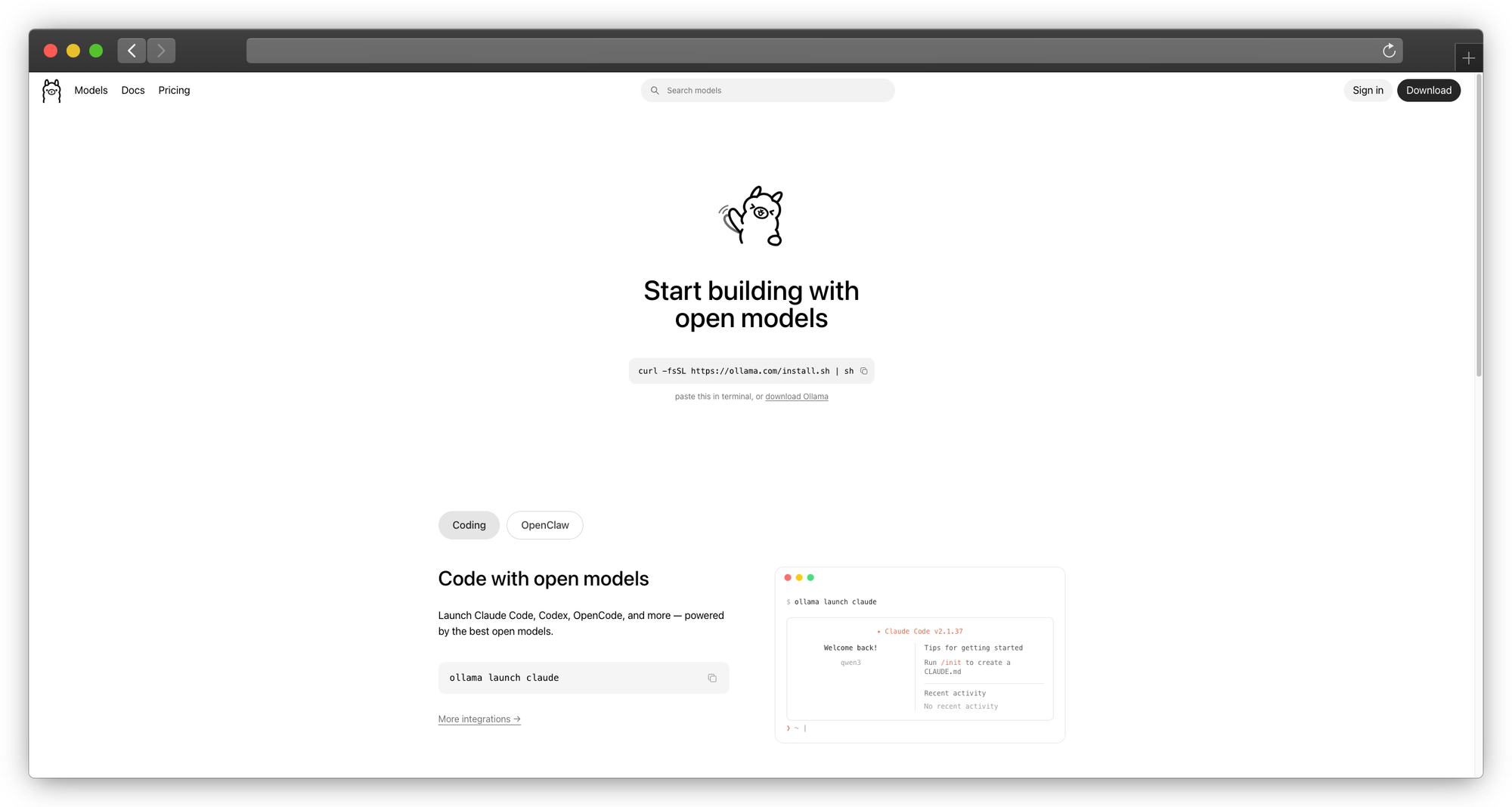
What it is: The "Docker for LLMs" - CLI-first local model management
Version: v0.16.3 (February 2026)
GitHub Stars: 163,000+
Why developers love it:
Ollama treats models like Docker treats containers. Pull, run, push, list, the commands feel immediately familiar. And the always-running API server means your development workflow never hits "starting model..." delays.
2025-2026 Updates:
- Native desktop application (July 2025)
- Cloud data control mode (OLLAMA_NO_CLOUD=1)
- Gemma 3, Llama 3, Qwen 3 support on MLX runner
- INT4 and INT2 quantization support
- Privacy mode for offline-only inference
The experience developers want:
# Install (one line)
curl -fsSL https://ollama.com/install.sh | sh

# Pull a model
ollama pull llama3.1:8b

# Run it
ollama run llama3.1:8b

# It's now available at localhost:11434
curl http://localhost:11434/api/generate -d '{"model":"llama3.1","prompt":"Hello"}'
Model management that makes sense:
# See what you have
ollama list

# Get model info
ollama show llama3.1:8b

# Remove a model
ollama rm llama3.1:8b

# Pull specific version
ollama pull llama3.1:70b
Modelfile: Custom models without complexity
Create custom model configurations declaratively:
# Modelfile
FROM llama3.1:8b

SYSTEM "You are a senior Python developer. Be concise and provide code examples."

PARAMETER temperature 0.3
PARAMETER num_ctx 8192
PARAMETER stop "<|eot_id|>"
ollama create python-assistant -f Modelfile
ollama run python-assistant
OpenAI SDK compatibility:
from openai import OpenAI

client = OpenAI(
    base_url="http://localhost:11434/v1",
    api_key="ollama"  # Ollama doesn't need a real key
)

response = client.chat.completions.create(
    model="llama3.1:8b",
    messages=[{"role": "user", "content": "Explain recursion"}]
)
Always-running API:
Unlike LM Studio where you manually start the server, Ollama's API runs as a system service. Your applications can always reach it. No "is the model loaded?" checks.
Multi-model serving:
Ollama loads/unloads models automatically based on requests. Ask for llama3.1, it loads. Ask for mistral, it swaps. No manual management.
Docker integration:
docker run -d -v ollama:/root/.ollama -p 11434:11434 --name ollama ollama/ollama
docker exec -it ollama ollama run llama3.1
Limitations:
- No built-in GUI (use third-party like Open WebUI)
- Model library is curated (can't use arbitrary models without Modelfiles)
- Less visual for non-developers
Best for: Developers who want CLI-first tooling and reliable API access
Pricing: Free, open source (MIT)
6. llama.cpp
What it is: The foundational LLM inference engine (what LM Studio uses internally)
Why use it directly:
LM Studio wraps llama.cpp in a GUI. Using llama.cpp directly removes that layer, giving you complete control, better performance tuning, and immediate access to new features.
Installation:
git clone https://github.com/ggerganov/llama.cpp
cd llama.cpp

# CPU only
make

# With CUDA (NVIDIA)
make LLAMA_CUDA=1

# With Metal (Apple Silicon)
make LLAMA_METAL=1

# With Vulkan (cross-platform GPU)
make LLAMA_VULKAN=1
Basic inference:
./llama-cli \
    -m /path/to/model.gguf \
    -p "Write a Python function to calculate fibonacci numbers" \
    -n 256 \
    -ngl 99  # Offload all layers to GPU
Server mode (OpenAI-compatible):
./llama-server \
    -m /path/to/model.gguf \
    --port 8080 \
    --host 0.0.0.0 \
    -ngl 99 \
    -c 4096 \
    --n-predict 512
Advanced tuning:
./llama-cli \
    -m model.gguf \
    -p "Hello" \
    -ngl 35 \           # Offload 35 layers (partial GPU)
    -c 8192 \           # Context size
    --temp 0.7 \        # Temperature
    --top-p 0.9 \       # Top-p sampling
    --repeat-penalty 1.1 \
    -b 512 \            # Batch size
    -t 8                # CPU threads
Performance tuning options LM Studio hides:
--mlock- Lock model in RAM--no-mmap- Don't memory-map (faster loading, more RAM)-mg- Main GPU for multi-GPU--tensor-split- Custom GPU memory distribution-nkvo- Disable KV offloading
When to use llama.cpp directly:
- You need performance tuning LM Studio doesn't expose
- You want immediate access to new features
- You're building custom inference pipelines
- You need batch processing
- You want to understand exactly what's happening
Limitations:
- No GUI
- Manual model management
- Steeper learning curve
Best for: Power users and developers who need maximum control
Pricing: Free, open source (MIT)
7. LocalAI
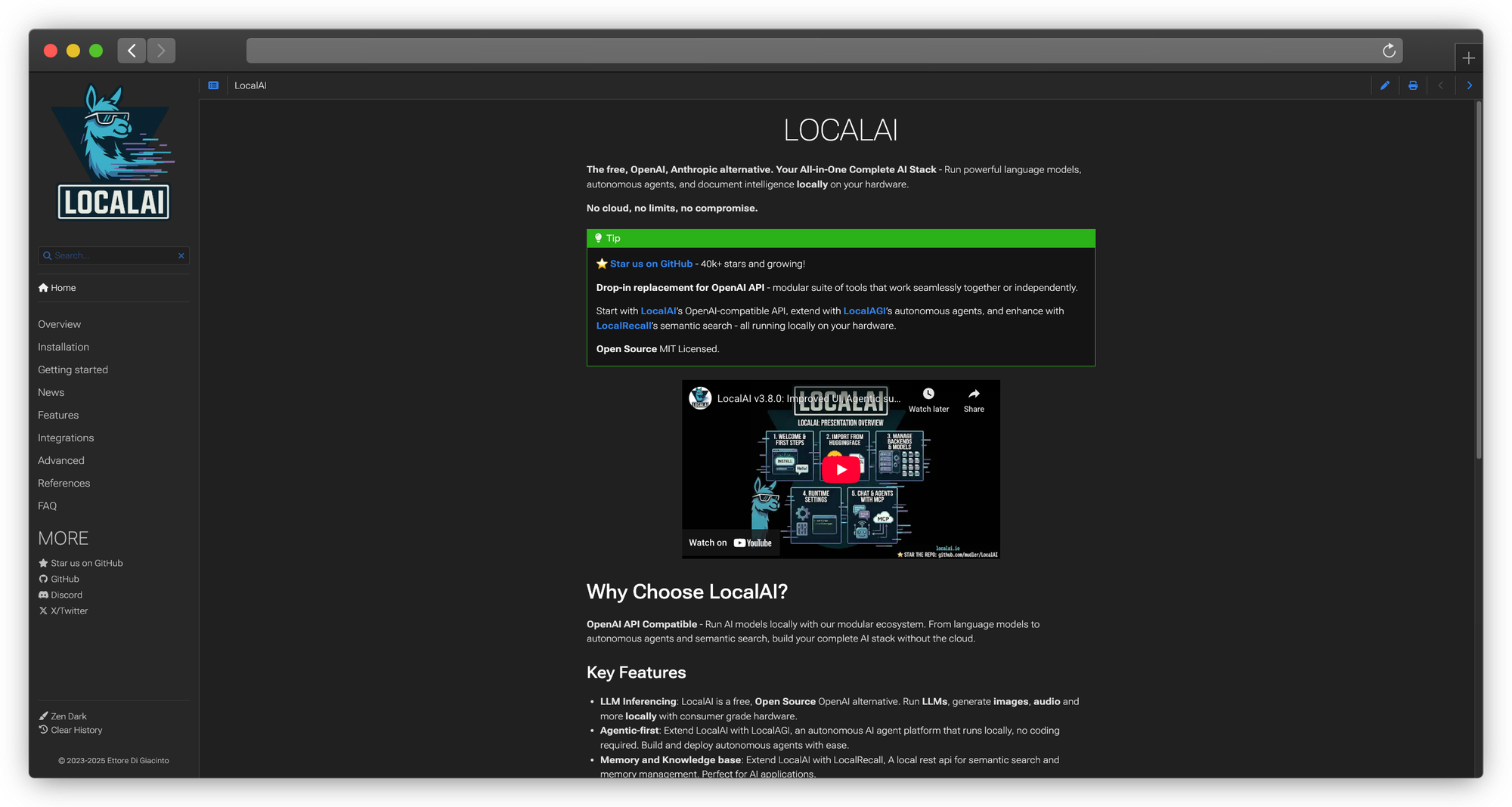
What it is: OpenAI API drop-in replacement for local deployment
Why it's different:
LocalAI isn't just LLM inference, it's a full OpenAI API replacement supporting:
- Chat completions
- Embeddings
- Image generation
- Audio transcription
- Text-to-speech
One API for multiple model types:
docker run -p 8080:8080 -v $PWD/models:/models localai/localai:latest
Configuration via YAML:
# models/llama3.yaml
name: llama3
backend: llama-cpp
parameters:
  model: llama-3.1-8b-instruct.Q4_K_M.gguf
  context_size: 4096
  gpu_layers: 99
API usage (identical to OpenAI):
from openai import OpenAI

client = OpenAI(base_url="http://localhost:8080/v1", api_key="local")

# Chat
response = client.chat.completions.create(
    model="llama3",
    messages=[{"role": "user", "content": "Hello!"}]
)

# Embeddings
embeddings = client.embeddings.create(
    model="text-embedding-ada-002",
    input=["Hello world"]
)

# Images (with Stable Diffusion backend)
image = client.images.generate(
    model="stablediffusion",
    prompt="A sunset over mountains"
)
Best for: Developers needing a complete local OpenAI replacement
Pricing: Free, open source (MIT)
Category 4: Power User Tools
8. Oobabooga (text-generation-webui)
What it is: The Swiss Army knife of local LLMs
Why power users choose it:
If a feature exists for local LLMs, Oobabooga probably has it. Multiple backends, every sampling parameter, training integration, extensions, it's overwhelming and powerful.
Backends supported:
- llama.cpp (GGUF)
- ExLlamaV2 (EXL2, GPTQ)
- Transformers (native HF)
- AutoGPTQ
- GPTQ-for-LLaMa
- CTranslate2
Installation:
git clone https://github.com/oobabooga/text-generation-webui
cd text-generation-webui

# One-click installer
./start_linux.sh  # or start_windows.bat, start_macos.sh

# Or manual
pip install -r requirements.txt
python server.py
Interface modes:
- Chat: Conversation interface with character cards
- Notebook: Freeform text completion
- Default: API server only
Every sampling parameter:
- Temperature, top-p, top-k
- Typical-p, eta-cutoff, epsilon-cutoff
- Repetition penalty, presence penalty, frequency penalty
- Mirostat (v1 and v2)
- Guidance scale
- Negative prompts
- And more...
Extensions system:
- Web search integration
- Voice input/output
- Image generation
- API backends
- Memory/context management
- Custom character cards
Training integration: Train LoRA adapters directly:
- Upload training data
- Configure hyperparameters
- Run training
- Load adapter on base model
Limitations:
- Overwhelming interface
- Complex setup
- Can be unstable
- Resource intensive
Best for: Power users who want maximum features and don't mind complexity
Pricing: Free, open source (AGPL)
9. Koboldcpp
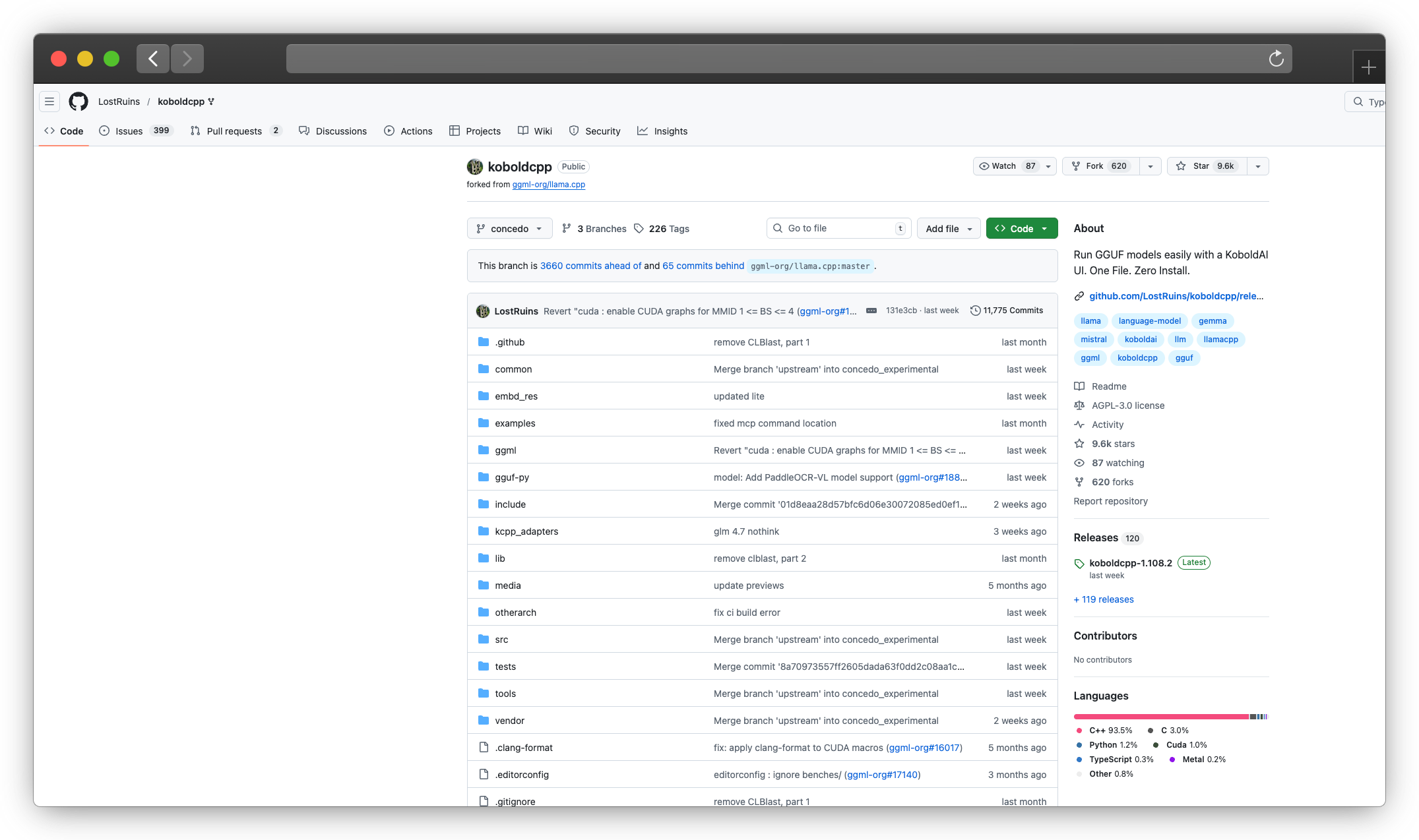
What it is: llama.cpp with a creative writing focus
Why creative writers choose it:
Koboldcpp is purpose-built for story writing and roleplay. Features like World Info, Author's Note, and Memory provide context management that general-purpose tools lack.
Unique features:
World Info: Persistent knowledge entries activated by keywords:
Entry: "John Smith"
Keys: john, smith, protagonist
Content: "John Smith is a 35-year-old detective with a mysterious past..."
Memory/Author's Note: Persistent context injected at specific positions:
- Memory: Background information, always present
- Author's Note: Style guidance, positioned for maximum effect
Scenario templates: Pre-built setups for different creative writing modes.
Installation: Single executable, no installation:
# Download from GitHub releases
./koboldcpp model.gguf --port 5001
Advanced generation controls:
- Multiple sampling methods
- Token banning
- Logit bias
- Output templates
Best for: Creative writers, roleplay enthusiasts, storytelling applications
Pricing: Free, open source (AGPL)
10. ExLlamaV2
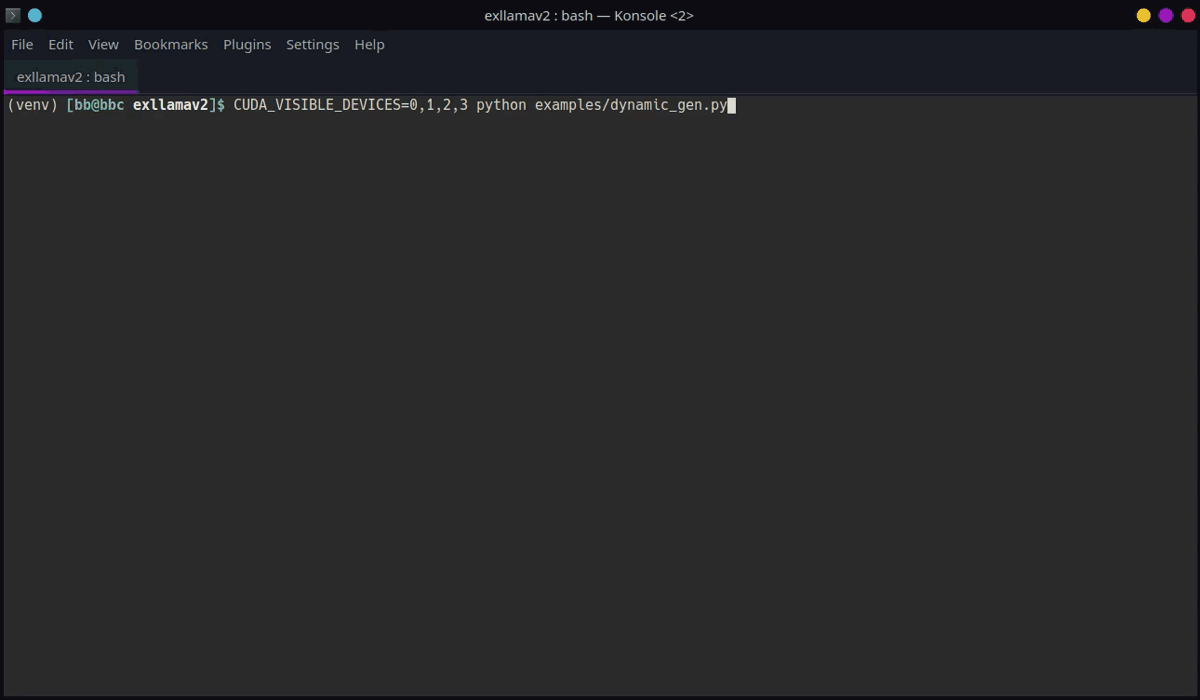
What it is: Maximum performance for quantized models on NVIDIA GPUs
Why performance enthusiasts choose it:
ExLlamaV2 isn't a full application, it's a focused inference library with the best quantized model performance on NVIDIA hardware.
EXL2 quantization:
Instead of uniform quantization (every layer gets 4 bits), EXL2 allocates bits per-layer based on importance:
- Critical layers: 6-8 bits
- Less important layers: 2-3 bits
- Average: Your target (e.g., 4.0 bpw)
Result: Better quality at the same file size.
VRAM efficiency:
Run models that shouldn't fit:
- Llama 70B on RTX 4090 (24GB) at 3.0 bpw
- Quality is surprisingly good (~93-95% of FP16)
Usage:
from exllamav2 import ExLlamaV2, ExLlamaV2Config, ExLlamaV2Cache
from exllamav2.generator import ExLlamaV2Sampler, ExLlamaV2StreamingGenerator

config = ExLlamaV2Config()
config.model_dir = "./llama-3.1-70b-exl2"
config.prepare()

model = ExLlamaV2(config)
model.load()

cache = ExLlamaV2Cache(model)
generator = ExLlamaV2StreamingGenerator(model, cache, tokenizer)

# Generate with streaming
for chunk in generator.stream("Hello, ", max_tokens=100):
    print(chunk, end="")
Limitations:
- NVIDIA only
- Not a complete application
- Requires Python knowledge
Best for: NVIDIA users who need maximum performance with large, quantized models
Pricing: Free, open source (MIT)
Category 5: RAG and Document Chat
11. AnythingLLM
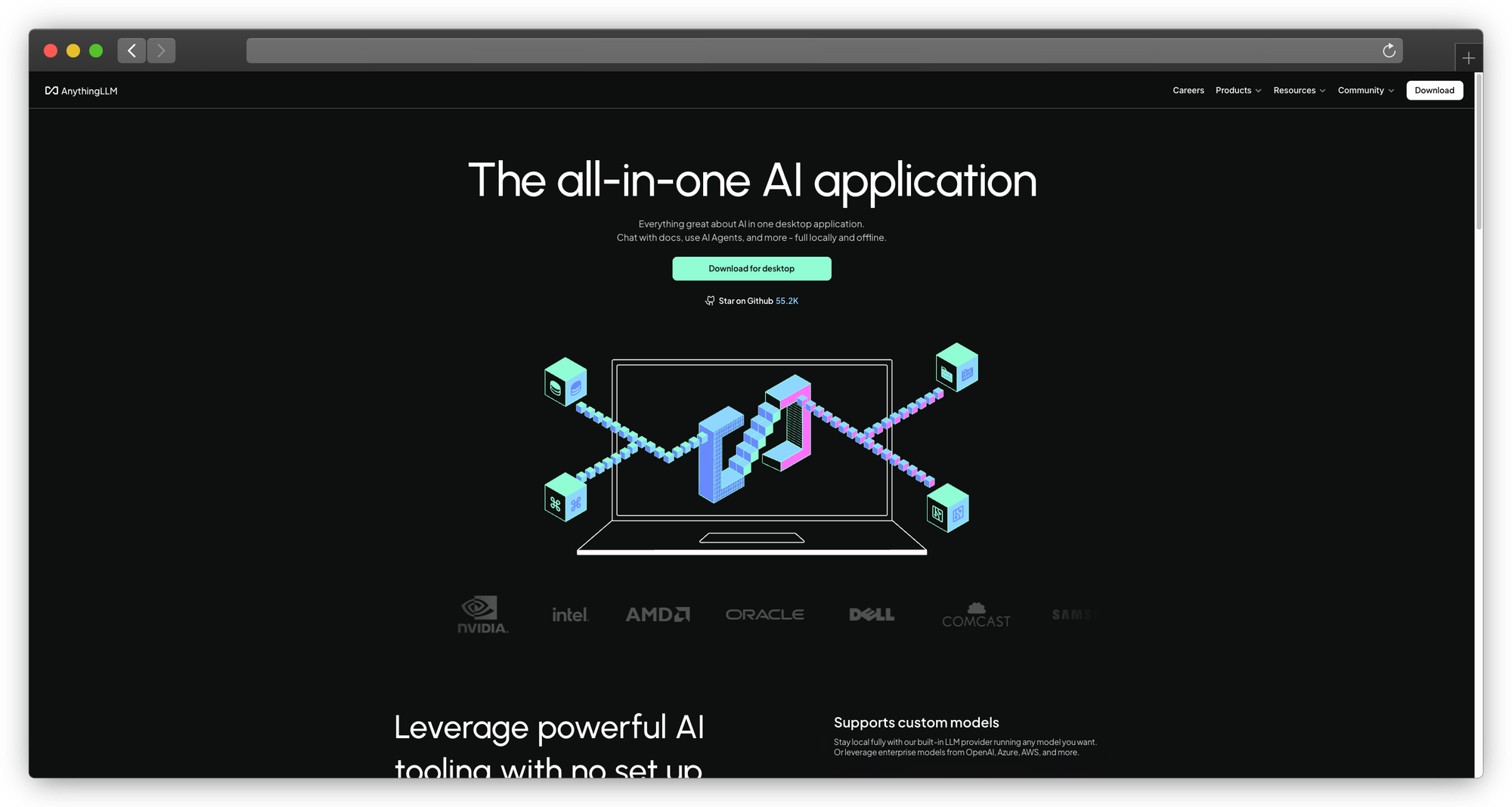
What it is: All-in-one AI application with built-in RAG
Why it's better for documents:
AnythingLLM is designed from the ground up for document chat. LM Studio bolted on minimal RAG; AnythingLLM built it into the core.
Workspace concept:
Each workspace has:
- Its own documents
- Chosen LLM
- System prompt
- Chat history
- Access controls (paid tiers)
Document support:
- Word, Excel, PowerPoint
- Text, Markdown
- Web pages (paste URL)
- Audio files (transcription)
- Code repositories
RAG architecture:
Documents → Chunking → Embeddings → Vector DB → Query → LLM → Response
Vector database options:
- Built-in LanceDB (default)
- Pinecone
- Chroma
- Weaviate
- Milvus
LLM flexibility: Use with any backend:
- Ollama (local)
- LM Studio (local)
- OpenAI (cloud)
- Anthropic (cloud)
- Any OpenAI-compatible API
Installation:
# Docker (recommended)
docker pull mintplexlabs/anythingllm

# Desktop app available at anythingllm.com

# From source
git clone https://github.com/Mintplex-Labs/anything-llm
cd anything-llm
yarn setup && yarn dev
Pricing:
- Free: Core features, single user
- Business ($25/mo): Team features
- Enterprise: Custom
Best for: Teams needing document chat with workspace organization
12. privateGPT
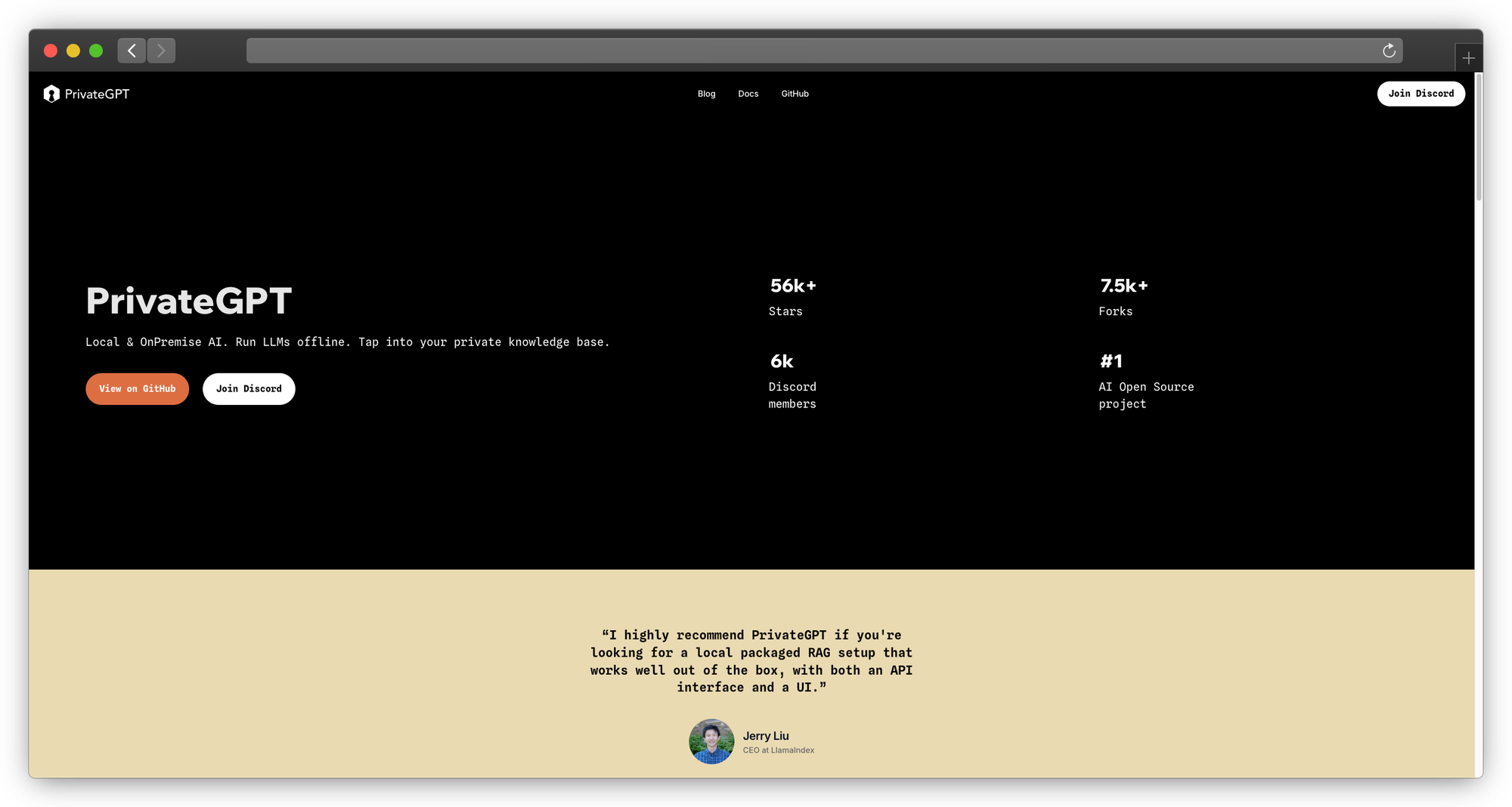
What it is: Privacy-focused RAG with no external dependencies
Why privacy matters:
privateGPT is designed for maximum privacy:
- Fully local operation
- No telemetry
- No external API calls
- Works in air-gapped environments
Architecture:
- Local LLM (llama.cpp)
- Local embeddings (sentence-transformers)
- Local vector store (qdrant)
Installation:
git clone https://github.com/zylon-ai/private-gpt
cd private-gpt

# Install with all dependencies
pip install -e .

# Setup (downloads models)
python setup.py

# Run
python main.py
Usage:
from privategpt import PrivateGPT

pgpt = PrivateGPT()

# Ingest documents
pgpt.ingest("./documents/")

# Query
response = pgpt.query("What is the main conclusion of the report?")
Best for: Air-gapped environments, maximum privacy requirements
Pricing: Free, open source (Apache 2.0).
Performance Comparison
Tokens/Second (Llama 3.1 8B Q4_K_M)
| Tool | M2 Pro (32GB) | RTX 4090 | CPU Only |
|---|---|---|---|
| LM Studio | 38 | 95 | 12 |
| Ollama | 42 | 98 | 13 |
| llama.cpp (direct) | 45 | 105 | 14 |
| MLX | 58 | N/A | N/A |
| ExLlamaV2 | N/A | 118 | N/A |
| Koboldcpp | 40 | 100 | 12 |
Key findings:
- MLX wins on Apple Silicon
- ExLlamaV2 wins on NVIDIA
- Direct llama.cpp beats all wrappers by 5-15%
- GUI overhead is real but modest
Feature Comparison
| Feature | LM Studio | PremAI | Ollama | GPT4All | Jan |
|---|---|---|---|---|---|
| GUI | Yes | Web | No* | Yes | Yes |
| CLI | No | SDK | Yes | No | Limited |
| API Server | Yes | Yes | Yes | Basic | Yes |
| Multi-user | No | Yes | No | No | No |
| Built-in RAG | Basic | Yes | No | Yes | Extensions |
| Fine-tuning | No | Yes | No | No | No |
| Compliance | No | SOC 2, HIPAA | No | No | No |
| Open Source | No | — | Yes | Yes | Yes |
| Model Hub | Yes | 50+ | Yes | Yes | Yes |
*Third-party GUIs available for Ollama
Migration Guide from LM Studio
To PremAI
Best for: Teams needing compliance, multi-user, or managed infrastructure
Process:
- Book a migration call
- Upload documents to repositories
- Update API calls (OpenAI-compatible)
Code changes:
# LM Studio
client = OpenAI(base_url="http://localhost:1234/v1", api_key="lm-studio")

# PremAI
client = OpenAI(base_url="https://api.premai.io/v1", api_key="your-premai-key")
What you gain: Team features, compliance, professional support, built-in RAG
To Ollama
Best for: Developers who want CLI tools and reliable API
Models: Download equivalents via ollama pull. Most popular models are available.
API code changes:
# LM Studio
client = OpenAI(base_url="http://localhost:1234/v1", api_key="lm-studio")

# Ollama
client = OpenAI(base_url="http://localhost:11434/v1", api_key="ollama")
What you lose: GUI model browser
What you gain: CLI tools, always-on API, Modelfiles
To GPT4All
Process: Just install and pick models from the browser. Your existing GGUF files can be imported.
What you lose: Model variety, API server
What you gain: Simplicity, LocalDocs
To llama.cpp
Process:
- Your GGUF files work directly
- Learn the CLI flags
- Set up llama-server for API
What you lose: GUI
What you gain: Full control, latest features
Frequently Asked Questions
Is LM Studio still worth using?
For many users, yes. LM Studio's balance of simplicity and features works for casual use. Alternatives matter when you hit specific limitations: need CLI tools, reliable API, better performance, team features, or compliance.
Which is fastest on Apple Silicon?
MLX Chat, using Apple's native MLX framework. Ollama is second. LM Studio and llama.cpp are comparable.
Which is best for teams?
For compliance and managed infrastructure: PremAI provides SOC 2, HIPAA, and professional support.
For self-hosted multi-user: Open WebUI + Ollama.
Can I use my existing GGUF models?
Yes, with: Ollama (via Modelfile), llama.cpp, Koboldcpp, Oobabooga. GPT4All and Jan can import them too.
What about Windows?
All major options support Windows: LM Studio, Ollama, GPT4All, Jan, Oobabooga, llama.cpp (with CUDA).
Is local AI actually private?
Yes, when used correctly. Models run entirely locally with no internet needed. But verify: some apps include telemetry. Open source options let you confirm.
Which should I choose for development?
Ollama for most developers. CLI-first, reliable API, scriptable. llama.cpp if you need maximum control or custom integrations.
Conclusion
LM Studio opened the door to local LLMs for millions of users. But it's one option among many, and different tools solve different problems better:
For teams and compliance: PremAI provides managed infrastructure in your cloud with SOC 2, HIPAA, built-in RAG, and professional support.
Simpler: GPT4All, Jan
Developers: Ollama, llama.cpp, LocalAI
Power users: Oobabooga, Koboldcpp, ExLlamaV2
Documents: AnythingLLM, privateGPT
Self-hosted teams: Open WebUI + Ollama
The local LLM ecosystem is maturing rapidly. Try a few options with your actual use cases, the right choice will become obvious.