
15 Private ChatGPT Alternatives That Don't Train on Your Data
Looking for a private ChatGPT alternative? We compare 15 tools, from fully local options like Ollama to enterprise platforms with zero data retention.
Every prompt you type into ChatGPT gets stored on OpenAI's servers. By default, it can be used to train future models.
A Stanford study published in October 2025 examined privacy policies across six major AI providers and found that user inputs are routinely fed back into model training unless you explicitly opt out. Most users don't.
The scale of this is staggering. ChatGPT now processes over one billion queries daily from 700 million weekly active users. According to Q4 2025 research, 34.8% of those inputs contain sensitive data, up from just 11% in 2023. Employees are pasting client names, financial figures, internal strategies, and proprietary code into a system that remembers everything.
For enterprises, the risk is even sharper. A LayerX Security report from 2025 found that over half of data pasted into AI tools includes corporate information. Meanwhile, 69% of organizations say AI-powered data leaks are their top security concern, yet nearly half have no AI-specific controls in place.
If you need AI assistance but can't afford data exposure, you have options. This guide covers 15 private ChatGPT alternatives, from fully local tools that never connect to the internet to cloud platforms with zero-retention policies. We'll break down what each one offers, what it costs, and who it's actually built for.
1. Prem AI
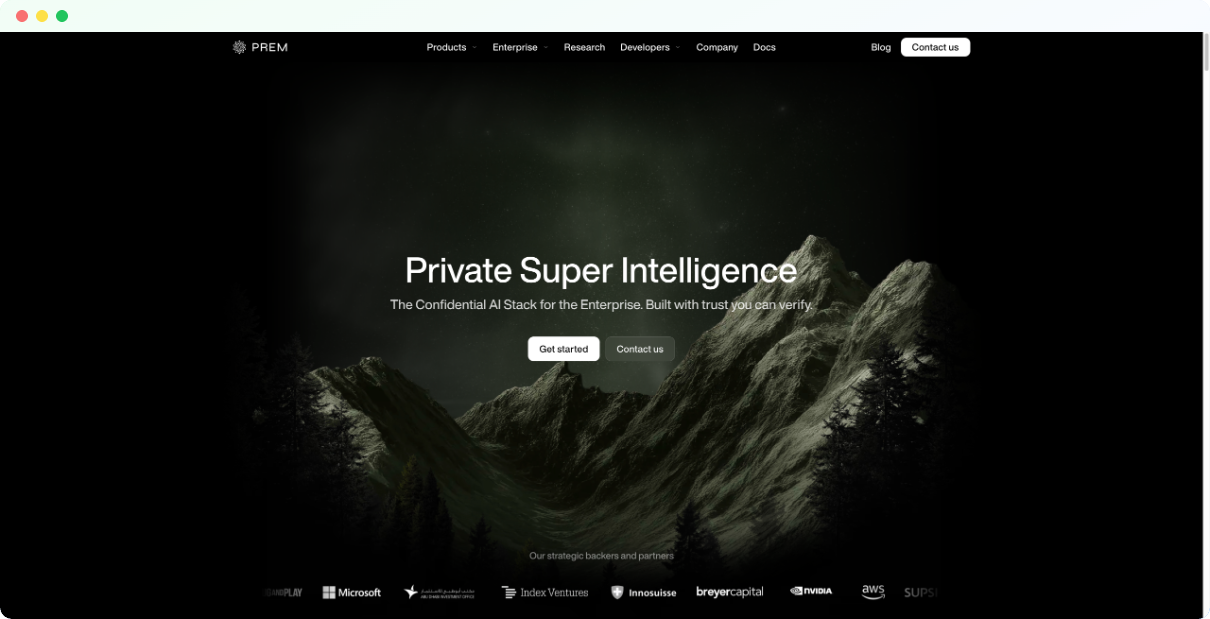
Prem AI is a Swiss-based generative AI platform designed for organizations that need complete control over their data. Unlike ChatGPT and other cloud-first tools, Prem AI operates on a zero-retention architecture. Your prompts exist only in encrypted memory during inference. Nothing gets logged, stored, or used for training. Even Prem's own team(we) can't access your data.
The platform supports on-premise deployment and VPC installations, making it a fit for regulated industries like finance, healthcare, and legal. You can run open-source models like Llama and Mistral on your own infrastructure, or use Prem's managed cloud with the same privacy guarantees.
What sets Prem apart from basic local AI tools is the enterprise tooling. The platform includes fine-tuning capabilities so you can train models on proprietary data without that data ever leaving your environment. There's also built-in evaluation, synthetic data generation, and a unified API that follows OpenAI's standard.
Pros:
- Data never stored or logged, verified by Swiss jurisdiction
- On-premise and VPC deployment options
- Fine-tuning and model customization built in
- Supports leading open-source models
Cons:
- Enterprise-focused, may be overkill for individual users
- Self-hosting requires technical setup
- Pricing not publicly listed for enterprise tiers
Pricing: Free tier for developers. Custom pricing for enterprise deployments.
Best for: Enterprises in regulated industries needing data sovereignty, compliance teams, and organizations that want to fine-tune models on sensitive data.
2. Claude
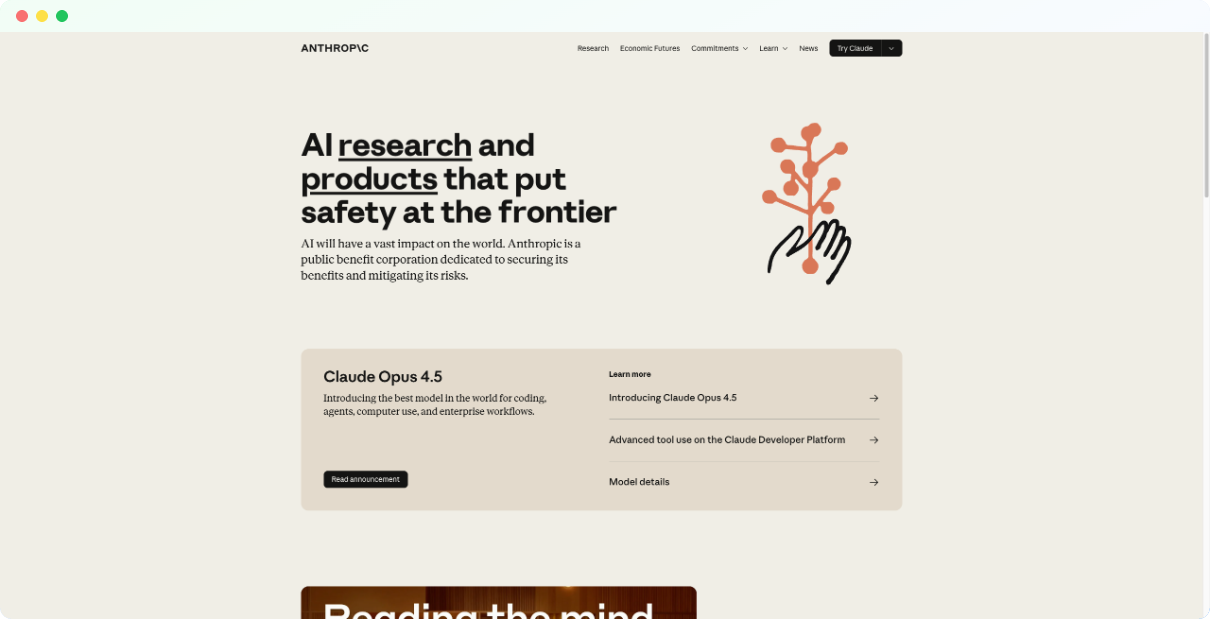
Claude is built by Anthropic, a company founded by former OpenAI researchers with a focus on AI safety. While it's still a cloud-based chatbot, Claude offers meaningfully better privacy controls than ChatGPT. On paid plans, your conversations aren't used for model training unless you explicitly opt in. That's the opposite of OpenAI's default.
The model itself is strong. Claude Sonnet 4.5 currently leads coding benchmarks, and the 200K token context window (expandable to 1M in beta) lets you work with entire documents or codebases in a single conversation. The reasoning quality feels less robotic than GPT, particularly for writing tasks where you want a natural tone.
For teams concerned about compliance, Anthropic offers enterprise plans with SOC 2 Type II certification, SSO, and admin controls. It's not as private as running models locally, but for organizations that need cloud convenience without feeding a training pipeline, Claude is one of the better options among mainstream chatbots.
Pros:
- Paid plans don't train on your data by default
- Strong reasoning and natural writing quality
- 200K-1M token context window
- Enterprise tier with SOC 2 compliance
Cons:
- Still cloud-based with data processed on Anthropic servers
- Free tier has strict usage limits
- No image generation capability
Pricing: Free tier available. Pro plan at $20/month. API pricing starts at $3 per million input tokens for Sonnet.
Best for: Users who want a ChatGPT alternative with better privacy defaults, writers and developers who value natural output, and teams needing enterprise compliance without self-hosting.
3. Ollama
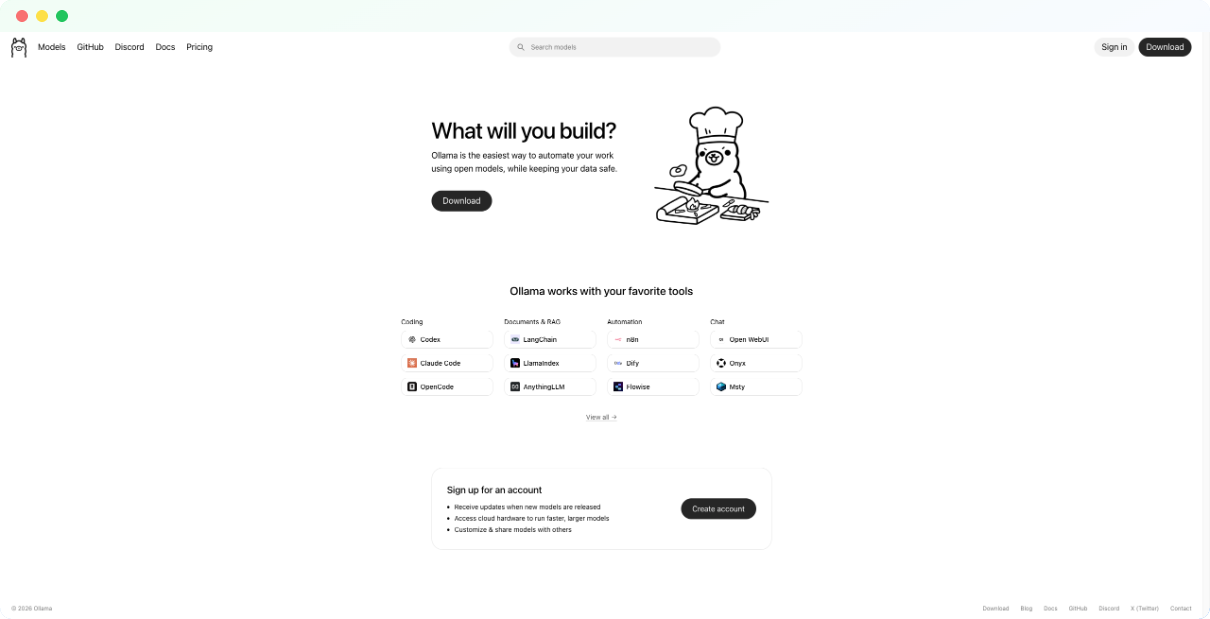
Ollama is the simplest way to run open-source LLMs on your own hardware. Install it, pull a model like Llama 3.2 or Mistral, and start chatting. Everything runs locally. Your prompts never leave your machine, which means zero privacy risk from third-party servers.
The tool works through command line, which keeps it lightweight but means there's no built-in chat interface. Most users pair Ollama with a frontend like Open WebUI or use it as a backend for other applications. It also exposes a local API that's compatible with OpenAI's format, so you can swap it into existing workflows without rewriting code.
Hardware requirements depend on the model. Smaller models like Phi-3 or Gemma 2B run fine on 8GB RAM. For Llama 70B or other large models, you'll need a dedicated GPU with serious VRAM. The tradeoff is clear: you get total privacy and zero ongoing costs, but you're limited by what your machine can handle.
Pros:
- 100% local, no data ever sent externally
- Free and open-source
- Supports dozens of models including Llama, Mistral, Gemma, DeepSeek
- OpenAI-compatible API for easy integration
Cons:
- Command-line only, no native GUI
- Performance depends on your hardware
- No built-in document chat or RAG features
Pricing: Free (open-source).
Best for: Developers who want full control, privacy-focused users comfortable with terminal, and anyone building local AI applications.
4. LM Studio
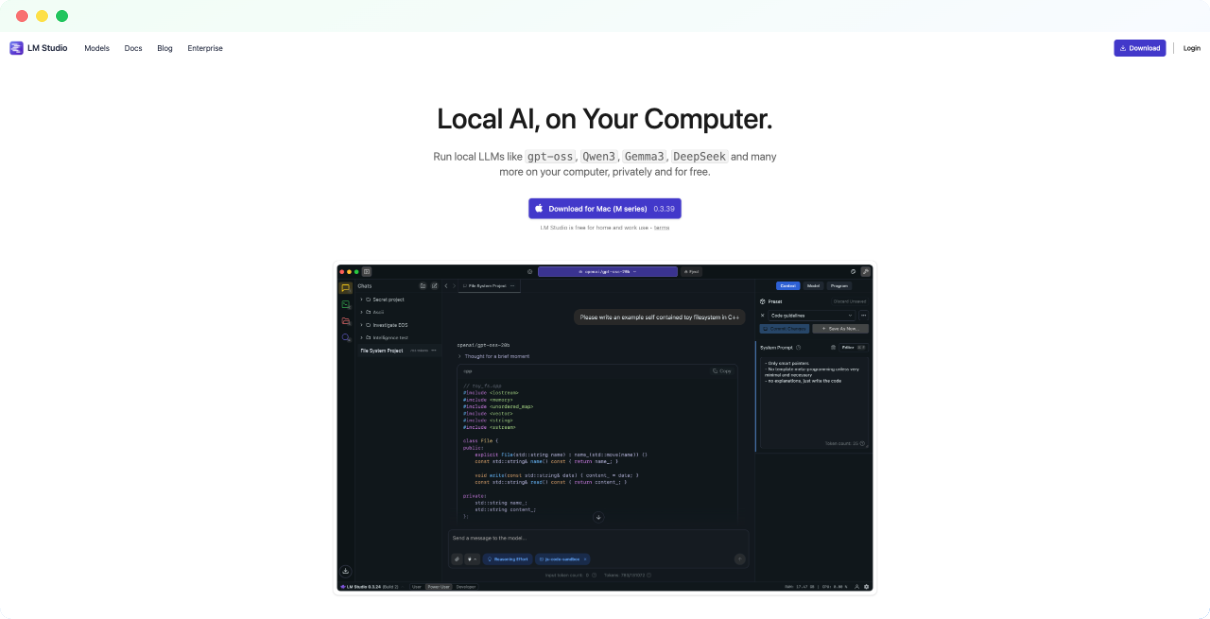
LM Studio does what Ollama does but wraps it in a clean graphical interface. You can browse models directly from Hugging Face, download them with one click, and start chatting immediately. No terminal commands, no configuration files, no Python environments to manage.
The app includes a built-in model browser with filters for size, format, and capability. It checks your system specs and flags which models will actually run on your hardware before you waste time downloading something too large. Once a model is loaded, you get a chat interface that feels similar to ChatGPT, plus a playground for testing different prompts and parameters.
For developers, LM Studio also runs a local inference server that mirrors OpenAI's API. This means you can build applications that call GPT-4 and then swap the endpoint to localhost for completely private inference. It's a practical bridge between prototyping with cloud APIs and deploying with local models.
The catch is that LM Studio is closed-source, and commercial use requires contacting the team for licensing. For personal use and experimentation, it's free and arguably the most accessible way to run local AI without technical expertise.
Pros:
- Beautiful GUI with built-in model browser
- No coding or command line required
- Local OpenAI-compatible API server
- Hardware compatibility checker before download
Cons:
- Closed-source software
- Commercial use requires license agreement
- Resource-heavy compared to CLI alternatives
- Requires AVX2-compatible processor
Pricing: Free for personal use. Commercial licensing available on request.
Best for: Non-technical users who want local AI privacy, designers and writers exploring open-source models, and developers who prefer GUI over terminal.
5. Jan
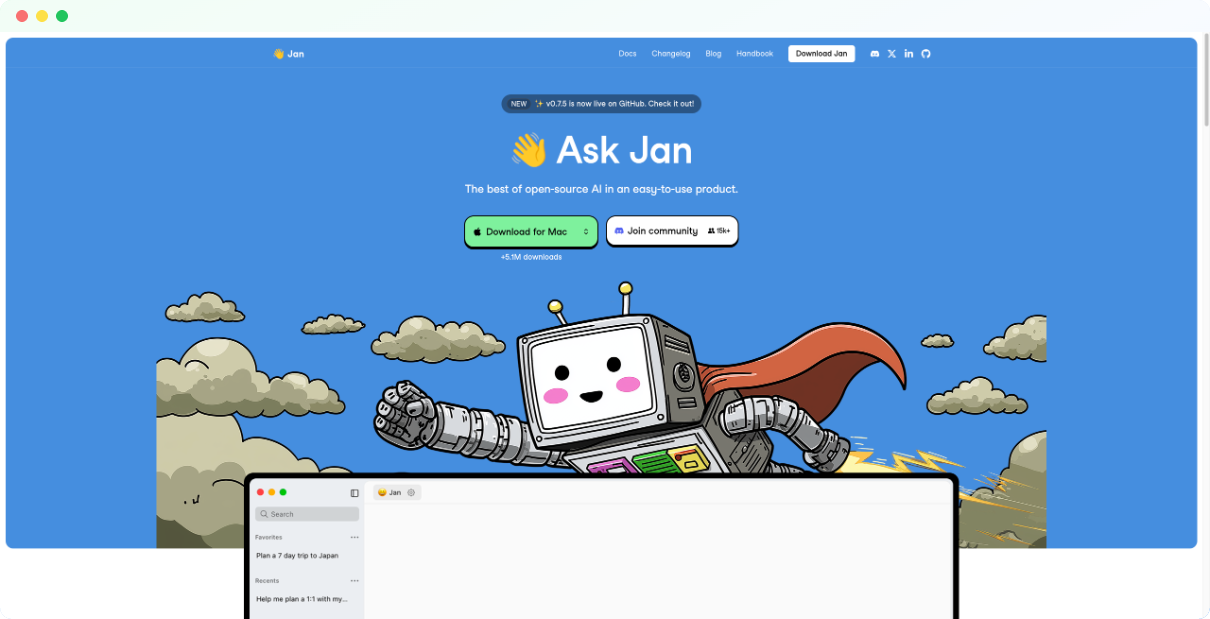
Jan is what you get when developers build a local AI app with the average user in mind. It looks and feels like ChatGPT, complete with conversation history, model switching, and a clean interface, but everything runs on your machine. No account required. No internet connection needed after you download your models.
The app supports all major open-source models including Llama, Mistral, DeepSeek, and Gemma. You can also connect Jan to remote APIs like OpenAI or Groq if you want cloud models alongside local ones. This flexibility makes it useful as a unified interface for multiple AI backends rather than just a local-only tool.
What makes Jan different from LM Studio is its philosophy. Jan is fully open-source with a "user-owned" approach. The codebase is public, the roadmap is community-driven, and there's no licensing ambiguity around commercial use. If transparency matters as much as privacy, Jan checks both boxes.
Performance varies by hardware. The app runs on Windows, Mac, and Linux, with GPU acceleration for faster inference if you have compatible hardware. Expect decent speeds on M1/M2 Macs or systems with 16GB+ RAM, but larger models will still require serious specs.
Pros:
- Fully open-source and community-driven
- Familiar ChatGPT-like interface
- Works offline after initial model download
- Supports both local models and remote APIs
Cons:
- Requires local hardware capable of running LLMs
- Fewer advanced features than some alternatives
- AMD GPU support still in development
Pricing: Free (open-source).
Best for: Users who want a private ChatGPT experience without technical complexity, open-source advocates, and anyone who needs offline AI access.
6. GPT4All
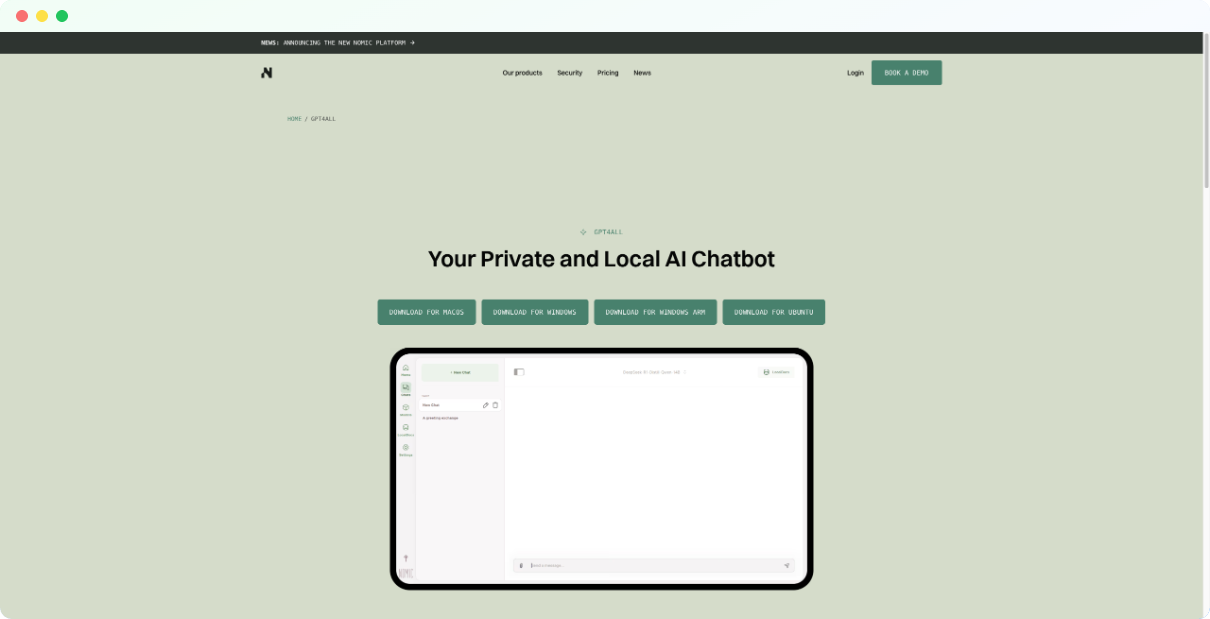
GPT4All is designed for people who want local AI without reading documentation. Download the app, pick a model from the curated list, and start chatting. The interface is simple, the setup takes minutes, and everything stays on your machine.
The standout feature is LocalDocs, which lets you chat with your own files privately. Point GPT4All at a folder of PDFs, text files, or documents, and it builds a local index for retrieval-augmented generation. You can ask questions about your files and get answers with source references, all without your data touching external servers.
GPT4All is developed by Nomic, an AI company focused on data privacy and open-source tooling. The app comes with a selection of pre-tested models optimized for consumer hardware, so you're less likely to download something that won't run. It's not as flexible as Ollama or LM Studio for power users, but that's the point. GPT4All prioritizes simplicity over customization.
Hardware requirements are modest for smaller models. You can run basic conversations on 8GB RAM, though 16GB or more is recommended for the LocalDocs feature and larger models.
Pros:
- Extremely easy setup, no technical knowledge needed
- LocalDocs feature for private document Q&A
- Curated model library optimized for consumer hardware
- Cross-platform support for Windows, Mac, Linux
Cons:
- Limited model customization and fine-tuning options
- Fewer models available compared to Ollama or LM Studio
- Interface is functional but basic
Pricing: Free.
Best for: Beginners wanting local AI without complexity, users who need private document chat, and anyone with modest hardware looking for a lightweight solution.
7. PrivateGPT
PrivateGPT is built for one job: letting you chat with your documents without any data leaving your environment. It's a RAG (retrieval-augmented generation) pipeline packaged as an API, designed for developers and organizations who need to query internal files using AI while maintaining full control.
When you ingest documents, PrivateGPT parses them, splits them into chunks, generates embeddings locally, and stores everything in a vector database on your machine. When you ask a question, it retrieves relevant context and feeds it to a local LLM for response generation. The entire flow happens offline. No cloud calls, no external dependencies.
The project follows OpenAI's API standard, which makes it easy to integrate into existing applications. There's also a basic web UI for testing, though PrivateGPT is primarily meant as infrastructure rather than a consumer chat app. If you need a polished interface, pair it with a frontend like Open WebUI.
PrivateGPT is maintained by Zylon, who also offer an enterprise version for organizations needing managed deployment, support, and compliance features. The open-source version is fully functional but requires Python knowledge and comfort with self-hosting.
Pros:
- Complete data sovereignty for document Q&A
- OpenAI-compatible API for easy integration
- Supports multiple LLM backends and embedding models
- Active development with enterprise option available
Cons:
- Requires technical setup and Python environment
- No polished consumer-facing GUI
- Documentation assumes developer familiarity
Pricing: Free (open-source). Zylon enterprise version available with custom pricing.
Best for: Developers building private document intelligence systems, enterprises needing compliant RAG pipelines, and technical users who want full control over their AI stack.
8. Venice AI

Venice AI positions itself as the anti-ChatGPT. Your prompts and responses are stored only in your browser's local storage, not on Venice's servers. The company claims zero data retention, meaning nothing you type gets logged, saved, or used for training. For users who want cloud convenience without the privacy tradeoff, Venice offers a middle ground.
The platform runs open-source models like Llama and Mistral, which means you get capable AI without proprietary black boxes. Venice also includes image generation, code assistance, and document analysis. There's no account required for basic use, though you'll hit daily limits quickly on the free tier.
What makes Venice controversial is its "uncensored" approach. The platform applies fewer content filters than mainstream chatbots, which appeals to users frustrated by ChatGPT's refusals but also raises questions about safety guardrails. Output quality can be inconsistent depending on which model you select, and Venice lacks the polish and integrations of larger platforms.
Venice is founded by Erik Voorhees, known for his work in cryptocurrency, and the platform offers a VVV token for API access. If you just want a private chat experience without the crypto angle, the standard Pro subscription works fine.
Pros:
- Conversations stored locally, not on servers
- No account required for basic access
- Includes image generation and document analysis
- Fewer content restrictions than ChatGPT
Cons:
- Output quality varies by model
- Minimal safety guardrails compared to mainstream options
- Fewer integrations and advanced features
- Newer platform with less proven track record
Pricing: Free tier with daily limits. Pro plan at $18/month (or ~$10/month annually with discounts).
Best for: Privacy-conscious users who want cloud convenience, creatives frustrated by content filters, and anyone seeking a low-cost ChatGPT alternative with better data policies.
9. Perplexity AI
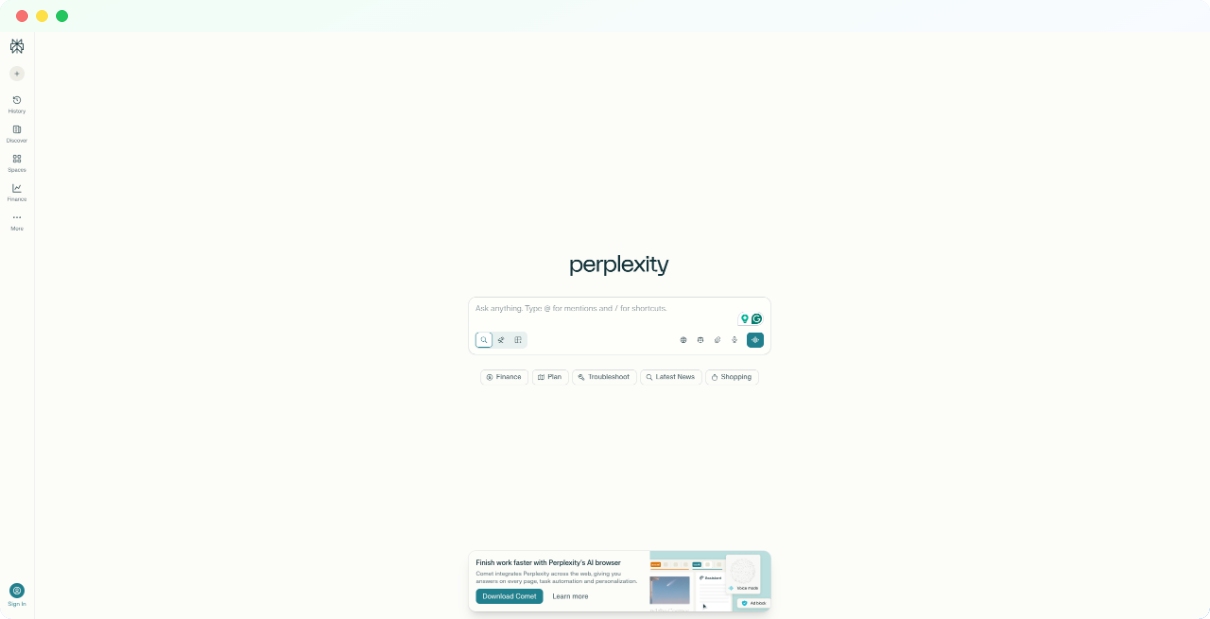
Perplexity isn't a ChatGPT clone. It's built for research. Every answer includes inline citations with links to sources, so you can verify claims instead of trusting the model blindly. For users who need accurate, fact-checked information rather than creative generation, this approach makes Perplexity more useful than general-purpose chatbots.
The platform pulls from live web data, academic papers, news sources, and forums depending on your query. You can filter by source type and even choose which underlying model powers your search, including GPT-4, Claude, and Perplexity's own in-house models. This flexibility lets you optimize for speed, depth, or cost depending on the task.
Privacy-wise, Perplexity is still cloud-based and not as locked down as local alternatives. However, it offers clearer data practices than some competitors, and enterprise plans include additional controls. The real value is accuracy over privacy. If you're researching topics where hallucinations could cause problems, Perplexity's citation model reduces that risk significantly.
The free tier is generous enough for casual research. Power users will want Pro for higher limits, access to advanced models, and the Deep Research feature that conducts multi-step investigations across dozens of sources.
Pros:
- Inline citations for every claim
- Real-time web search with source filtering
- Multiple model options including GPT-4 and Claude
- Strong for fact-checking and academic research
Cons:
- Cloud-based with data processed on external servers
- Not designed for creative writing or coding tasks
- Privacy not as strong as local alternatives
Pricing: Free tier available. Pro plan at $20/month.
Best for: Researchers who need verified information, professionals who can't afford hallucinations, and users who value accuracy over raw generation capability.
10. DeepSeek
DeepSeek made headlines in early 2025 when it released R1, a reasoning model that matched OpenAI's best on benchmarks while remaining completely free. The model uses chain-of-thought processing to work through complex math, science, and coding problems, making it one of the strongest open-weight options for technical tasks.
You can run DeepSeek models locally through Ollama, LM Studio, or other tools, which gives you full privacy. Alternatively, DeepSeek offers a hosted chat interface and API at prices that undercut every major competitor. The tradeoff is jurisdiction. DeepSeek is based in China, and the hosted service censors topics sensitive to the Chinese government, including questions about Tiananmen Square and certain political subjects.
For users who run the models locally, censorship isn't an issue since you control the deployment. The open weights mean you can inspect, modify, and deploy DeepSeek models however you want. This makes it a practical choice for developers and researchers who need strong reasoning capabilities without paying OpenAI prices.
The V3 model handles general conversation well, while R1 is specifically optimized for step-by-step reasoning. Both are available in various sizes to match different hardware constraints.
Pros:
- R1 reasoning model is free and matches frontier performance
- Open weights available for local deployment
- Extremely competitive API pricing
- Strong on math, coding, and scientific reasoning
Cons:
- Hosted version censors politically sensitive topics
- Chinese data jurisdiction may concern some users
- Less polished interface than Western competitors
- Smaller ecosystem and fewer integrations
Pricing: Free tier for hosted chat. API pricing significantly lower than OpenAI and Anthropic.
Best for: Developers wanting powerful open-source models, researchers needing strong reasoning on a budget, and technical users comfortable with local deployment to avoid censorship concerns.
11. Grok
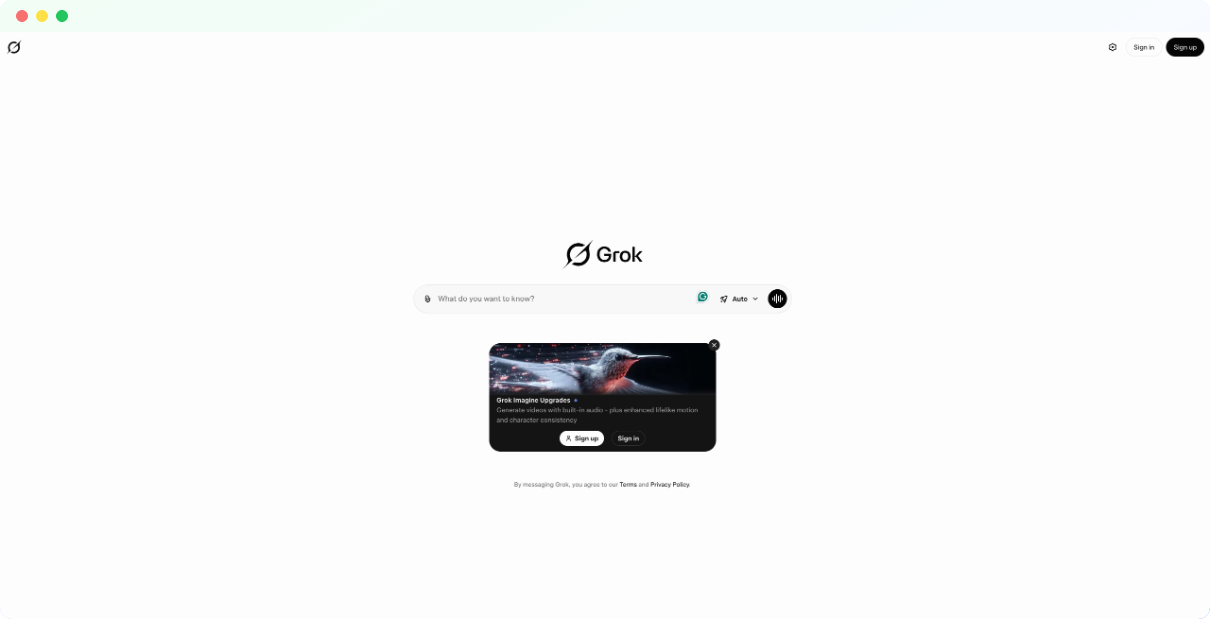
Grok is built by xAI and integrated directly into the X platform (formerly Twitter). Its main differentiator is real-time access to posts, trends, and conversations happening on X, which makes it unusually current compared to chatbots trained on static datasets. If you need AI that knows what happened an hour ago, Grok delivers.
The platform offers multiple model tiers. Grok 4 handles general tasks, while Grok 4 Heavy provides extended reasoning with a 428,000-token context window, one of the largest available. There's also a Fast mode for quick queries and an Expert mode for complex analysis. The variety lets you match capability to task without overpaying for simple questions.
Privacy-wise, Grok sits in a gray area. It's cloud-based and tied to the X ecosystem, so your usage feeds into that environment. The platform applies fewer content filters than ChatGPT or Claude, which some users appreciate and others find concerning. Recent reports have flagged issues with image generation guardrails, so approach those features carefully.
Grok is free with limited daily prompts. SuperGrok at $30/month unlocks higher limits and better models, while SuperGrok Heavy at $300/month targets power users who need maximum reasoning depth and context length.
Pros:
- Real-time access to X platform data and trends
- Large context window up to 428K tokens
- Multiple model tiers for different use cases
- Fewer content restrictions than mainstream chatbots
Cons:
- Cloud-based with data tied to X ecosystem
- Controversial content moderation policies
- Image generation has faced safety criticisms
- More expensive than some alternatives at higher tiers
Pricing: Free tier with strict limits. SuperGrok at $30/month. SuperGrok Heavy at $300/month.
Best for: Users who need real-time information, X platform power users, and those who find ChatGPT's content filters too restrictive.
12. Mistral Le Chat
Mistral is a French AI company that's become the European answer to OpenAI. Their models are open-weight, meaning you can download and run them locally, but they also offer Le Chat as a hosted interface for users who want cloud convenience. It's free to use with generous limits, making it one of the most accessible ways to try high-quality open-source AI.
The models punch above their weight. Mistral Large competes with GPT-4 on reasoning benchmarks, while Mistral Small and the coding-focused Codestral offer faster, cheaper options for specific tasks. Multilingual performance is particularly strong, with better results across European languages than many American competitors.
For privacy, Le Chat is still cloud-based, but Mistral's open-weight approach means you can always download the models and run them locally through Ollama or LM Studio if you need true data sovereignty. This flexibility makes Mistral a practical choice for organizations evaluating AI options. Start with the hosted version, then self-host when privacy requirements demand it.
API pricing is aggressive. Mistral cut rates by 50-80% in late 2024, making their models some of the cheapest to run at scale. If you're building applications and want to avoid OpenAI lock-in, Mistral offers a credible alternative with genuinely open licensing.
Pros:
- Free hosted chat with generous limits
- Open-weight models available for local deployment
- Strong multilingual and European language support
- Competitive API pricing for developers
Cons:
- Le Chat interface is basic compared to ChatGPT
- Smaller ecosystem and fewer third-party integrations
- Less name recognition may concern enterprise buyers
Pricing: Le Chat is free. API pricing starts at $0.04 per million input tokens for smaller models.
Best for: Developers exploring open-source alternatives, multilingual users, European organizations with data sovereignty concerns, and anyone wanting quality AI without subscription costs.
13. Open WebUI
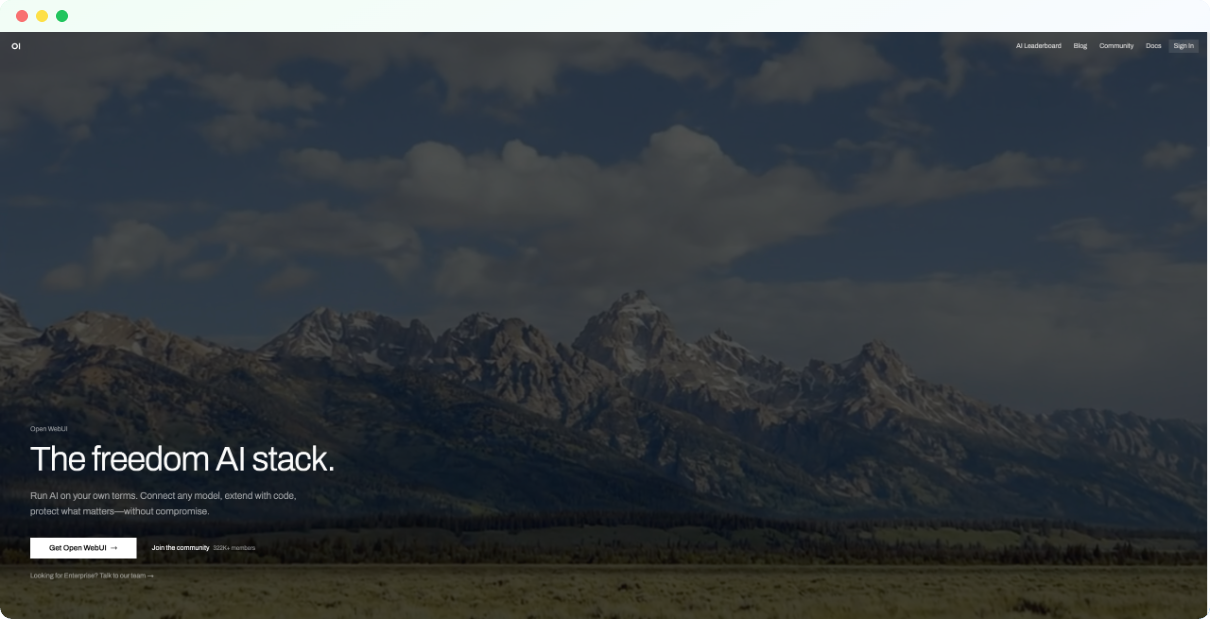
Open WebUI is a frontend, not a model. It gives you a polished ChatGPT-style interface that connects to whatever AI backend you choose. Run it with Ollama for local models, point it at OpenAI's API for GPT-4, or configure multiple backends and switch between them. The flexibility makes it useful for teams standardizing on a single interface across different AI providers.
The project started as Ollama WebUI before expanding to support additional backends. It's fully open-source with an active community building extensions and plugins. Features include conversation history, model switching, document upload, and user management for multi-person deployments. If you've outgrown basic chat apps but don't want to build a custom interface, Open WebUI fills the gap.
Self-hosting means you control everything. Deploy it on a local machine, a home server, or cloud infrastructure you manage. Your conversations stay wherever you put them. For organizations that need to keep AI interactions inside their network, this is a practical way to get a modern chat experience without sending data to external services.
Setup requires basic Docker knowledge. The project provides clear documentation, but this isn't a download-and-run desktop app. Expect to spend an hour or two on initial configuration, more if you're customizing authentication or connecting multiple backends.
Pros:
- Works with Ollama, OpenAI, and other AI backends
- Fully open-source with active plugin ecosystem
- Self-hosted for complete data control
- Multi-user support with admin features
Cons:
- Requires Docker and self-hosting knowledge
- Not a standalone AI, needs separate model backend
- More setup than consumer chat apps
Pricing: Free (open-source).
Best for: Technical users who want a unified interface across AI providers, teams deploying local AI with shared access, and developers who need a customizable chat frontend.
14. LocalAI
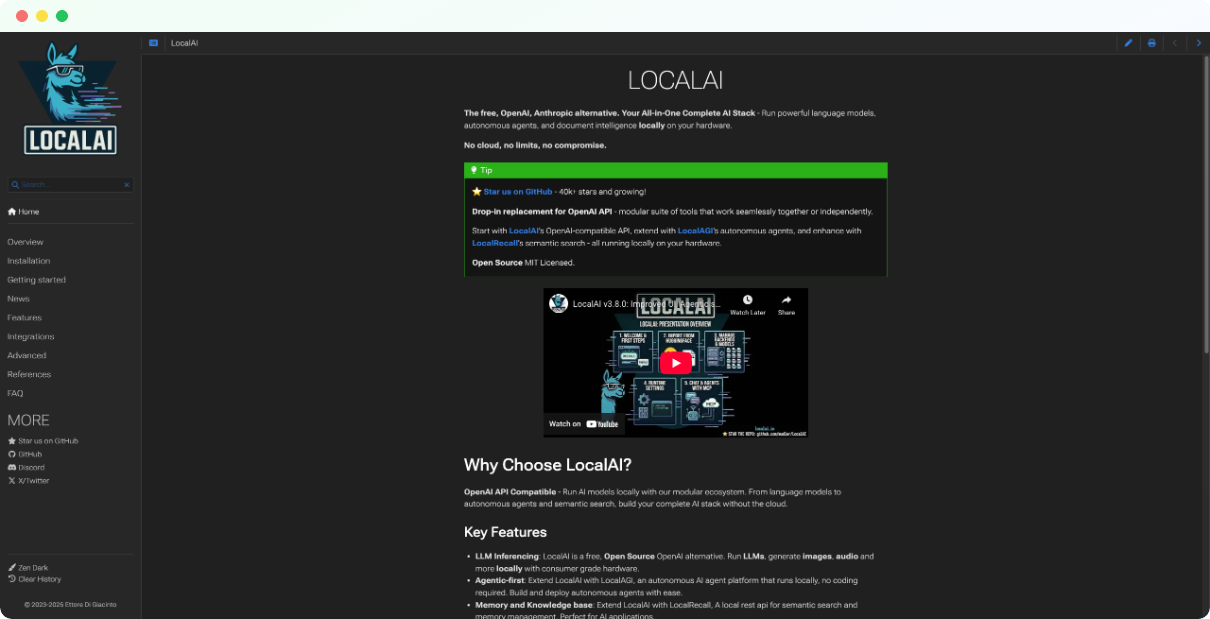
LocalAI solves a specific problem: you've built applications using OpenAI's API, but now you need to run them privately without sending data to external servers. LocalAI mimics OpenAI's API endpoints exactly, so you can swap the base URL from api.openai.com to localhost and keep your existing code working. No rewrites, no new SDKs, just private inference.
The project supports text generation, embeddings, image generation, and audio transcription. You can load models in multiple formats including GGUF, GPTQ, and others, giving you flexibility across the open-source model ecosystem. It runs on CPU or GPU, scales with Docker and Kubernetes for production deployments, and handles multiple models simultaneously if your hardware supports it.
This isn't a consumer chat app. There's no built-in interface for casual conversation. LocalAI is infrastructure for developers and DevOps teams who need to self-host AI capabilities at scale. If you're building internal tools, customer-facing features, or automation pipelines that currently depend on OpenAI, LocalAI lets you bring that functionality in-house.
Setup complexity matches the flexibility. Expect to configure model paths, optimize for your hardware, and troubleshoot container networking. The documentation is solid, but this is a tool for people comfortable with production deployments, not beginners exploring local AI for the first time.
Pros:
- 100% OpenAI API compatible for easy migration
- Supports text, embeddings, images, and audio
- Docker and Kubernetes ready for production scale
- Runs multiple models simultaneously
Cons:
- No built-in chat interface
- Complex setup requiring DevOps knowledge
- Resource-intensive for larger models
- Documentation assumes technical familiarity
Pricing: Free (open-source).
Best for: Developers migrating from OpenAI to self-hosted infrastructure, DevOps teams building private AI pipelines, and organizations needing API-compatible local inference at scale.
15. Hugging Face Chat
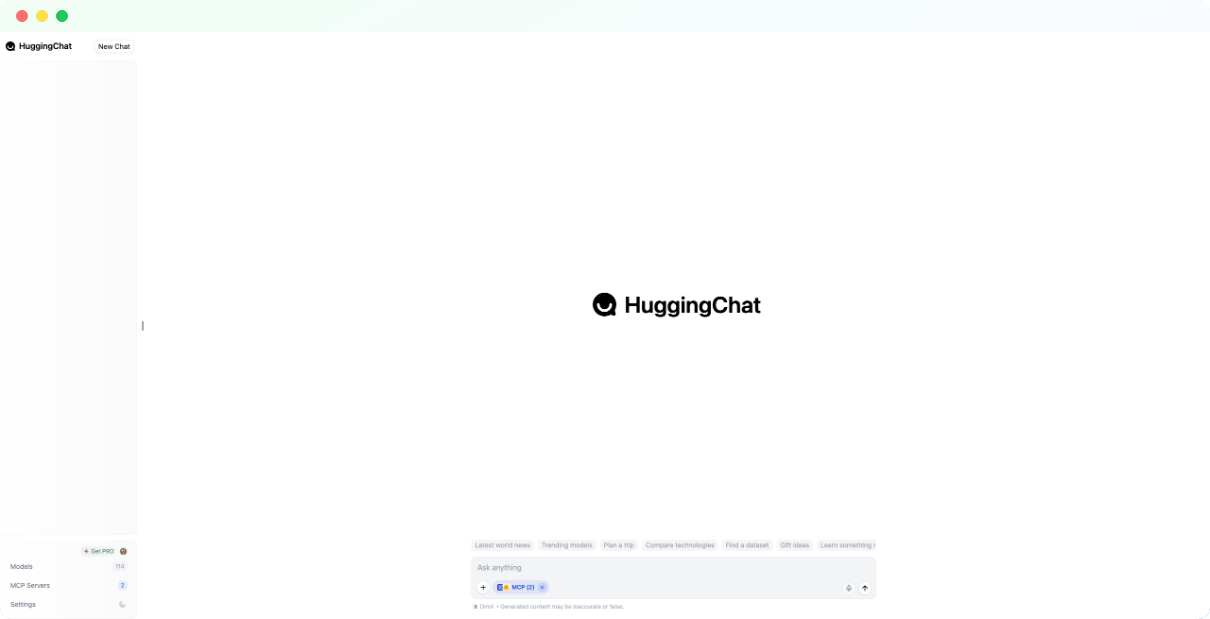
Hugging Face is the GitHub of machine learning. Their model hub hosts hundreds of thousands of models, and Hugging Face Chat lets you test many of them directly in your browser without downloading anything. It's the fastest way to compare open-source options before committing to local deployment.
The chat interface is straightforward. Pick a model from the available list, which includes popular options like Llama, Mistral, Falcon, and community fine-tunes, then start a conversation. You can test different models back-to-back to see which one handles your use case best. For developers evaluating which model to self-host, this saves hours of setup time.
Privacy is limited since conversations run on Hugging Face's servers. This isn't a tool for sensitive data. Think of it as a testing ground rather than a production solution. Once you find a model that works, download it and run it locally through Ollama, LM Studio, or your preferred infrastructure for actual private use.
Hugging Face also offers Inference Endpoints for production API access and the Transformers library for building custom applications. The ecosystem is massive, and Chat is just the entry point. For anyone serious about open-source AI, Hugging Face is unavoidable.
Pros:
- Free access to test hundreds of models
- No setup or downloads required
- Great for comparing models before local deployment
- Gateway to the broader Hugging Face ecosystem
Cons:
- Cloud-based, not suitable for private data
- Not all hub models are available in Chat
- Interface is basic compared to polished chatbots
- Meant for testing, not production use
Pricing: Free for chat interface. Inference Endpoints and Pro features have separate pricing.
Best for: Developers evaluating open-source models, researchers exploring the LLM landscape, and anyone wanting to test before committing to local deployment.
Frequently Asked Questions
1. Is there a private version of ChatGPT?
Not officially from OpenAI. ChatGPT Enterprise offers better data controls, including no training on your inputs, but conversations still process on OpenAI's servers. For true privacy, you need alternatives. Local tools like Ollama, LM Studio, and Jan run open-source models entirely on your device. Enterprise platforms like Prem AI offer cloud deployment with zero data retention and on-premise options.
2. Which AI is most private?
Any AI that runs locally on your hardware is the most private because your data never leaves your device. Ollama, GPT4All, Jan, and LM Studio all qualify. Among cloud options, Prem AI's zero-retention architecture and Venice AI's local browser storage offer stronger privacy than ChatGPT or Gemini. The most private choice depends on your technical comfort. Local tools require setup but guarantee complete data sovereignty.
3. Which chat app is most private?
For non-technical users, GPT4All and Jan offer the best balance of privacy and usability. Both run locally with simple interfaces and no account required. For developers, Ollama paired with Open WebUI provides a private chat experience with more flexibility. If you need cloud convenience, Venice AI stores conversations only in your browser, not on servers, though you're still trusting their infrastructure during inference.
4. What is the alternative to ChatGPT without restrictions?
Venice AI and Grok apply fewer content filters than ChatGPT or Claude. Venice markets itself as "uncensored" with optional mature content filters, while Grok takes a more permissive approach to controversial topics. For local alternatives, you can run unfiltered versions of open-source models through Ollama or LM Studio since you control the deployment. Be aware that fewer restrictions also means fewer safety guardrails.
5. Is private AI safe to use?
Yes, with caveats. Local AI tools like Ollama and LM Studio are safe from a data privacy perspective because nothing leaves your machine. The models themselves carry the same risks as any AI: potential for hallucinations, biased outputs, and misuse. Cloud-based "private" options like Venice or Prem AI depend on trusting the provider's claims about data handling. For sensitive enterprise use, look for platforms with compliance certifications like SOC 2 and clear data processing agreements.
6. What is the best personal AI to chat with?
For privacy-focused personal use, Jan offers the closest experience to ChatGPT while running completely offline. GPT4All is easier to set up and includes document chat. If you don't need local processing, Claude provides thoughtful responses with better privacy defaults than ChatGPT, and Perplexity excels at research tasks with cited sources. The best choice depends on whether you prioritize privacy, capability, or convenience.
7. Can I run ChatGPT offline?
You cannot run ChatGPT itself offline since it's a proprietary cloud service. However, you can run open-source models locally that match or exceed ChatGPT's capabilities for many tasks. Llama 3.2, Mistral, and DeepSeek R1 all run offline through tools like Ollama or LM Studio. Performance depends on your hardware. Expect good results with 16GB RAM and a modern processor, better results with a dedicated GPU.
8. Do private AI alternatives cost more than ChatGPT?
Often less. Many local AI tools are completely free: Ollama, Jan, GPT4All, LM Studio, and PrivateGPT cost nothing beyond your electricity. Cloud alternatives vary. Claude Pro and Perplexity Pro match ChatGPT Plus at $20/month. Venice Pro is cheaper at $18/month. For enterprises, Prem AI offers custom pricing that can be more cost-effective than ChatGPT Enterprise depending on usage patterns and compliance requirements.
Conclusion
Privacy isn't binary. It ranges from "better policies than ChatGPT" to "nothing ever leaves your device."
If you're an individual who wants local AI without complexity, start with Jan or GPT4All. Developers who need flexibility should look at Ollama paired with Open WebUI. For research with citations, Perplexity is hard to beat.
For enterprises handling sensitive data, regulatory compliance, or proprietary information, the calculus is different. You need data sovereignty, audit trails, and infrastructure you control. That's where platforms like Prem AI fit, offering fine-tuning, on-premise deployment, and zero retention by design.
The best private ChatGPT alternative is the one that matches your actual risk profile. Pick accordingly.
Ready to deploy private AI for your team? Book a demo with Prem AI →