
19 Best Together AI Alternatives for Private Model Fine-Tuning (2026)
Together AI makes fine-tuning feel easy. Upload your data, pick a base model, click "Train," and wait for your custom model to appear. For prototyping and small-scale experiments, it genuinely works.
Then you read the fine print.
Your training data sits on their servers. Your fine-tuned model weights live in their infrastructure. Every inference request flows through their API. And when you want to migrate, because pricing changed, or you need on-premise deployment, or a compliance auditor asked uncomfortable questions, you discover that "your" model isn't quite as portable as you assumed.
This isn't a hit piece on Together AI. They built a solid platform that serves many teams well. But if you're here, you're probably feeling one of these pain points:
- Data sovereignty: Your training data can't leave your infrastructure
- Compliance requirements: HIPAA, SOC 2, GDPR, or industry-specific regulations
- Cost optimization: Fine-tuning and inference costs scale faster than expected
- Vendor lock-in concerns: You want model portability and deployment flexibility
- Advanced capabilities: RLHF, DPO, or training methods Together AI doesn't support
This guide covers 19 alternatives across the spectrum, from managed platforms with better privacy to full self-hosted solutions where you control everything.
2026 Market Update
Major changes in the fine-tuning landscape:
| Development | Impact |
|---|---|
| Together AI B200 GPUs | $5.50/hr (2x H100 performance) |
| H100 price collapse | From $8/hr peak to $2.85-3.50/hr |
| AWS Bedrock RFT | Reinforcement Fine-Tuning with 66% accuracy gains |
| Microsoft Foundry | Azure AI Studio rebranded with enhanced AI factory |
| Baseten funding | $300M at $5B valuation (Jan 2026) |
| SiliconFlow emergence | Top-ranked enterprise platform |
| Fine-tuning costs | Dropped 10x annually |
Current Together AI Pricing (February 2026)
| Resource | Price |
|---|---|
| H100 GPU | $2.99/hr |
| H200 GPU | $3.79/hr |
| B200 GPU | $5.50/hr |
| Fine-tuning (≤16B, LoRA) | $0.48/M training tokens |
| Fine-tuning (≤16B, Full) | $0.54/M training tokens |
| Fine-tuning (17-69B) | $1.50-1.65/M training tokens |
| Inference (Llama 4 Maverick) | $0.27 input / $0.85 output per 1M |
| Inference (DeepSeek-V3.1) | $0.60 input / $1.70 output per 1M |
Why Teams Leave Together AI
Let's be specific about the actual pain points, but issues teams encounter in production.
Data Privacy and Compliance
The reality: When you upload training data to Together AI, it processes through their infrastructure. They have reasonable security practices, but for certain industries, "reasonable" isn't sufficient.
Who this affects:
- Healthcare (HIPAA requires BAAs that Together AI doesn't provide)
- Financial services (data residency requirements)
- Government contractors (FedRAMP, ITAR considerations)
- European companies (GDPR data processing agreements)
What Together AI says: Their privacy policy allows data use for service improvement. Opt-outs exist but require explicit configuration.
Cost Scaling Issues
Fine-tuning costs seem reasonable until:
- You need to iterate on training (5-10 runs to get it right)
- Multiple teams need different fine-tuned models
- Model updates require retraining
- You're training larger models (70B+)
Inference costs compound because:
- Fine-tuned models can only run on Together AI
- No ability to batch inference efficiently on your timeline
- Reserved capacity requires commitments
Model Portability Problems
What "your model" actually means:
- You can't download weights for most fine-tuned models
- Models are tied to Together AI's serving infrastructure
- If you want to self-host later, you might need to retrain
Why this matters:
- Vendor negotiation leverage disappears
- Multi-cloud strategies become impossible
- Exit costs increase over time
Feature Limitations
What Together AI doesn't support well:
- RLHF/DPO (limited beta access)
- Custom training loops
- Evaluation during training
- Hyperparameter search
- Multi-node training for very large models
Decision Framework: Choosing Your Alternative
Step 1: What's Your Primary Constraint?
Data must stay in your infrastructure?
├── Yes → PremAI, Self-hosted, or Cloud Provider VPC
└── No → Broader options available

Have dedicated ML engineering resources?
├── Yes → Self-hosted gives best control/cost
└── No → Managed platforms save engineering time

Need compliance certifications?
├── HIPAA/Healthcare → AWS Bedrock, Azure AI, PremAI
├── SOC 2 → Most enterprise options
├── FedRAMP → AWS GovCloud, Azure Government
└── GDPR → EU-deployed options

Budget priority?
├── Minimize cost → Self-hosted with spot instances
├── Minimize engineering time → Managed platforms
└── Balance both → GPU providers with your training code
Step 2: Match to Alternative Category
| Your Situation | Best Category | Top Picks |
|---|---|---|
| Need privacy + ease of use | Privacy-focused managed | PremAI, Fireworks AI |
| Already on AWS/Azure/GCP | Cloud provider | Bedrock, Azure AI, Vertex |
| Have ML engineering team | Self-hosted | Axolotl + Lambda/RunPod |
| Need maximum flexibility | GPU compute | Modal, Lambda Labs |
| Prototyping only | Managed platforms | Replicate, Baseten |
Category 1: Privacy-Focused Managed Platforms
1. Prem AI
What it is: Private AI platform with fine-tuning that deploys in your cloud account
The core problem with Together AI:
Together AI is a shared multi-tenant platform. When you upload training data, it sits on their servers. When you fine-tune, your model lives in their infrastructure. When you run inference, every request flows through their API.
PremAI is fundamentally different: It deploys dedicated infrastructure in your AWS, GCP, or Azure account. Your data never leaves your cloud, it's processed by compute running in your VPC, managed by your encryption keys.
| What Changes | Together AI | PremAI |
|---|---|---|
| Training data location | Their servers | Your S3/GCS/Azure Blob |
| Fine-tuned model storage | Their infrastructure | Your cloud account |
| Inference compute | Shared multi-tenant | Dedicated in your VPC |
| Data processing | Their responsibility | Your cloud, PremAI manages |
| Model weights export | Limited, depends on terms | Full export (license permitting) |
| Vendor lock-in | High (data + models) | Low (everything in your cloud) |
Fine-tuning capabilities:
- Methods: LoRA, QLoRA, and full fine-tuning
- Models: Llama 3.3, DeepSeek-V3, Mistral Large, Phi-4, and more
- Configuration: Full hyperparameter control
- Monitoring: Training metrics, checkpoints, loss curves
- Evaluation: Built-in model comparison and testing
- Export: Download weights for any deployment
Technical implementation:
from premai import Prem

client = Prem(api_key="your-api-key")

# Upload training data (stays in YOUR cloud)
dataset = client.datasets.create(
    name="customer-support-v3",
    file_path="./training_data.jsonl"
)

# Configure fine-tuning—same ease as Together AI, but in your infrastructure
job = client.finetuning.create(
    base_model="llama-3.1-8b-instruct",
    dataset_id=dataset.id,
    method="lora",
    hyperparameters={
        "learning_rate": 2e-4,
        "num_epochs": 3,
        "batch_size": 8,
        "lora_r": 64,
        "lora_alpha": 128
    }
)

# Monitor progress
while job.status != "completed":
    job = client.finetuning.get(job.id)
    print(f"Progress: {job.progress}% - Loss: {job.current_loss}")
    time.sleep(60)

# Use fine-tuned model—OpenAI-compatible API
response = client.chat.completions.create(
    project_id="your-project",
    model=f"ft:{job.model_id}",
    messages=[{"role": "user", "content": "Hello!"}]
)

# Export weights when you want (license permitting)
client.finetuning.export(job.id, output_path="./my-model-weights/")
Compliance story (built-in, not bolted-on):
- SOC 2 Type II compliance pathway included
- HIPAA BAA available for healthcare
- GDPR compliant (EU deployment options)
- Data residency guaranteed, processing in your cloud account
What you get that Together AI doesn't:
- Model portability: Export weights and deploy anywhere
- No data retention: Training data stays in your cloud, no copies on third-party servers
- No inference lock-in: Use fine-tuned models via API or export for self-hosting
- True data sovereignty: Compliance auditors see your infrastructure, not a vendor's
Pricing: Fine-tuning from ~$2/hour (varies by model size), inference usage-based. No hidden costs for model storage or data retention.
Best for: Enterprise teams who need Together AI's ease but can't accept Together AI's data handling
→ Book a demo | Start free | Fine-tuning docs
2. Fireworks AI
What it is: High-performance inference platform with fine-tuning capabilities
Why it's different from Together AI: Fireworks focuses relentlessly on inference speed. Their fine-tuning exists to feed their inference platform, and their inference is measurably faster than Together AI.
Fine-tuning capabilities:
- LoRA fine-tuning (primary focus)
- Full fine-tuning (enterprise)
- Multi-LoRA serving (run multiple adapters efficiently)
Technical implementation:
import fireworks.client as fc

fc.api_key = "your-api-key"

# Create fine-tuning job
job = fc.fine_tuning.create(
    model="accounts/fireworks/models/llama-v3p1-8b-instruct",
    dataset="your-dataset-id",
    hyperparameters={
        "learning_rate": 1e-4,
        "epochs": 3
    }
)

# Use fine-tuned model
response = fc.ChatCompletion.create(
    model=f"accounts/your-account/models/{job.model_id}",
    messages=[{"role": "user", "content": "Hello!"}]
)
Performance advantage: Sub-100ms latency for most models. Their FireAttention kernel optimizations are genuinely impressive.
Limitations:
- Still managed infrastructure (data concerns remain)
- Model portability is limited
- Smaller model selection than Together AI
Pricing: Competitive with Together AI, sometimes cheaper for inference-heavy workloads
Best for: Teams prioritizing inference speed over data control
3. Anyscale
What it is: Ray-native AI platform from the creators of Ray
Why it's different from Together AI: If you're using Ray for distributed computing, Anyscale's fine-tuning integrates natively. Custom training loops, complex preprocessing, multi-node training, all supported.
Fine-tuning capabilities:
- Full integration with Ray Train
- Custom training scripts
- Distributed training across many GPUs
- Hyperparameter tuning with Ray Tune
Technical implementation:
from ray.train.torch import TorchTrainer
from ray.train import ScalingConfig

def train_func():
    # Your training code with transformers/axolotl
    pass

trainer = TorchTrainer(
    train_func,
    scaling_config=ScalingConfig(
        num_workers=8,
        use_gpu=True,
        resources_per_worker={"GPU": 1}
    )
)

result = trainer.fit()
What you get:
- Complete control over training loop
- Multi-node training support
- Integration with Ray ecosystem
- Experiment tracking
Limitations:
- Steeper learning curve
- Requires Ray knowledge
- Less turnkey than Together AI
Pricing: Pay-per-compute, competitive at scale
Best for: Teams already using Ray or needing custom training pipelines
Category 2: Cloud Provider Solutions
4. AWS Bedrock
What it is: Amazon's managed AI service with fine-tuning in your AWS account
Why it's different from Together AI: Your training data stays in your S3 buckets. Fine-tuning happens in your AWS account. The model serves from your VPC. For AWS-native organizations, this integration is seamless.
Fine-tuning capabilities:
- Fine-tune Llama, Titan, Claude (limited) models
- Training data from S3
- Model artifacts in your account
- Provisioned throughput for serving
Technical implementation:
import boto3

bedrock = boto3.client('bedrock')

# Create fine-tuning job
response = bedrock.create_model_customization_job(
    jobName='customer-support-ft',
    customModelName='cs-llama-8b',
    baseModelIdentifier='meta.llama3-1-8b-instruct-v1:0',
    trainingDataConfig={
        's3Uri': 's3://your-bucket/training-data.jsonl'
    },
    outputDataConfig={
        's3Uri': 's3://your-bucket/output/'
    },
    hyperParameters={
        'epochCount': '3',
        'learningRate': '0.0001',
        'batchSize': '8'
    }
)
Compliance story:
- SOC 2, HIPAA, FedRAMP
- Data stays in your AWS account
- IAM integration
- VPC endpoints available
Limitations:
- Limited model selection
- Higher costs than alternatives
- Less flexibility than self-hosted
- Model export may be restricted
Pricing: Premium (30-50% more than Together AI typical), but includes compliance overhead
Best for: AWS-native enterprises with compliance requirements
Compare with other options in our AWS Bedrock vs PremAI guide.
5. Azure AI Studio
What it is: Microsoft's ML platform with fine-tuning capabilities
Why it's different from Together AI: Deep Microsoft/Azure integration. If your organization runs on Azure, Azure AI Studio provides seamless integration with existing identity, networking, and security controls.
Fine-tuning capabilities:
- Fine-tune Azure OpenAI models
- Deploy open models from catalog
- Training in your Azure subscription
- Managed compute with autoscaling
Technical implementation:
from azure.ai.ml import MLClient
from azure.identity import DefaultAzureCredential

ml_client = MLClient(
    DefaultAzureCredential(),
    subscription_id="your-sub",
    resource_group_name="your-rg",
    workspace_name="your-workspace"
)

# Fine-tuning job configuration
job = ml_client.jobs.create_or_update(
    fine_tuning_job_config
)
Compliance story:
- Azure compliance certifications apply
- Data in your Azure tenant
- Integration with Azure AD
- Network isolation options
Limitations:
- Complex pricing
- Azure ecosystem lock-in
- Slower to adopt new models
Pricing: Complex (compute + storage + endpoints), typically more expensive
Best for: Azure-native enterprises
6. Google Vertex AI
What it is: Google Cloud's ML platform with Gemini and open model fine-tuning
Why it's different from Together AI: Access to Gemini fine-tuning (unique to Google) plus solid open model support. GCP integration with BigQuery, Cloud Storage, and Google's data ecosystem.
Fine-tuning capabilities:
- Gemini fine-tuning (exclusive)
- Open model fine-tuning (Llama, etc.)
- AutoML-style supervised tuning
- Custom training with Vertex Training
Technical implementation:
from google.cloud import aiplatform

aiplatform.init(project='your-project', location='us-central1')

# Create tuning job
job = aiplatform.PipelineJob(
    display_name="llama-finetuning",
    template_path="gs://your-bucket/pipeline.yaml",
    parameter_values={
        "base_model": "meta/llama-3.1-8b",
        "training_data": "gs://your-bucket/data.jsonl",
        "epochs": 3
    }
)
job.run()
Limitations:
- Gemini fine-tuning is expensive
- GCP lock-in
- Complex pricing model
Pricing: Premium, especially for Gemini fine-tuning
Best for: GCP-native teams wanting Gemini access
Category 3: Self-Hosted Fine-Tuning
7. Axolotl + GPU Provider
What it is: Open-source fine-tuning framework you run on any GPU
Why it's different from Together AI: Complete control. Your data never leaves your infrastructure. Export models to any format. No vendor dependency.
Axolotl capabilities:
- LoRA, QLoRA, full fine-tuning
- DPO, RLHF support
- Flash Attention, gradient checkpointing
- Multi-GPU training
- Extensive hyperparameter options
Technical implementation:
# axolotl config.yml
base_model: meta-llama/Llama-3.1-8B-Instruct
model_type: LlamaForCausalLM

load_in_8bit: false
load_in_4bit: true  # QLoRA

adapter: lora
lora_r: 64
lora_alpha: 128
lora_dropout: 0.05
lora_target_modules:
  - q_proj
  - v_proj
  - k_proj
  - o_proj

datasets:
  - path: ./data/train.jsonl
    type: alpaca

sequence_len: 4096
gradient_accumulation_steps: 4
micro_batch_size: 2
num_epochs: 3
learning_rate: 2e-4
optimizer: adamw_torch
lr_scheduler: cosine
warmup_ratio: 0.1

output_dir: ./output
Running the training:
# On any GPU (cloud or local)
accelerate launch -m axolotl.cli.train config.yml

# Multi-GPU
accelerate launch --multi_gpu --num_processes 4 -m axolotl.cli.train config.yml
Cost comparison (Llama 3.1 8B, 10K examples):
| Platform | Cost | Control |
|---|---|---|
| Together AI | $15-25 | Low |
| Axolotl + Lambda Labs | $8-12 | Complete |
| Axolotl + RunPod | $5-10 | Complete |
Best for: Teams with ML engineering capacity who want maximum control and lowest costs
8. Hugging Face TRL
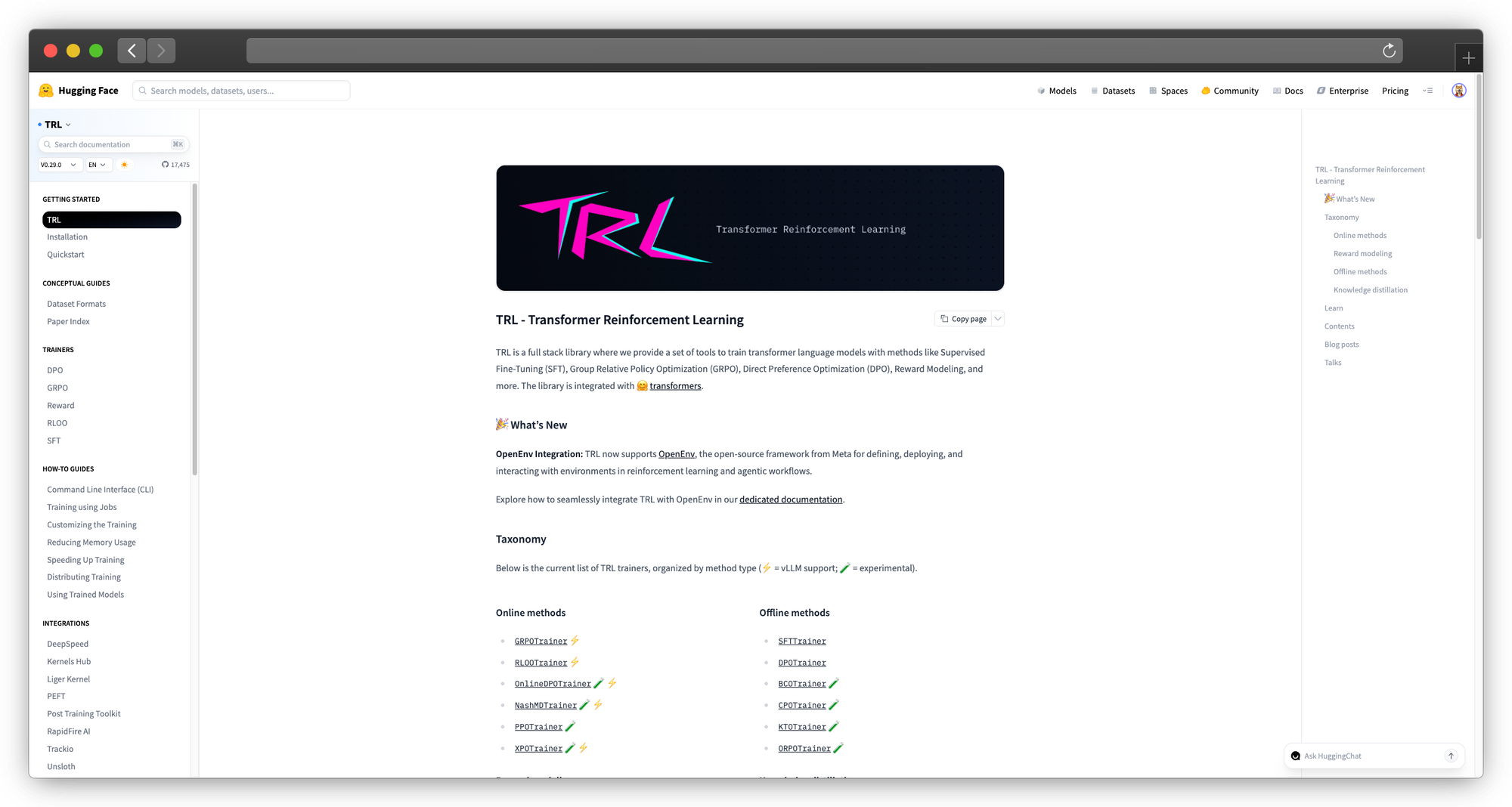
What it is: Transformers Reinforcement Learning library
Why it's different: Native Hugging Face integration. If you're comfortable with Transformers, TRL provides RLHF, DPO, and SFT training with minimal additional code.
Capabilities:
- Supervised Fine-Tuning (SFTTrainer)
- DPO (Direct Preference Optimization)
- RLHF (Proximal Policy Optimization)
- Reward modeling
Technical implementation:
from trl import SFTTrainer, SFTConfig
from transformers import AutoModelForCausalLM, AutoTokenizer
from datasets import load_dataset

model = AutoModelForCausalLM.from_pretrained("meta-llama/Llama-3.1-8B")
tokenizer = AutoTokenizer.from_pretrained("meta-llama/Llama-3.1-8B")

dataset = load_dataset("json", data_files="train.jsonl")

training_args = SFTConfig(
    output_dir="./output",
    num_train_epochs=3,
    per_device_train_batch_size=4,
    learning_rate=2e-4,
    logging_steps=10,
    save_strategy="epoch"
)

trainer = SFTTrainer(
    model=model,
    args=training_args,
    train_dataset=dataset["train"],
    tokenizer=tokenizer
)

trainer.train()
DPO training:
from trl import DPOTrainer, DPOConfig

dpo_trainer = DPOTrainer(
    model=model,
    args=DPOConfig(output_dir="./dpo-output"),
    train_dataset=preference_dataset,
    tokenizer=tokenizer,
    beta=0.1
)
dpo_trainer.train()
Best for: Teams wanting standard Hugging Face workflows with advanced training methods
9. LLaMA-Factory
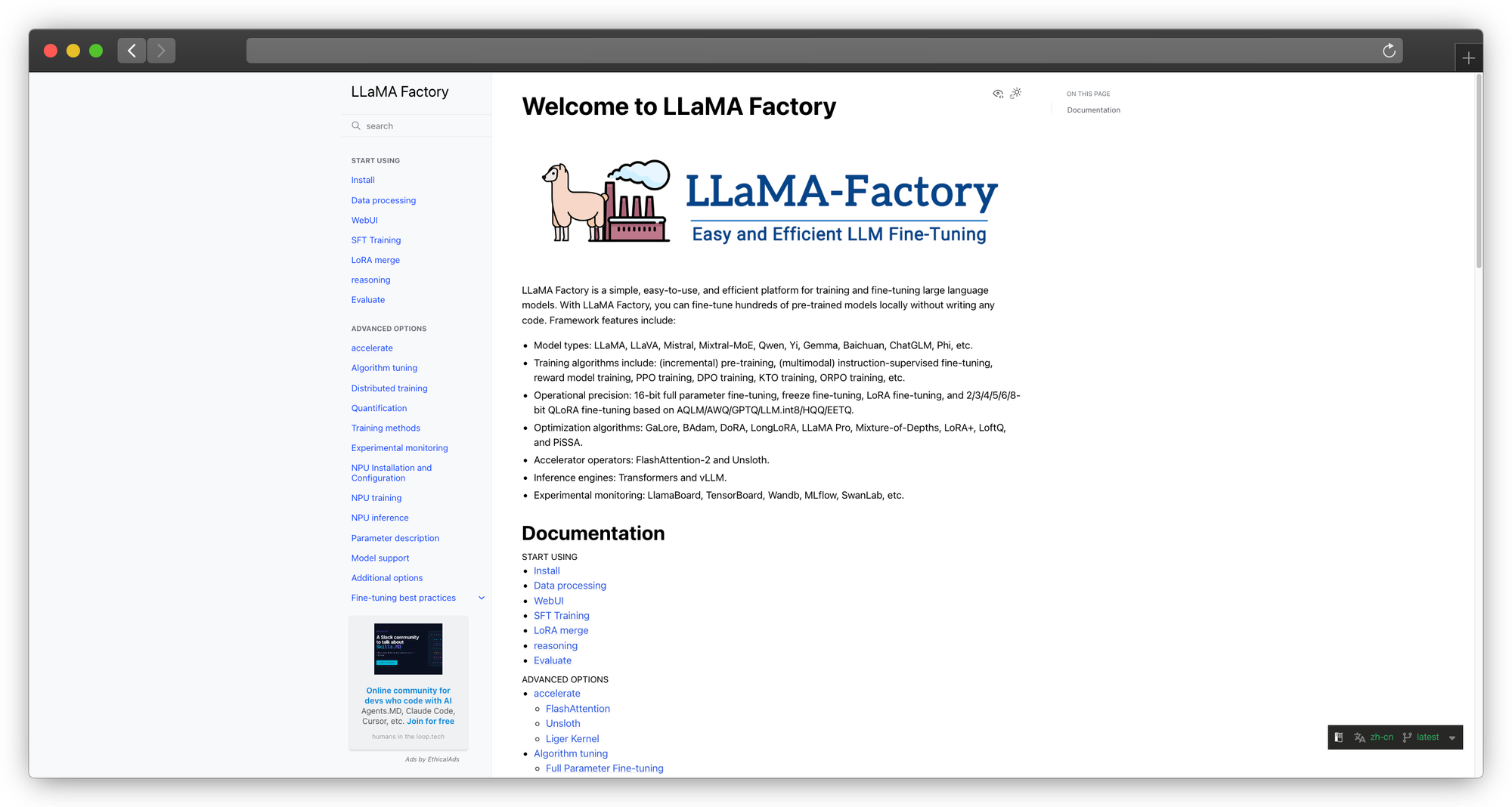
What it is: Unified fine-tuning interface with 100+ LLMs
Why it's different: Web UI for fine-tuning. Non-ML engineers can configure and launch training jobs. Lower barrier to entry than Axolotl.
Capabilities:
- Web UI for configuration
- Support for 100+ models
- LoRA, QLoRA, full fine-tuning
- Export to GGUF, AWQ, etc.
Running the UI:
git clone https://github.com/hiyouga/LLaMA-Factory
cd LLaMA-Factory
pip install -e .
python src/webui.py
Best for: Teams wanting GUI-based fine-tuning with less coding
10. NVIDIA NeMo
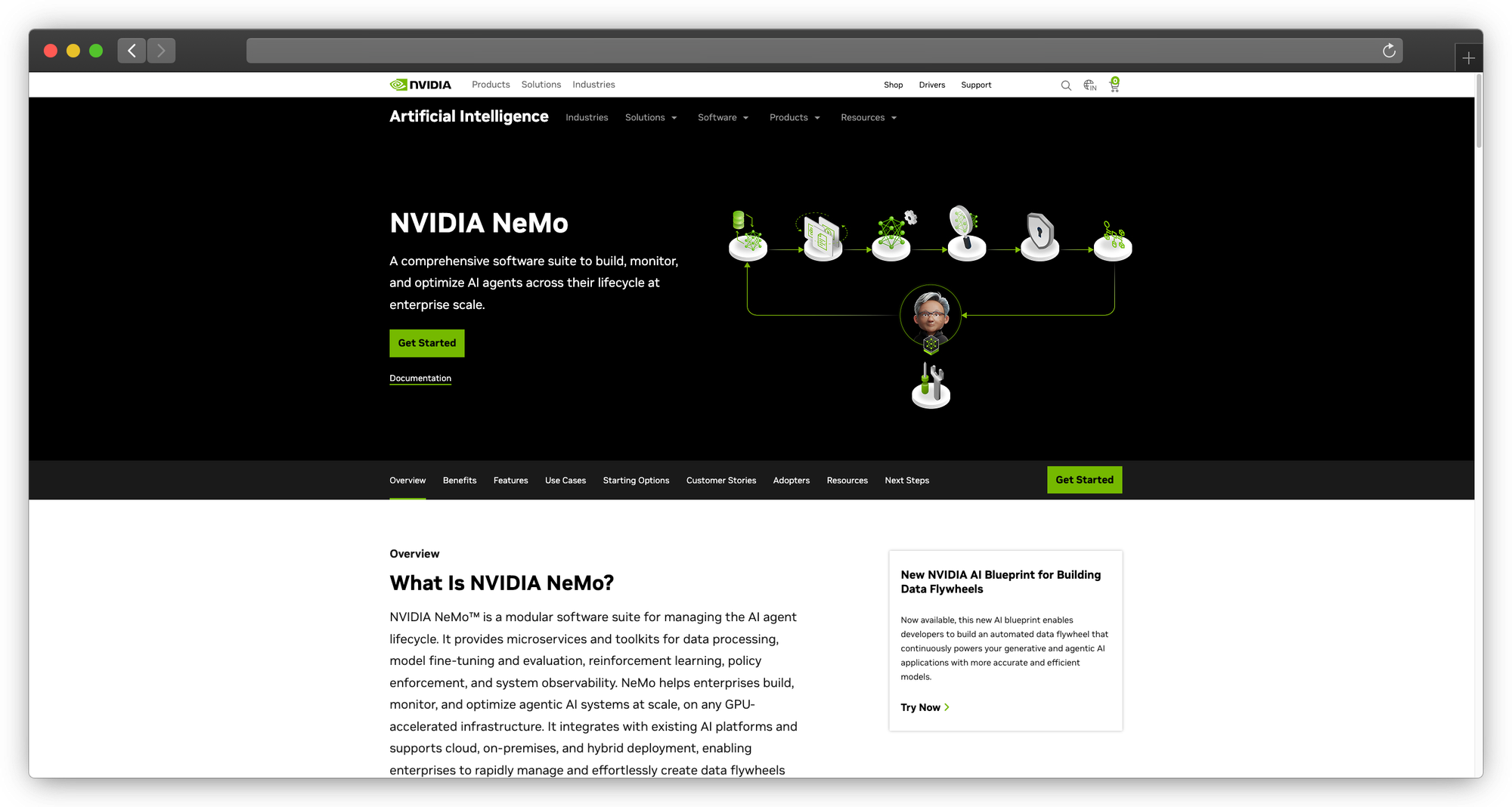
What it is: Enterprise-grade framework for LLM training
Why it's different: NVIDIA's official framework. Best-in-class multi-GPU/multi-node training. Enterprise features like NeMo Guardrails.
Capabilities:
- Multi-node training at scale
- PEFT (LoRA, P-tuning, adapter tuning)
- NeMo Guardrails for production safety
- Megatron-LM integration
- DGX Cloud integration
Technical implementation:
# NeMo configuration
trainer:
  devices: 8
  accelerator: gpu
  strategy: ddp
  max_epochs: 3

model:
  peft:
    peft_scheme: lora
    lora_tuning:
      target_modules: [q_proj, v_proj, k_proj, o_proj]
      lora_dim: 64
      lora_alpha: 128
Best for: Large enterprises with significant NVIDIA hardware investments
Category 4: GPU Compute Providers
These aren't fine-tuning platforms, they're GPU infrastructure you can run any training code on.
11. Modal
What it is: Serverless GPU compute with excellent Python SDK
Why it's different: Zero infrastructure management. Define your training as Python functions, Modal handles the rest. Pay only for GPU time actually used.
Technical implementation:
import modal

app = modal.App("fine-tuning")

@app.function(
    gpu="A100",
    timeout=7200,
    image=modal.Image.debian_slim().pip_install("torch", "transformers", "peft")
)
def fine_tune(dataset_path: str, output_path: str):
    from transformers import Trainer, TrainingArguments
    # Your training code here
    trainer.train()
    trainer.save_model(output_path)

# Run it
with app.run():
    fine_tune.remote("./data", "./output")
Pricing:
- A100-40GB: $2.06/hour
- A100-80GB: $3.54/hour
- H100: $4.76/hour
Best for: Developers wanting serverless GPU compute without infrastructure
12. Lambda Labs
What it is: GPU cloud focused on ML workloads with no-frills VM access
Why it's different: Cheapest A100/H100 pricing in the market. No proprietary APIs or lock-in—just Linux boxes with GPUs and full root access. Pre-installed ML stack (PyTorch, TensorFlow, CUDA) means you're training within minutes of spin-up.
Technical implementation:
# SSH into your Lambda instance and start training
ssh ubuntu@<instance-ip>

# Environment is pre-configured, just clone and run
git clone https://github.com/your-org/fine-tuning-repo.git
cd fine-tuning-repo

# Multi-GPU training with torchrun
torchrun --nproc_per_node=8 train.py \
    --model_name meta-llama/Llama-2-7b-hf \
    --dataset_path ./data \
    --output_dir ./output \
    --per_device_train_batch_size 4 \
    --gradient_accumulation_steps 4 \
    --num_train_epochs 3
Pricing:
- A100-40GB: $1.10/hour
- A100-80GB: $1.40/hour
- H100-80GB: $2.49/hour
- 8x H100 cluster: $19.92/hour
Best for: Cost-conscious teams with ML engineering capacity who want simple, cheap GPU access without platform overhead
13. RunPod
What it is: Community-driven GPU cloud with pre-built templates and serverless options
Why it's different: Lowest barrier to entry. One-click templates for Axolotl, LLaMA-Factory, and other fine-tuning frameworks. Mix of datacenter and community GPUs means pricing flexibility. Serverless endpoints let you deploy fine-tuned models instantly.
Technical implementation:
# RunPod also offers a Python SDK for programmatic access
import runpod

# Create a pod with fine-tuning template
pod = runpod.create_pod(
    name="llama-finetune",
    image_name="runpod/pytorch:2.1.0-py3.10-cuda11.8.0",
    gpu_type_id="NVIDIA A100 80GB PCIe",
    volume_in_gb=100,
    ports="8888/http,22/tcp",
    docker_args="jupyter lab --allow-root"
)

# Or use their template system via UI:
# 1. Select "Axolotl" template
# 2. Upload dataset to /workspace/data
# 3. Modify config.yaml
# 4. Run: accelerate launch train.py
Pricing:
- RTX 4090: $0.34-0.44/hour
- A100-40GB: $1.04/hour
- A100-80GB: $1.64/hour
- H100-80GB: $2.39/hour
- Serverless: Pay per second of inference
Best for: Budget-conscious teams, hobbyists, and anyone who can leverage consumer GPUs (4090s are great for 7B models with QLoRA)
14. CoreWeave
What it is: Kubernetes-native GPU cloud built specifically for ML/AI workloads at scale
Why it's different: Purpose-built infrastructure with InfiniBand networking between GPUs for distributed training. Native Kubernetes means existing Helm charts, Kubeflow pipelines, and GitOps workflows just work. Some of the largest contiguous GPU clusters available—they're a major provider for AI labs.
Technical implementation:
# Deploy a multi-node fine-tuning job via Kubernetes
apiVersion: "kubeflow.org/v1"
kind: PyTorchJob
metadata:
  name: llama-finetune
spec:
  pytorchReplicaSpecs:
    Master:
      replicas: 1
      template:
        spec:
          containers:
          - name: pytorch
            image: your-registry/finetune:latest
            resources:
              limits:
                nvidia.com/gpu: 8
            env:
            - name: NCCL_IB_DISABLE
              value: "0"  # Enable InfiniBand
    Worker:
      replicas: 3
      template:
        spec:
          containers:
          - name: pytorch
            image: your-registry/finetune:latest
            resources:
              limits:
                nvidia.com/gpu: 8
          nodeSelector:
            gpu.nvidia.com/class: H100_NVLINK
Pricing:
- A100-40GB: $2.06/hour
- A100-80GB: $2.21/hour
- H100-80GB: $4.25/hour
- Volume discounts and reserved pricing available
Best for: Teams already running Kubernetes, multi-node distributed training, or enterprise needing guaranteed large-scale GPU capacity with SLAs
15. Paperspace (DigitalOcean)
What it is: GPU cloud with integrated notebook environment and workflow orchestration
Why it's different: Gradient platform bridges experimentation and production. Start in notebooks, graduate to automated Workflows without changing infrastructure. Persistent storage across sessions eliminates re-downloading datasets. Free tier makes it accessible for learning and prototyping.
Technical implementation:
# Gradient Workflow for automated fine-tuning pipeline
defaults:
  resources:
    instance-type: A100-80G

jobs:
  prepare-data:
    uses: gradient/actions/run@v1
    with:
      script: |
        python preprocess.py --input /inputs/raw --output /outputs/processed
      inputs:
        raw: dataset://raw-conversations
      outputs:
        processed: dataset://training-ready

  finetune:
    needs: [prepare-data]
    uses: gradient/actions/run@v1
    with:
      script: |
        accelerate launch train.py \
          --model meta-llama/Llama-2-7b-hf \
          --dataset /inputs/data \
          --output_dir /outputs/model \
          --use_peft \
          --lora_r 16
      inputs:
        data: dataset://training-ready
      outputs:
        model: model://llama-finetuned-v1

  evaluate:
    needs: [finetune]
    uses: gradient/actions/run@v1
    with:
      script: python eval.py --model /inputs/model
      inputs:
        model: model://llama-finetuned-v1
Pricing:
- Free tier: 6 hours/month on M4000 GPUs
- RTX 4000: $0.51/hour
- A100-80GB: $3.09/hour
- Persistent storage: $0.29/GB/month
Best for: Solo developers, students, and small teams wanting a notebook-to-production workflow without managing infrastructure
Cost Comparison: Together AI vs Alternatives
Fine-Tuning Cost (Llama 3.1 8B, 10K examples, 3 epochs)
| Platform | Compute Cost | Total Cost | Data Control |
|---|---|---|---|
| Together AI | $15-25 | $15-25 | Limited |
| PremAI | $20-35 | $20-35 | Your cloud |
| AWS Bedrock | $40-60 | $40-60 | Your AWS |
| Axolotl + Lambda | $8-12 | $8-12 | Complete |
| Axolotl + RunPod | $5-10 | $5-10 | Complete |
| Modal | $10-15 | $10-15 | Your code |
Inference Cost (per million tokens, Llama 3.1 8B)
| Platform | Input | Output | Fine-tuned Surcharge |
|---|---|---|---|
| Together AI | $0.20 | $0.20 | ~20% |
| Fireworks AI | $0.20 | $0.20 | ~15% |
| PremAI | $0.25 | $0.30 | ~10% |
| AWS Bedrock | $0.40 | $0.53 | ~25% |
| Self-hosted | ~$0.05-0.15 | ~$0.05-0.15 | None |
Total Cost of Ownership (Monthly, 10M tokens)
| Scenario | Together AI | PremAI | Self-Hosted |
|---|---|---|---|
| Compute | $4,000 | $4,500 | $2,000 |
| Engineering time | $0 | $500 | $4,000 |
| Infrastructure | $0 | $200 | $800 |
| Total | $4,000 | $5,200 | $6,800 |
At 100M tokens/month:
| Scenario | Together AI | PremAI | Self-Hosted |
|---|---|---|---|
| Compute | $40,000 | $35,000 | $12,000 |
| Engineering time | $0 | $500 | $4,000 |
| Infrastructure | $0 | $500 | $2,000 |
| Total | $40,000 | $36,000 | $18,000 |
Key insight: Self-hosting becomes cost-effective at scale, but requires significant engineering investment. Managed platforms make sense below ~50M tokens/month for most teams.
Migration from Together AI
Step 1: Export Your Data
Together AI doesn't always provide easy data export. Before migrating:
- Keep copies of all training datasets
- Document training configurations
- Save evaluation metrics for comparison
Step 2: Choose Your Target
Based on the decision framework:
To PremAI:
- Create PremAI account and project
- Upload training data (same JSONL format)
- Configure fine-tuning with similar hyperparameters
- Run training
- Update API calls (SDK is similar to OpenAI)
To Self-Hosted (Axolotl):
- Set up GPU environment (Lambda, RunPod, or local)
- Install Axolotl
- Create config matching Together AI settings
- Run training
- Deploy model with vLLM/TGI
- Update application endpoints
Step 3: Validate Results
- Compare evaluation metrics to Together AI baseline
- Test on held-out examples
- Verify inference latency meets requirements
- Confirm cost projections
Frequently Asked Questions
Is Together AI still a good choice?
For many teams, yes. Together AI offers a good balance of ease, model selection, and pricing. The alternatives matter when you have specific requirements: data privacy, compliance, cost optimization at scale, or advanced training methods.
Can I export models fine-tuned on Together AI?
Depends on your agreement and the base model. Llama-based models generally allow export. Check your contract and the base model license.
How much ML expertise do I need for self-hosting?
For Axolotl with default configs: intermediate Python, basic GPU management. For custom training loops: solid ML engineering background. For multi-node training: distributed systems expertise.
What's the cheapest way to fine-tune?
Self-hosted on spot/preemptible instances with Axolotl. Expect $5-15 for typical 8B model fine-tuning. But "cheapest" ignores engineering time, factor that into your calculation.
How do I handle compliance requirements?
HIPAA: AWS Bedrock, Azure AI, or PremAI with BAA SOC 2: Most enterprise options GDPR: EU-deployed options (PremAI, Azure EU regions) Air-gapped: Self-hosted only
Fine-tuning vs RAG, which should I choose?
| Use Case | Fine-Tuning | RAG |
|---|---|---|
| Style/tone changes | Better | Not effective |
| Domain terminology | Better | Moderate |
| Current information | Not possible | Better |
| Factual grounding | Moderate | Better |
| Behavioral changes | Better | Not effective |
Many teams use both: fine-tune for style/behavior, RAG for knowledge.
How do I evaluate fine-tuned models?
- Hold out 10-20% of data for evaluation
- Use task-specific metrics (accuracy, F1 for classification; perplexity, BLEU/ROUGE for generation)
- Human evaluation for subjective quality
- A/B test in production
Conclusion
Together AI is a solid platform, but it's not the only option, and it's not always the best option.
For data privacy without complexity: PremAI deploys in your cloud with managed fine-tuning.
For maximum control and cost savings: Self-hosted with Axolotl on Lambda Labs or RunPod.
For enterprise compliance: AWS Bedrock, Azure AI, or PremAI with appropriate certifications.
For speed-focused inference: Fireworks AI with built-in fine-tuning.
The trend is clear: teams are demanding more control over their AI infrastructure. Whether it's data residency, model portability, or cost transparency, the days of accepting black-box fine-tuning are ending.
Choose based on your actual constraints, not marketing. And remember: the best platform is the one that lets you ship products, not the one that wins benchmarks.